MTD ITSA Deadlines 2026/27: Every Date Sole Traders Need

If you are a sole trader with self-employment and property income over £50,000, Making Tax Digital for Income Tax (MTD ITSA) started for you on 6 April 2026. For 2026/27 you send four quarterly updates, due on 7 August 2026, 7 November 2026, 7 February 2027 and 7 May 2027, then finalise your year by 31 January 2028. Below you will find the dates, what goes in each update, what happens if you miss one, and when the rules reach smaller traders.
TL;DR
- Over £50,000 of self-employment and property income? MTD for Income Tax applies from 6 April 2026. The next group, over £30,000, starts on 6 April 2027.
- Quarterly update deadlines recur every year on 7 August, 7 November, 7 February and 7 May.
- Your final return for 2026/27 is due by 31 January 2028, sent from your MTD software.
- HMRC has confirmed no penalty points for late quarterly updates in 2026/27, but late payment charges still apply.
- Keep digital records as you go. Quarterly updates then take minutes, not a weekend.
Table of Contents
- Who has to follow MTD for Income Tax, and from when
- The 2026/27 quarterly update deadlines
- The final deadline: finishing your tax year
- What goes into a quarterly update
- Penalties: what applies in 2026/27
- Exemptions and special cases
- A simple readiness plan
- Our perspective
- Getting set up with TradeTally
- FAQ
- Sources
Who has to follow MTD for Income Tax, and from when
MTD for Income Tax is an HMRC requirement to keep digital records and send updates through compatible software. Sole traders and landlords with total income from self-employment and property over £50,000 must use it from 6 April 2026. The thresholds step down: £30,000 from 6 April 2027, and £20,000 after that, where the government has set out plans to legislate for the lower threshold.
| Start date | Qualifying income threshold |
|---|---|
| 6 April 2026 | Over £50,000 |
| 6 April 2027 | Over £30,000 |
| Later (legislation planned) | Over £20,000 |
What counts towards the threshold
Qualifying income is your total income from self-employment and property before expenses, judged on the tax return you submitted for the earlier tax year. Employment income, partnership profit shares, dividends and pensions do not count. This catches people out: a plumber turning over £52,000 with £15,000 of costs is over the line, because the test looks at income before expenses, not profit.
HMRC reviews returns each year and usually writes to people it thinks are affected, but the responsibility to check stays with you. Do not wait for a letter. If you are close to a threshold, work out your figure now.
The 2026/27 quarterly update deadlines
The tax year runs from 6 April to 5 April. The standard quarters end on 5 July, 5 October, 5 January and 5 April, and each update is due one month and two days later, on the 7th. The official MTD timeline lays out the same dates.
| Quarter | Period covered | Update due |
|---|---|---|
| 1 | 6 April to 5 July 2026 | 7 August 2026 |
| 2 | 6 July to 5 October 2026 | 7 November 2026 |
| 3 | 6 October 2026 to 5 January 2027 | 7 February 2027 |
| 4 | 6 January to 5 April 2027 | 7 May 2027 |
The pattern repeats in 2027/28 and every year after: 7 August, 7 November, 7 February, 7 May. Put them in your phone as recurring reminders and you will never need to look the dates up again. For the live schedule, check your own HMRC account.
Calendar quarters instead of tax-year quarters
HMRC also lets you choose calendar quarters, ending on 30 June, 30 September, 31 December and 31 March, if that matches how you already think about your books. The due dates stay the same. Pick one approach when you sign up and stick with it, so your records line up.
The final deadline: finishing your tax year
Quarterly updates do not replace your annual return. To finalise your position you must submit a full tax return by 31 January after the tax year ends, adding any adjustments, reliefs and other income. For 2026/27 that means 31 January 2028, sent straight from your MTD software.
Note the overlap. Your 2025/26 return is still filed the usual way by 31 January 2027, while your 2026/27 quarterly updates are running. That January needs planning if you are in the first group.

What goes into a quarterly update
Each update is a summary of your self-employment and property income and expenses for the quarter, built from digital records. Compatible software keeps those records and sends the update. You are not submitting every invoice or receipt to HMRC, only the totals, but the records behind them must exist.
A practical checklist for each quarter:
- Every invoice you issued or were paid for is logged, with date and amount.
- Every receipt is captured and categorised: materials, fuel, tools, insurance, phone.
- Mileage is recorded. Our guide to mileage rates for tradespeople covers the 55p rate.
- CIS deductions taken from your payments are recorded against the right jobs.
- You review the totals before sending, not after.
Pro tip: do the checklist weekly, in ten minutes, at the end of a job. A quarter of unsorted receipts in a van door is where mistakes and disputes start.
There is a benefit once the updates are in. When you send them, you can see a predicted tax bill, which helps you set money aside rather than meeting a surprise in January. And at year end, the software already holds the information from your updates, so there is no last-minute hunt for records.
Penalties: what applies in 2026/27
There are two separate regimes, and they behave differently this year.
Late submission
Late submission penalties are points-based. Once you reach 4 points, a £200 penalty applies, with a further £200 for each later missed deadline. The good news for the first year: HMRC has confirmed no penalty points for late quarterly updates in 2026/27. That is a grace period for learning the system, not a reason to leave updates to the last minute. The habit you build now is the one you will need when points start counting.
Late payment
Late payment charges are not paused. According to HMRC’s penalty guidance, they include 3% at day 15 and again at day 30, then a 10% annual charge from day 31, with a first-year grace period that may apply. Read the page for the exact conditions and how they apply to your payment dates.

Exemptions and special cases
People who are digitally excluded may be exempt, and if so continue to report through Self Assessment. Exemption is not automatic and has to be agreed with HMRC. If you think it applies, contact HMRC before a deadline, not after.
A few other points that trip up tradespeople:
- Property income counts. If you let a flat alongside your trade, add it to your total. You must annualise property income yourself, whereas HMRC annualises sole trader income if it has the information.
- Several trades, one total. Qualifying income is the combined figure across businesses.
- Under the threshold now? Your date is probably coming. A £30,000 threshold from April 2027 reaches many one-person firms.
A simple readiness plan
Whether you are in this year or next, the sequence is the same.
- Check your qualifying income against the thresholds above, using your last submitted return.
- Sign up through your HMRC account for MTD for Income Tax, following the official sign-up guidance.
- Choose software that keeps digital records and sends the updates. Our page on MTD software for sole traders sets out what to look for.
- Move your records on to it from the start of the quarter, not mid-quarter.
- Diary the four dates and one working day before each, review your totals.
- Plan January: final return, plus payment.
For a longer walk-through, see our six steps to be ready for MTD for ITSA and the guide on avoiding £200 fines. Keep what you file safe too: our records checklist explains how long to store it.
Our perspective
Most tradespeople we talk to do not struggle with the tax. They struggle with the hour after a long day on site when the paperwork is still waiting. MTD turns that hour into four dates a year, and the only way to keep it painless is to stop batching.
That is why we built TradeTally around the van, not the office. You raise a branded invoice on your phone before you leave the driveway, snap the receipt at the merchant counter, and your records stay accountant-ready, with SA103F export and CIS deductions handled in the same place. By the time a deadline arrives there is nothing to dig out.
We would rather you spend the first quarter of MTD getting the habit right, while HMRC is not issuing penalty points for late updates, than learn it under pressure later. Start small, record as you go, and let the quarterly update be a summary of work already done.
Simon
Getting set up with TradeTally
If you need records that are ready for each quarter, TradeTally gives UK sole traders invoicing, receipt capture, mileage, CIS handling and accountant-ready records in one app. The Starter plan is £0 per month for limited invoicing. Professional is £12 per month or £120 per year for unlimited invoices, receipts and tax exports.
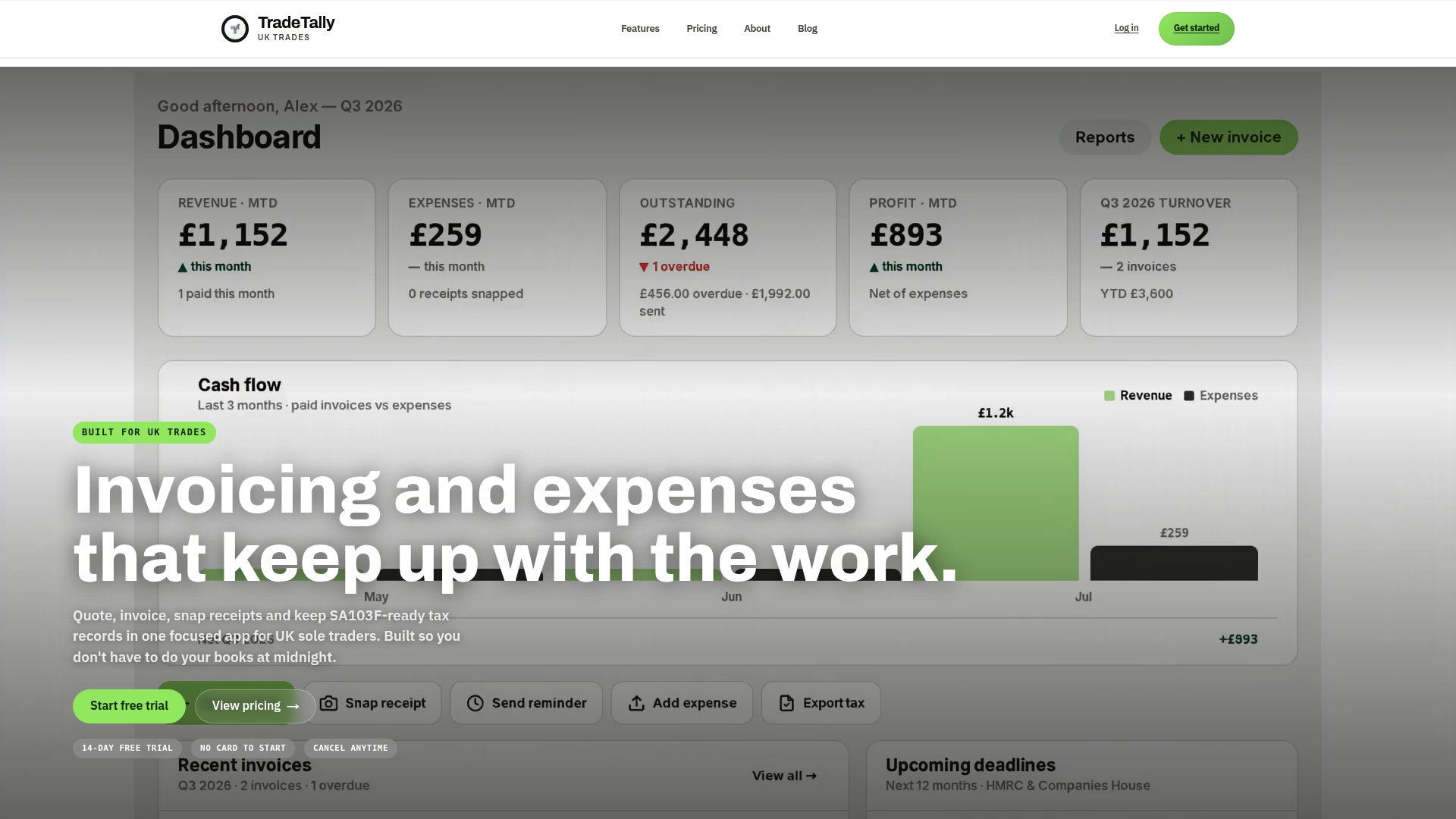
You can compare the plans on our pricing page, or see how the app works for SA103F software for sole traders. To start with a free tier, head to the TradeTally home page.
FAQ
When is the next MTD for Income Tax quarterly deadline?
The dates repeat every year: 7 August, 7 November, 7 February and 7 May. The second update for 2026/27 is due on 7 November 2026, covering 6 July to 5 October. Check your HMRC account for your own schedule.
Do I need MTD if I earn under £50,000?
Not from April 2026. The threshold is £50,000 of combined self-employment and property income before expenses. It falls to £30,000 from 6 April 2027, so many smaller traders should prepare now.
Will I be fined for a late quarterly update this year?
No penalty points are being applied for late quarterly updates in 2026/27. Points-based penalties follow later, and late payment charges still apply, so submit on time anyway.
Do I still file a Self Assessment return?
Yes. You finalise your year with a full tax return by 31 January after the year ends. For 2026/27 that is 31 January 2028, sent from your MTD software.
Does foreign property income count towards the threshold?
Yes, according to one tax guide, foreign property income for UK residents is included in the qualifying income calculation. If you have any, add it to your total before comparing with the threshold.
Sources
- Sign up for Making Tax Digital for Income Tax, GOV.UK
- Use Making Tax Digital for Income Tax: Introduction, GOV.UK
- Work out your qualifying income, GOV.UK
- Find out if and when you need to use MTD for Income Tax, GOV.UK
- Using Making Tax Digital for Income Tax for the first time, GOV.UK
- MTD for Income Tax dates, Making Tax Digital campaign
- Act now: 864,000 sole traders and landlords face new tax rules, GOV.UK
- Penalties for Making Tax Digital for Income Tax, GOV.UK
- What counts as qualifying income for Making Tax Digital
Recommended
Ready to sort your trade admin?
TradeTally gives UK sole traders invoicing, expenses, and SA103F-ready tax exports in one mobile-first app.
Start 14-day Pro trial →No card required