Mobile Bookkeeping for Trades: A Practical UK Guide

Mobile bookkeeping for a trade means doing your invoicing, receipt capture and expense records on your phone, at the point the work or the purchase happens, instead of rebuilding the month from a pile of paper at the kitchen table. For a UK sole trader, the aim is simple: every invoice, receipt and mile is recorded within minutes, so your Self Assessment figures are ready when you need them. This guide covers what to record, how to set up a routine that survives a busy week, and what to check before you pick an app.
TL;DR
- Record income and costs on the day. A receipt photographed in the merchant’s car park is far harder to lose than one found in a jacket pocket in January.
- HMRC expects records of sales, expenses, bank activity and, where you use a vehicle for work, mileage. Your app should hold all of them in one place.
- Materials bought for several jobs and mixed-use costs such as your phone need splitting, so tag receipts to a job or a business percentage when you capture them.
- If you are in Making Tax Digital for Income Tax, your software must create, store and correct digital records and send quarterly updates, so check this before you commit.
- A ten-minute end-of-day routine beats a three-hour monthly catch-up every time.
Table of Contents
- What mobile bookkeeping actually involves for a tradesperson
- What records a UK sole trader needs to keep
- A mobile routine that works on a busy week
- Receipts, materials and mixed-use costs
- Mileage and time
- Mobile bookkeeping and Making Tax Digital
- How to choose a mobile bookkeeping app
- Perspective: why we built it for the van
- Try it on your next job
- A simple monthly check
- FAQ
- Sources
What mobile bookkeeping actually involves for a tradesperson
Bookkeeping is not accounting and it is not tax advice. It is the daily record of money in and money out. Mobile bookkeeping simply moves that record onto the device you already have on site.
For a plumber, electrician, builder or carpenter, that usually means five jobs:
- Raising quotes and invoices from the job, while the customer is still there.
- Photographing receipts for materials and tools at the till or the trade counter.
- Logging mileage and time for work journeys.
- Recording payments when they land, whether by bank transfer, card or cash.
- Keeping everything in a form you can hand to an accountant or use for your own return.
Government guidance also points out that apps and software can link to a bank account, keep information in one place and produce simple summaries, which is exactly what helps small businesses with record-keeping. The phone is simply where that happens fastest for someone who spends the day away from a desk.
Cash basis or traditional accounting
How you record matters as much as where. Under cash-basis accounting, income and expenses are recorded when money actually moves, while traditional accounting records them when they are earned or owed, often when an invoice is sent or received. Many small trades find the cash basis easier to follow because the figures match the bank balance. If you want to understand how it plays out across the tax year, our guide to cash basis accounting for UK trades walks through it. Ask your accountant or check HMRC guidance if you are unsure which method suits your circumstances.
What records a UK sole trader needs to keep
Sole traders use their business records to complete a Self Assessment return each year, and the records must be accurate. The same official page lists what should be covered:
- Sales and other income, such as invoices, till rolls and bank slips.
- Expenses, such as receipts, purchase orders and invoices.
- Bank statements.
- Debts owed to you and by you.
- PAYE records, if you employ anyone.
HMRC’s own record-keeping guide goes into more detail. On the sales side it names cash receipts, sales invoices, bank statements, paying-in slips and accounting records. On the purchase side it names receipts, purchase invoices, bank and credit-card statements, cheque stubs, motoring expenses and mileage records. That guide is dated January 2013, so treat it as a checklist of record types and check current rules on GOV.UK for anything that may have changed.
Why bother with all of it? Because, according to the same HMRC guide, good records let you see what you are owed, work out your total income, identify what you spend and determine what you can claim for tax. A missed receipt is a missed claim.
What a payment record should contain
For each payment you receive, official guidance says to note the date, customer name, amount, what it was for and the payment method, and to keep copies of invoices, sales confirmations, card-machine summaries and bank statements. A good invoicing app captures most of this automatically, because the invoice already holds the customer, the job description and the amount. You only add the payment date and method.
Pro tip: write the job address or job name on every invoice. When a customer queries a bill six months later, you can find the paperwork in seconds.
A mobile routine that works on a busy week
The best system is the one you actually use at 5pm when you are tired. Here is a routine built around real trade days.
At the job
- Send the invoice or stage payment request before you leave site, while the work is fresh and the customer is in a paying mood.
- Use clear descriptions: labour, materials, call-out. Customers dispute vague lines far more often than itemised ones.
- If you quoted, keep the quote linked to the invoice so scope changes are easy to see.
At the merchant
- Photograph the receipt before you leave the counter.
- Tag it to a job if the materials are for one job, or mark it as stock if they will be spread across several.
- Do not trust faded till paper. Thermal receipts can fade, so a photo taken immediately is your backup.
At the end of the day
Spend ten minutes on three checks:
- Has every receipt from today been captured?
- Has every invoice sent today been logged, and has any money come in?
- Was the van used for anything that needs a mileage entry?
That is it. If you do this daily, the monthly review becomes a glance at the dashboard rather than a rescue mission. Our expense tracking guide for sole traders goes deeper on building the habit.
Receipts, materials and mixed-use costs
Trades have a bookkeeping problem that shop-based businesses rarely face: one purchase serves several jobs. A box of fittings, a roll of cable or a pallet of timber might be used across three sites in a week.
There are two sensible approaches:
- Job-specific purchases: tag the receipt to the job at capture. Your profit figure for that job then reflects the real cost.
- General stock: record it as materials and allocate by use, or keep it as stock and tag jobs as you draw from it.
Our article on tracking job expenses as a UK sole trader gives worked examples of both.
Splitting personal and business use
Some costs are part business, part personal. Official guidance says mixed-use costs should be recorded only for the business portion. Its example is a £30 monthly mobile phone used 50% for business, which gives a £15 business record. The same logic applies to a home office or a personal vehicle. Decide the sensible percentage, write down how you reached it, and apply it consistently. If you want a quick method for separating the two as you go, see our piece on splitting personal and business expenses with snap receipts.
Tools and equipment
Tools are where trades most often under-claim, because the receipts get lost or the purchase is not logged as business. Capture the receipt at purchase, and use our guide to allowable tools expenses to see what is commonly claimed. If you are unsure whether a specific item qualifies, check HMRC guidance or ask an accountant.
Mileage and time
If you use a vehicle for work, a mileage log counts as a record, as official guidance on record-keeping makes clear. HMRC’s guide also lists motoring expenses and mileage records among the purchase and expense records to keep.
A usable mileage entry has a date, start and end point, purpose and distance. Logging it on your phone as you drive off site takes seconds. Reconstructing a year of trips from memory takes hours and is rarely accurate.
Time tracking is the other half. If you charge by the hour or day rate, a running log shows which jobs are quietly eating your week.
Mobile bookkeeping and Making Tax Digital
Making Tax Digital for Income Tax changes what “records” means for many sole traders: they need to be digital, and they feed quarterly updates. HMRC’s guidance on choosing software says compatible products must create, store and correct digital records, send quarterly updates and support submitting the tax return. It also says software can create digital records in three ways: by linking a business bank account to import transactions, by scanning receipts and invoices, or by allowing manual entry of income and expenses.
That description fits a phone-first workflow well, because scanning receipts and entering invoices on the move is exactly how trade records get created. Whether and when the rules apply to you depends on your income and HMRC’s current rules, so check the official page or ask your accountant. For practical preparation, our six steps to be ready for MTD for ITSA and our mobile setup guide for MTD for ITSA cover the set-up in plain language, and our Making Tax Digital software page explains how we handle it.

How to choose a mobile bookkeeping app
There is no single right system. Official guidance says records can be kept on a phone, computer, app, software programme or notebook, so the best choice is the one that fits your routine. For a tradesperson who lives in the van, these are the criteria that matter.
| What to check | Why it matters on site |
|---|---|
| Invoicing from the phone | Invoices go out before you leave, so you get paid sooner |
| Receipt capture | One photo at the counter replaces a shoebox |
| Job tagging | Shows real profit per job, not just a monthly total |
| Mileage and time logging | Covers the records most people forget |
| CIS handling | Matters if you work as a subcontractor and have deductions taken |
| Self Assessment export | Gets figures into the shape your return or accountant needs |
| MTD readiness | Digital records and quarterly updates, as HMRC describes |
| Accountant handoff | Clean exports mean a shorter, cheaper conversation |
Two practical tests before you commit. First, try raising an invoice and capturing a receipt in under two minutes each, on your own phone, with one hand. Second, check that you can get your data out in a format your accountant accepts. Your records are yours, so an easy export is a sign of a well-built tool.
If your main need today is getting paid faster, our comparison of invoicing software for tradespeople sets out what to look for.
Perspective: why we built it for the van
TradeTally was built by a working tradesperson, and that shapes everything about how we think about bookkeeping.
The problem is rarely that tradespeople do not know what to record. It is that the admin lands at the worst time: late evening, after a full day on site, with a phone full of photos and a pile of receipts. That is when mistakes and missed claims creep in.
Our view is that bookkeeping should happen where the work happens. That is why we designed TradeTally mobile-first: branded invoices you can send from the vehicle, receipt snapping at the point of purchase, and records organised as you go, so the data Self Assessment needs is already in order. Our SA103F export is designed to take that data and present it in the layout your return expects.
We also think a sole trader should not need to become a bookkeeper. A live profit dashboard, quote creation, CIS deduction handling, and mileage and time tracking sit alongside invoicing so one app covers the daily admin. The aim is less time at the kitchen table and less stress when the tax deadline comes round.
Simon
Try it on your next job
TradeTally is a UK app for sole traders in the trades, covering branded invoicing, quotes, receipt capture, expense and mileage tracking, CIS deductions and SA103F export. There is a free Starter plan at £0 per month, and the Professional plan is £12 per month or £120 per year for the full set of features, unlimited invoices and receipts and tax exports.
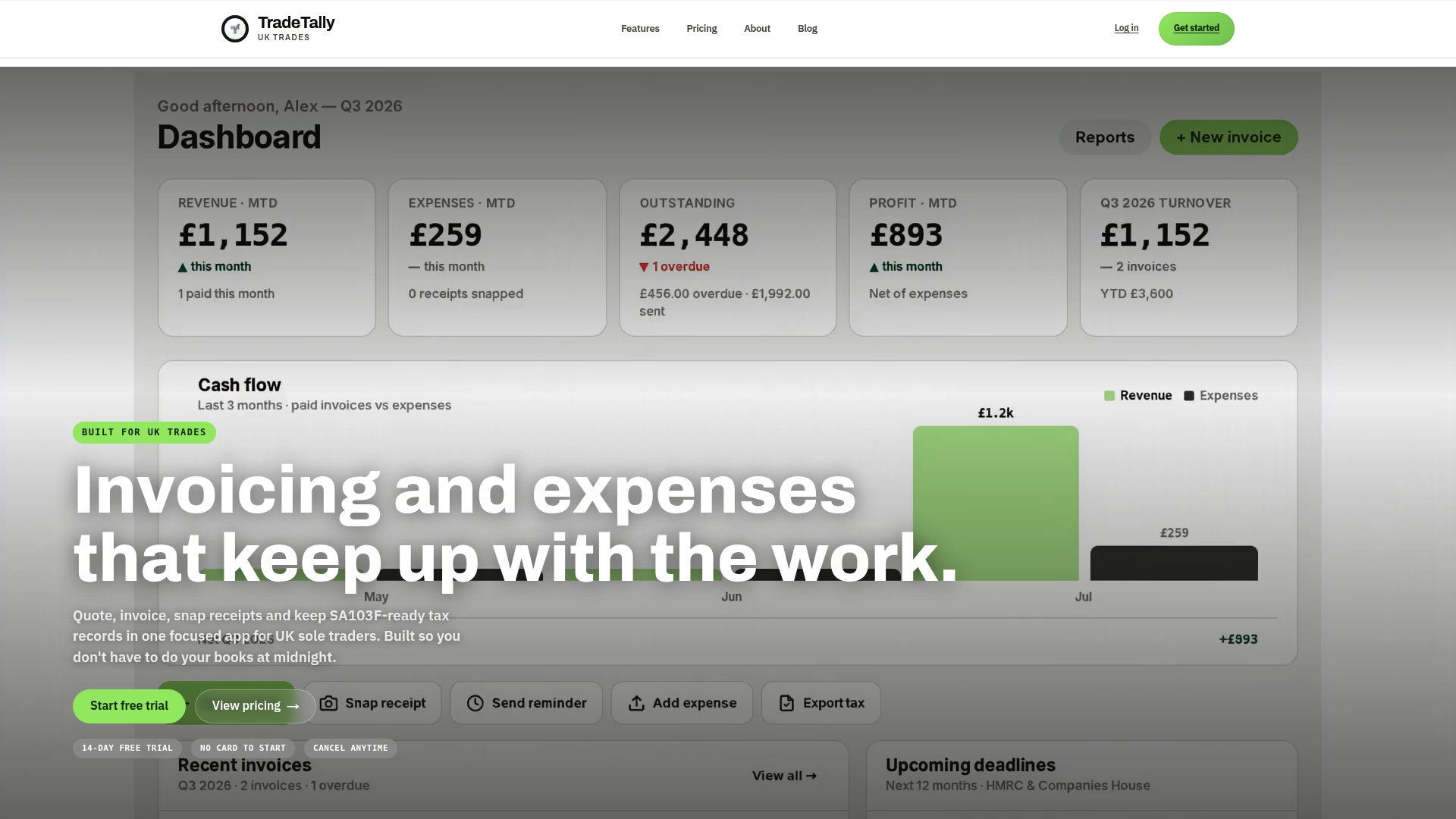
You can start on the Starter plan and see how it feels on site, or look at the Professional plan pricing. If your priority is the tax side, our SA103F software page shows how the export works.
A simple monthly check
Once a month, spend twenty minutes on this list:
- Match your bank transactions to invoices and receipts. Anything unmatched needs a note.
- Chase invoices that are past their due date.
- Review your profit by job. Which ones paid well, and which ones ran over?
- Check mileage is complete for the month.
- Export a copy of your records as a backup.
This habit is also a good defence against disputes. When your records show exactly what was agreed, what was delivered and what was paid, conversations with customers are calmer and shorter.
FAQ
Is mobile bookkeeping enough for HMRC?
HMRC does not require a particular system. Official guidance says records can be kept on a phone, computer, app, software or notebook, as long as they are accurate and complete. What matters is that you record sales, expenses, bank activity and mileage and can produce them when needed. If you are in Making Tax Digital for Income Tax, your software needs to meet HMRC’s requirements for digital records and quarterly updates.
What should I photograph for a Self Assessment record?
Capture receipts and purchase invoices for materials, tools, fuel and other business costs, plus supplier invoices and any paperwork for work-related travel. HMRC’s record-keeping guide lists receipts, purchase invoices, bank and credit-card statements and mileage records among the items to keep. Photograph them at the point of purchase, before the paper fades or goes missing.
How do I record materials bought for several jobs?
Tag the receipt to a single job if the materials are used on one site. If they are shared, record them as general materials and allocate by use, applying the same method each time. For mixed personal and business items, record only the business share, as official guidance advises.
Do I need a bookkeeper if I use an app?
Many sole traders manage day-to-day records themselves and use an accountant for the return or for advice. A clean export makes that handoff quicker. Whether you need professional help depends on your circumstances, for example if you have CIS deductions, employees or a complicated tax position.
Sources
- Setting up business accounting and finance, Business.gov.uk
- How to Keep Records as a Small Business, Tax Confident
- Tax help series: Keeping records for business, HMRC
- Choose the right software for Making Tax Digital for Income Tax, GOV.UK