UK Invoice Requirements for Tradespeople
Every invoice you send needs a unique invoice number, your business details, the customer’s details, a clear description of the work, the invoice date, the supply date, and the amount owed as Gov sets out. Add a full VAT invoice with your VAT registration number, rate, and amount if you’re VAT-registered and invoicing another VAT-registered business. Beyond that, your digital record-keeping needs to be MTD-ready if you’re VAT-registered.
TL;DR:
- VAT-registered businesses must issue full VAT invoices with their VAT registration number, VAT rates, and separate VAT totals for mixed-rate jobs.
- Simplified VAT invoices can be used for sales under £250 but must still include the VAT rate, total including VAT, and your VRN, while full VAT invoicing is mandatory above the £90,000 registration threshold.
- Accurate record-keeping requires precise invoice numbering, clear supply and invoice dates, and digital storage to comply with HMRC’s six-year retention rule and upcoming e-invoicing mandates.
- Using invoicing software automates numbering and VAT calculations, reduces errors, and ensures compliance with Making Tax Digital, saving time and minimizing mistakes.
- Non-compliance issues such as missing VRN, incorrect tax point, or duplicate numbering can delay VAT reclamation and trigger HMRC checks, so strict adherence to requirements is essential.
Table of Contents
- Core mandatory invoice fields every UK trade must include
- When do you need a full VAT invoice?
- Can you use a simplified invoice, and what’s the VAT threshold?
- Getting the tax point and invoice numbering right
- How long to keep invoices and what MTD demands
- Sole trader vs limited company: invoice differences that matter
- What happens when your invoices don’t comply
- A practical checklist and sample invoice layout
- How invoicing software cuts down compliance errors
- A tradesperson’s honest take on staying compliant
- Get compliant invoicing sorted without the late-night admin
- Where to check the rules yourself
- Sources
- FAQ
Core mandatory invoice fields every UK trade must include
HMRC doesn’t ask for much, but what it does ask for has to be right every time. Miss a field or get sloppy with your numbering, and you’re storing up problems for the day HMRC or a fussy client checks your paperwork.
Here’s what belongs on every invoice you raise, VAT-registered or not:
- Unique sequential invoice number – no gaps, no repeats. A skipped number looks like a missing invoice to anyone auditing your books, even when nothing’s wrong.
- Supplier details – your full legal name and address. Sole traders should also list any trading name; limited companies must use the registered name exactly as it appears on the certificate of incorporation.
- Customer details – name and address at minimum. For business-to-business work, include the company name too, particularly if VAT is involved.
- Description of the work – itemised where possible, with quantities, hours, or units and a unit price for each line.
- Invoice date and supply date – these can be the same day, but write both anyway. It removes any ambiguity about which VAT period the job falls into.
- The amount charged and total owed – with VAT shown separately only when it applies.
Get these right and you’ve covered the baseline HMRC standard for what an invoice must include. VAT registration adds another layer, which is where things get stricter.
When do you need a full VAT invoice?
If you’re VAT-registered and supplying taxable goods or services in the UK, you must issue a full VAT invoice to other VAT-registered businesses. That’s the legal trigger: registered status plus a taxable supply plus a business customer who might reclaim the VAT.
A full VAT invoice needs everything a standard invoice has, plus:
- Your VAT registration number (VRN)
- The VAT rate applied to each item or service (standard, reduced, or zero-rated)
- The VAT amount, shown per item or as a single total
- Net total, VAT total, and gross total, clearly separated
If a job mixes VAT rates, say fitting materials at standard rate alongside a zero-rated element, list each rate and its VAT amount separately rather than lumping everything into one figure. Your customer’s accountant will thank you, and so will yours. Keep these records carefully: a customer trying to reclaim VAT on your invoice needs a compliant document, and a vague or missing VRN can hold up their claim as well as yours. A VAT calculator is a quick way to double-check your net, VAT, and gross figures before you send anything out.
Can you use a simplified invoice, and what’s the VAT threshold?
For sales of a relatively low value, including VAT, you can issue a simplified VAT invoice instead of the full version. It drops some fields but still needs the VAT rate for each item, the total including VAT, and your VAT registration number.
Retailers often use a similar format at the till for the same reason: speed, with enough detail to satisfy HMRC on lower-value transactions.
- Simplified invoices suit small jobs, call-out fees, or quick repairs under the £250 threshold.
- They’re not compulsory. You can always issue a full VAT invoice instead.
- Registration itself isn’t optional past a certain point: the mandatory VAT registration threshold is £90,000 of taxable turnover in any rolling 12-month period, as of 1 April 2024. Cross it, and full VAT invoicing becomes a legal requirement, not a choice.
Getting the tax point and invoice numbering right
The tax point, also called the time of supply, decides which VAT return period a sale belongs to. Get it wrong and you risk declaring VAT in the wrong quarter, which is a common and entirely avoidable mistake.
- Record the tax point accurately. Usually it’s the date you complete the work or deliver the goods, not the date you happen to type up the invoice.
- Show both dates on the invoice, even when they’re identical. This is one of the most frequent errors HMRC flags in VAT returns, so make it a habit rather than an afterthought.
- Know the 30-day context. If you receive payment or issue an invoice before the work is finished, the earlier date can become the tax point. It matters most when jobs span VAT return periods.
- Use a numbering system you can’t accidentally break. A simple sequential format (INV-2026-001, INV-2026-002) avoids the duplicated or skipped numbers that raise questions during any check.
How long to keep invoices and what MTD demands
Keep your invoices and supporting records for at least six years. That’s the standard HMRC retention period, though certain circumstances (ongoing enquiries, capital assets) can extend it.
If you’re VAT-registered, Making Tax Digital changes how you store those records, not just how long you keep them.
- You must keep digital VAT records and file returns through MTD-compatible software rather than manual re-entry into a spreadsheet.
- Paper or PDF invoices are still fine to issue and receive, provided the underlying VAT details exist digitally somewhere in your system.
- Manually retyping figures between systems increases the chance of error; digitally stored invoices create a cleaner audit trail HMRC can accept without question.
Bigger changes are coming. The UK is moving towards mandatory e-invoicing from April 2029, following the direction other authoritative tax guidance has already flagged as part of ongoing VAT reform. Building good digital habits now saves a scramble later.
Pro Tip: Set a monthly reminder to reconcile your invoice numbers against your bank statement. It takes ten minutes and catches gaps before they become a six-year-old mystery.
Sole trader vs limited company: invoice differences that matter
The rules shift slightly depending on how you’re set up, and getting the naming wrong is a surprisingly common slip.
- Sole traders need their full legal name on every invoice, plus any trading name they use day to day, and a contact address. A plumber trading as “Dave’s Drains” still has to show his own name alongside it.
- Limited companies must use the registered company name exactly as it appears on the certificate of incorporation. Director names are only needed if you choose to list them.
- Whichever structure you use, your VAT registration name and address must match the details tied to your VRN, or you risk confusing HMRC’s records and your customer’s VAT reclaim.
- An electrician invoicing as a sole trader and one invoicing through a limited company will use near-identical templates, just with different legal names at the top.
Read more in our guide on what a sole trader invoice must include if you’re setting up your first template.
What happens when your invoices don’t comply
Non-compliant invoices cause more grief than they should, usually because the mistakes are small and easy to miss.
- Missing or wrong VRN: your customer can’t reclaim VAT, and they’ll come back to you asking for a corrected copy.
- Wrong tax point or no supply date: this misallocates VAT to the wrong quarter, which can trigger a correction on a return you’ve already filed.
- Numbering gaps or duplicates: these are exactly what HMRC looks for during a compliance check, and they’re hard to explain away after the fact.
If you spot an error after sending an invoice, issue a credit note and a corrected version rather than editing the original. When VAT periods are already affected, it’s worth a quick call to your accountant before your next return.
A practical checklist and sample invoice layout
Group your checklist by invoice type, since the requirements stack:
- Standard invoice: number, supplier and customer details, description, invoice date, supply date, amount owed.
- Full VAT invoice: everything above, plus VRN, VAT rate, VAT amount, and net/VAT/gross totals.
- Simplified VAT invoice: for sales of £250 or less, keep the VRN, VAT rate, and VAT-inclusive total.
Add payment terms clearly (“Payment due within 14 days”) and a late-payment note if you charge interest on overdue accounts. Save a digital copy the moment you issue it. A free UK invoice template built for sole traders already has these fields laid out.
How invoicing software cuts down compliance errors
Manually rebuilding this checklist for every job is where mistakes creep in, particularly late at night after a long day on site. Software built for trades handles the repetitive parts automatically.
- Sequential numbering, invoice date, and supply date get generated and logged without you having to remember the last number you used.
- VAT calculations run automatically, so net, VAT, and gross totals are correct every time, even across mixed-rate jobs.
- Digital storage and SA103F export keep records MTD-ready and hand your accountant a tax-season shortcut instead of a shoebox of receipts.
- Mobile invoicing and receipt capture let you raise an invoice and photograph a receipt from the van between jobs.
Other compliant invoicing tools exist too, so weigh up features and price against what your business actually needs. What matters is that whatever you choose keeps you inside HMRC’s rules without adding another chore to your evening.
A tradesperson’s honest take on staying compliant
Keep your invoice template boring and consistent. Change nothing between jobs except the details that genuinely change, because the fewer variables you’re juggling, the fewer mistakes creep in. Back everything up digitally the day you issue it, not the week before your tax return, and reconcile your numbering monthly rather than annually. Compliance isn’t complicated. It’s just repetitive; repetition is where errors hide.
— Simon
Get compliant invoicing sorted without the late-night admin
Some invoicing apps and software are designed to handle mandatory fields, VAT calculations, and MTD-ready records automatically instead of requiring manual entry on every job. These tools can generate sequential invoice numbers, apply the correct VAT rates, and store digital records to help prepare SA103F exports for Self Assessment.
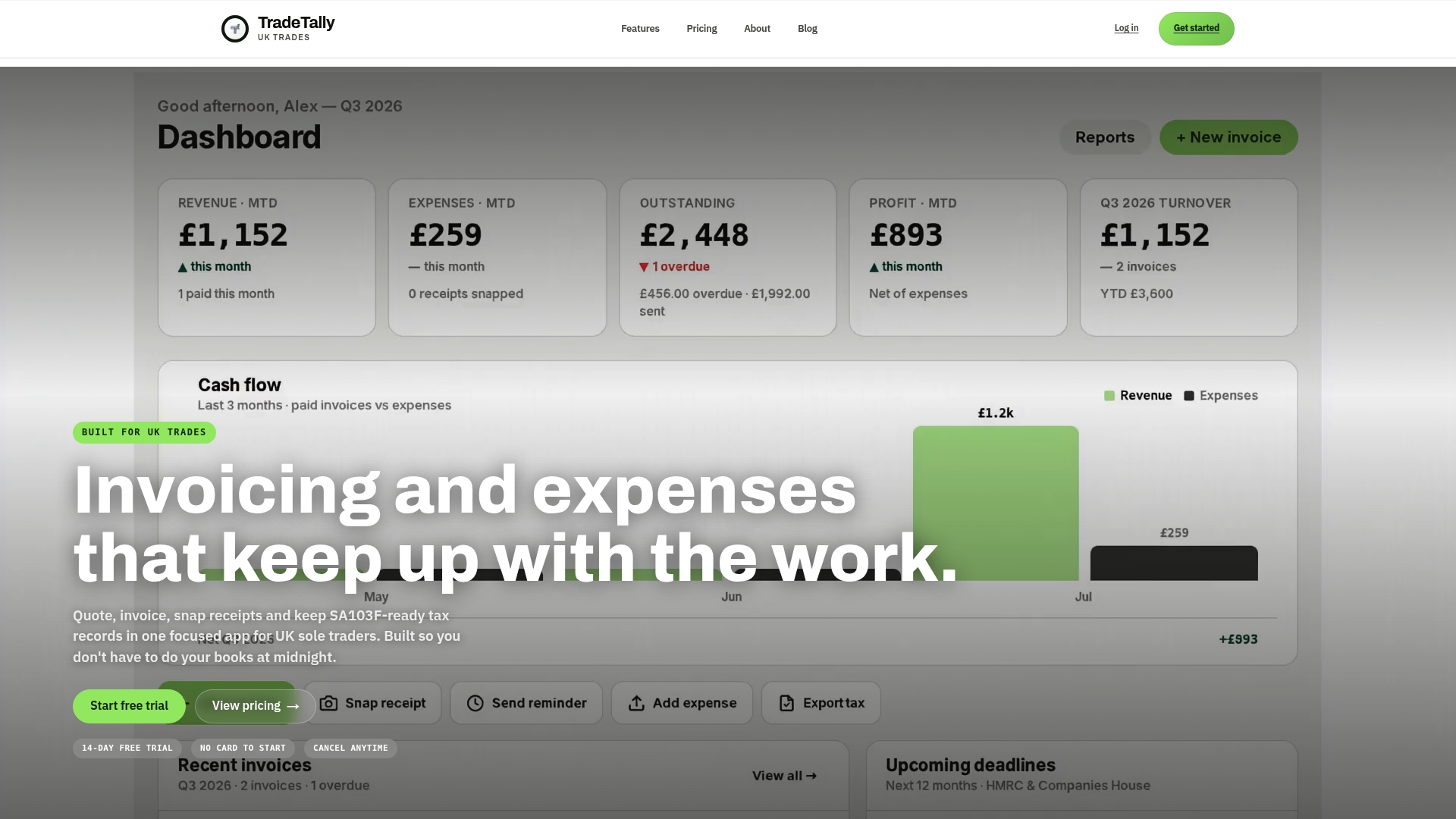
Whether you’re a carpenter, a fencer, or a window fitter, the compliance rules in this article apply the same way, and TradeTally’s trade-specific pages show exactly how the app fits your work. Visit the carpenter invoicing page or the window fitter invoicing page to see it set up for your trade, or start with the CIS deduction calculator if contractor deductions are part of your invoicing already. Try TradeTally free and see how much of this checklist it takes off your plate.
Where to check the rules yourself
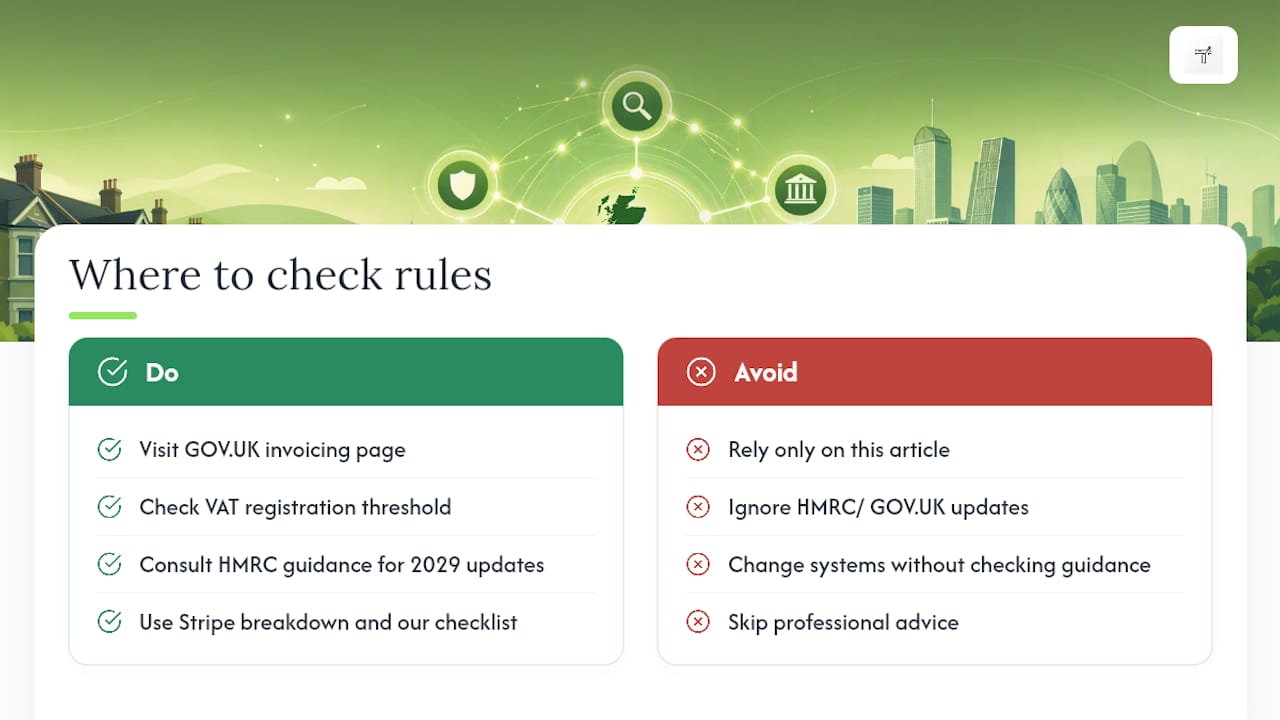
For the primary guidance behind this article, go straight to GOV.UK’s invoicing requirements page and the VAT registration threshold announcement. Stripe’s breakdown of HMRC invoice requirements is a useful secondary reference for MTD specifics. HMRC updates its guidance periodically, particularly around the 2029 e-invoicing shift, so it’s worth checking GOV.UK directly before any major changes to your invoicing setup. Our free tax and CIS checklist is also handy for cross-referencing your record-keeping alongside invoicing.
This article is general information, not a substitute for advice from a qualified financial advisor. Consult a qualified financial professional about your own circumstances before acting on anything here.
Sources
FAQ
What legally needs to be on a UK invoice?
A unique invoice number, your business name and address, the customer’s name and address, a description of the goods or services, the invoice date, the supply date, and the total amount owed, as set out in GOV.UK’s invoicing guidance.
What are the requirements for a valid VAT invoice in the UK?
A full VAT invoice needs your VAT registration number, the VAT rate applied to each item, the VAT amount, and the net, VAT, and gross totals shown separately, on top of the standard invoice fields.
Is there a time limit to issue an invoice in the UK?
There’s no fixed legal deadline for issuing an invoice, but the tax point, usually the date the work was completed, determines which VAT period the sale falls into, so issuing promptly avoids VAT-period confusion.
Do sole traders need to charge VAT on invoices?
Only if you’re VAT-registered, which becomes compulsory once your taxable turnover passes £90,000 in any rolling 12-month period; below that, you can register voluntarily or leave VAT off your invoices entirely.
Can I use software to create compliant UK invoices?
Yes. Tools like TradeTally generate sequential invoice numbers, calculate VAT automatically, and keep MTD-ready digital records, though any compliant invoicing software will meet the same HMRC requirements if it covers the mandatory fields.