Features that match how jobs actually run
Invoices tied to customers, expenses tied to work, and a dashboard that answers “what am I owed?” without a spreadsheet.
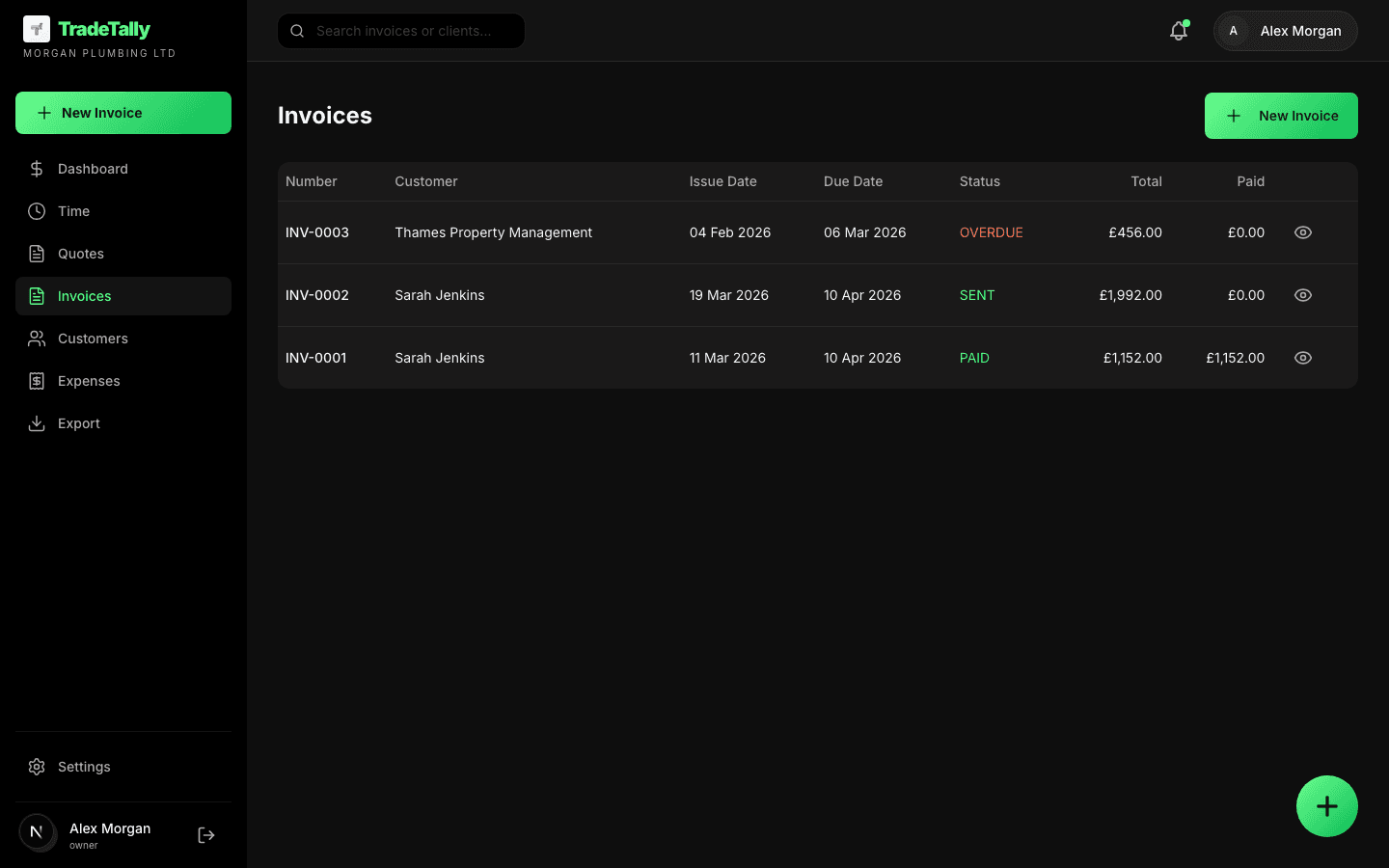
Invoicing
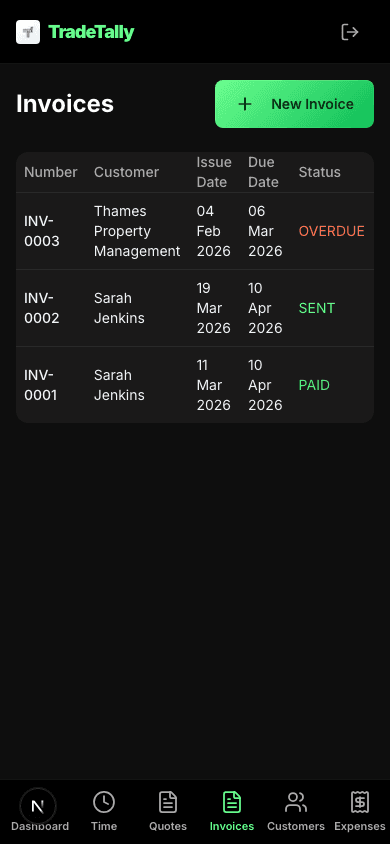
Line items, totals, and status so you know what is sent, viewed, or overdue. Less chasing, clearer paper trail.
- Professional PDF invoices
- Customer on every invoice
- Statuses: draft, sent, viewed, paid
- Totals that add up automatically
Expenses
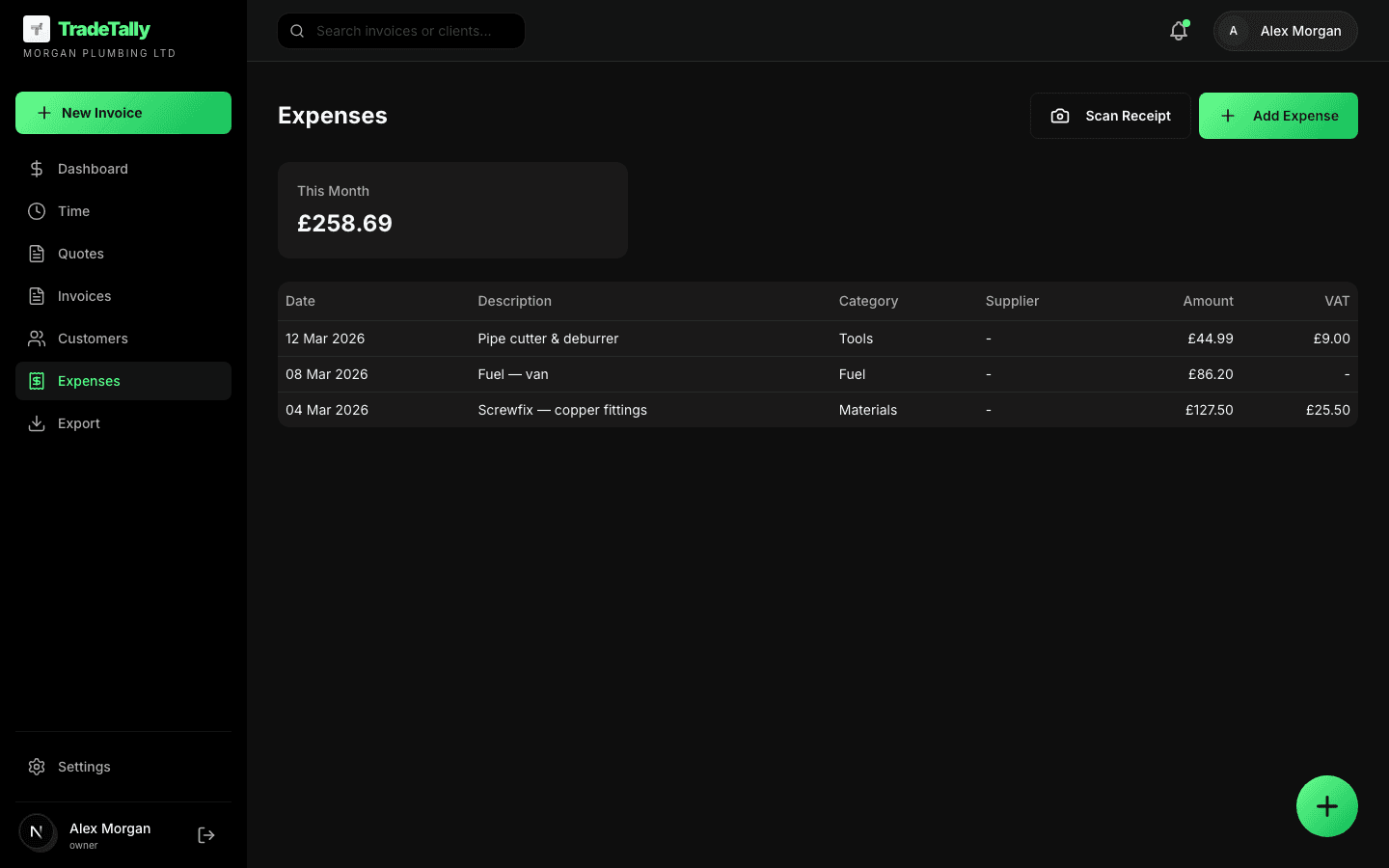
Upload receipts, keep amounts and vendors straight, and tie spend back to a customer or job when it matters.
- Receipt capture (photo upload)
- Categories: materials, fuel, tools, subs
- Link to customer/job
- Export CSV for accountant
Overview
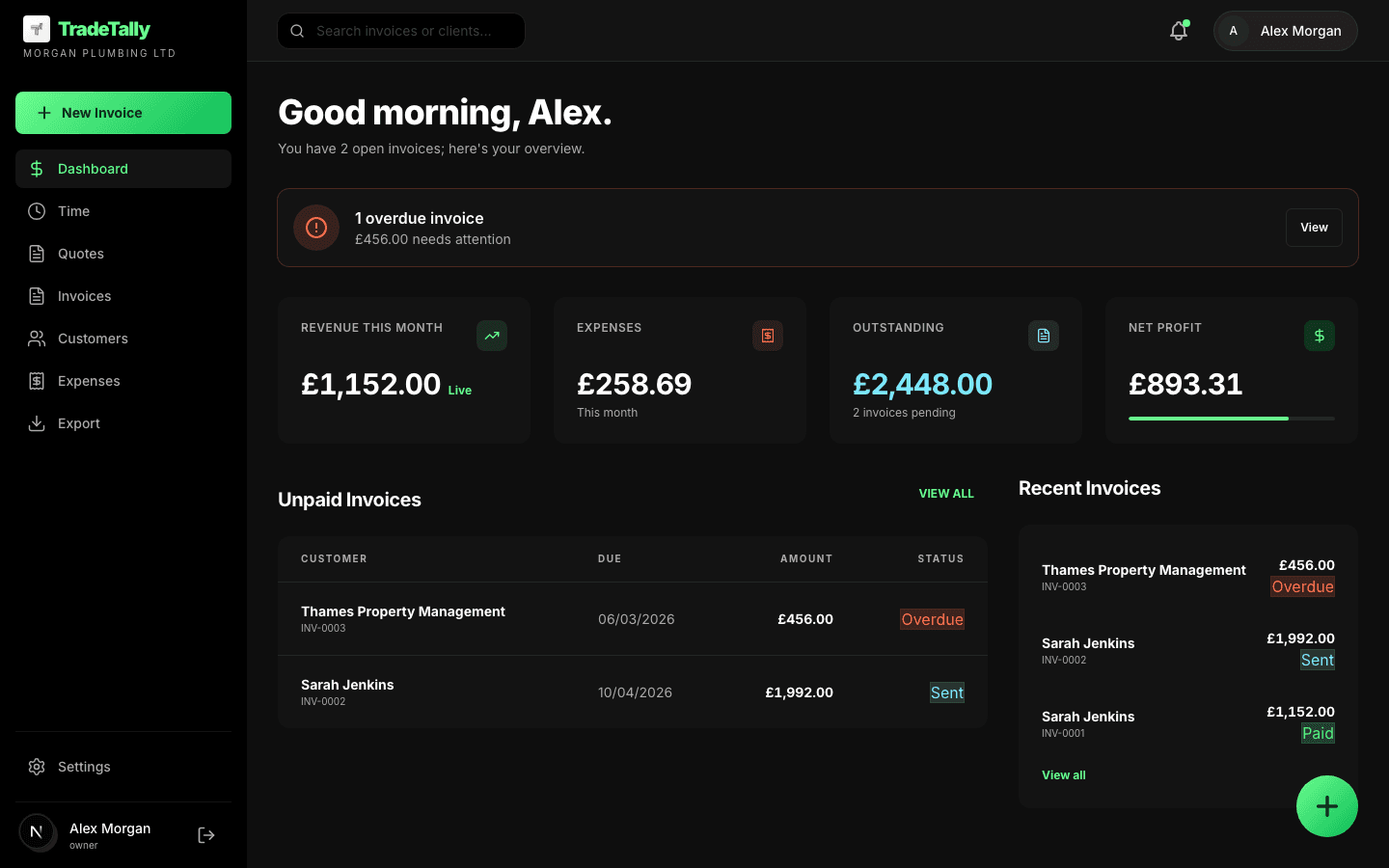
Month-to-date paid, what is still out, and expenses in one place—so you are not piecing it together from three apps.
- Paid vs outstanding
- Expense totals by category
- Customer list
- Month-over-month comparison
Self Assessment without the accountant middleman
If you are self-employed and your books are not exotic, the hard part is rarely the tax form—it is collating what you earned and what you spent, then mapping spends into HMRC's categories. TradeTally does that from the invoices and expenses you already log.
Download a single PDF summary aligned with SA103F-style boxes, then copy the figures into HMRC's online Self Assessment (or hand the PDF to an accountant only when you want advice—not just data entry). You stay in control; we skip the step where someone charges you to sort receipts you already have.
- Invoice totals → turnover
- Expenses → HMRC categories
- Net profit calculation
- One-click SA103F PDF export
What this saves you
UK sole traders typically pay an accountant £250–£400/year just for Self Assessment filing (source: tax-wise.co.uk, sleek.com/uk, 2025). TradeTally Professional costs £192/year on annual billing — and includes invoicing and expense tracking year-round, not just a once-a-year filing.
Also included
Time on jobs
Log hours and fold into billed work.
Customers
Names, jobs, and invoice history.
Workspace
Invite team members.
Quick entry
Fast paths for repeat work.
Dashboard
See what's owed and earned.
CSV export
File for your accountant.
Works on your phone, on site
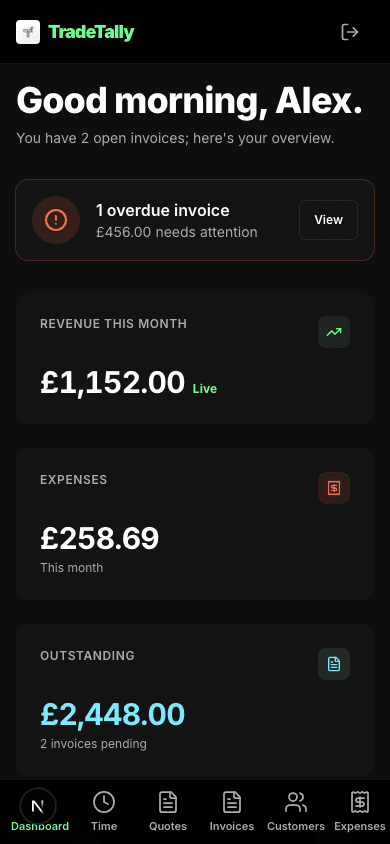
The same dashboard, invoices, and expenses — sized for one hand. Log a receipt in the van, check outstanding payments between jobs, or fire off an invoice before you leave the customer's drive.
How it works
Add your customers
Import or enter them once—they stay linked to jobs and invoices.
Send invoices & log expenses
Create invoices from templates, snap receipts as you go.
See where you stand
Dashboard shows what is paid, outstanding, and your margin.
See how these features work for your trade
Every trade has different invoicing needs. Explore how TradeTally fits yours.