Self Employed Invoice Records Made Simple
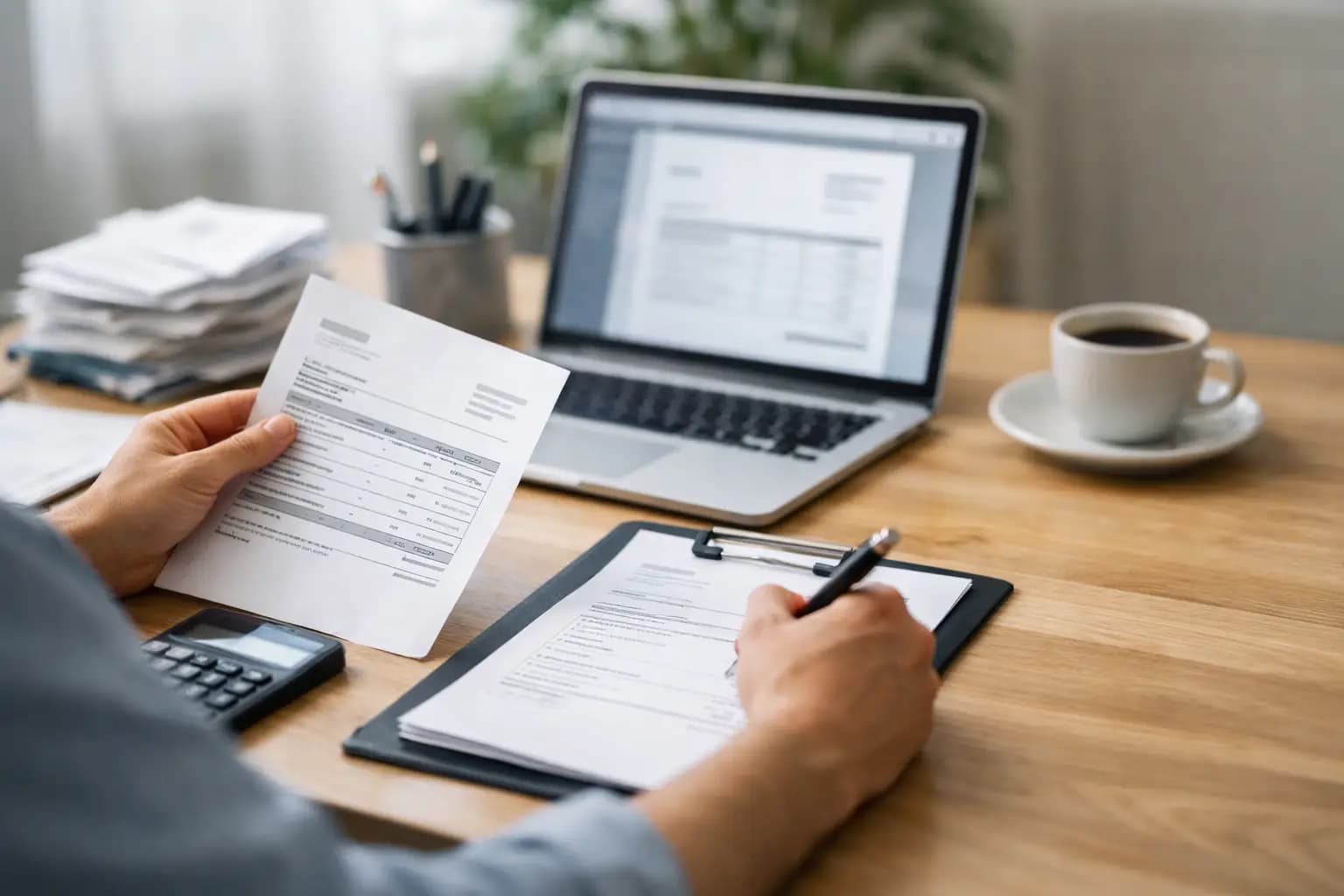
You finish a job, throw the tools back in the van, promise yourself you will sort the paperwork later, and three weeks on you are hunting through texts, photos and old bank payments trying to work out what was invoiced and what still needs chasing. That is how self employed invoice records get messy fast - not because the work is hard, but because admin slips when the day is already full.
For sole trader tradespeople, invoice records are not just a tax job. They affect cash flow, customer follow-up, and whether you know what the month has actually brought in. If your records are patchy, you do not just risk stress at self-assessment time. You also make it harder to spot unpaid work, duplicate charges, and gaps between jobs done and money received.
What self employed invoice records should actually include
Plenty of sole traders think keeping invoice records means saving a PDF somewhere and hoping for the best. In practice, good records are a bit wider than that. You need a clear trail of what you charged, when you charged it, who you charged, and what happened next.
A solid invoice record usually includes the invoice number, customer name, job address or description, invoice date, payment due date, amount charged, VAT details if relevant, and payment status. If the customer paid in stages, that needs recording too. The same goes for any credit notes, discounts, or changes after the invoice went out.
That matters because the invoice itself is only one part of the story. If you sent an invoice for a bathroom fit-out in March but did not get paid until May, your records should show both dates clearly. If a customer queried an amount and you reissued the invoice, you need the updated version and a note of what changed.
Why tradespeople get caught out
The problem is rarely laziness. It is usually the way the workday runs. You are on site early, answering calls in between jobs, grabbing parts from the merchant, then getting home with just enough energy left to eat and switch off. Admin ends up in scraps - one invoice sent from your phone, one scribbled in a notebook, one saved in emails, one never sent at all.
That creates two issues. First, you lose visibility. You cannot tell at a glance what is outstanding and what has been paid. Second, you lose confidence in your numbers. When tax time comes round, you are not checking records - you are rebuilding them.
This is where simple beats clever every time. A record-keeping setup only works if you will actually use it from the van, from site, or while waiting at the supplier counter.
How to keep self employed invoice records without making it a second job
Start by keeping everything in one place. That sounds obvious, but it is where most problems begin. If some invoices live in your email, others in a notes app, and the rest in a folder on a laptop you never open, your records are already weaker than they need to be.
Use one method for creating invoices and one place for storing them. That could be software or a disciplined manual system, but it must be consistent. The key is not whether it is fancy. The key is whether you can send an invoice there and then, mark it paid when money lands, and pull up old records without digging around.
Next, record payment status properly. A sent invoice is not the same as paid work. This is where many sole traders overestimate what has come in. If you only look at invoices issued, you can think the month looks healthy when half of it is still outstanding.
It also helps to tie invoices back to the actual job. Instead of vague descriptions like labour or materials, keep enough detail to recognise the work later. Six months from now, customer memory is poor and your own may not be much better. A short, clear job reference saves time when somebody asks for a copy or disputes a charge.
The records that support your invoices
Invoice records do not sit alone. If HMRC ever asks questions, or if you need to check figures for self-assessment, supporting records matter too. That includes quotes, job notes, proof of payment, bank transactions and receipts for materials if they relate to the work billed.
You do not need to hoard every scrap of paper in the glovebox. But you do need enough to show the income was real and the figures make sense. If you invoice a customer for labour and parts, having the matching supplier receipt or payment trail can help if you ever need to explain the numbers.
There is a trade-off here. Keeping every detail can become overkill if your system is too fiddly. Keeping too little leaves gaps. The sweet spot is a simple record trail that proves what was done, what was charged and what was paid.
Common mistakes that cause problems later
One of the biggest mistakes is backdating everything from memory. Once you leave invoice records until year end, accuracy drops. Dates blur together, part-payments get missed, and cancelled work somehow stays in the totals.
Another common issue is not separating personal and business transactions properly. If customers sometimes pay into a personal account, or if you buy materials on mixed-use cards, it becomes much harder to match invoice records to actual money in and out. It can be done, but it is slower and easier to get wrong.
There is also the habit of deleting or overwriting old invoices when something changes. That is risky. If an invoice is amended, you want a clear trail of the original and the replacement, not a mystery edit with no explanation.
And then there is the late invoicing problem. If you wait days or weeks after the job, records become less reliable before the invoice has even gone out. You may forget materials, undercharge on labour, or send something too vague to get paid quickly.
A practical setup that works on site
For most sole traders, the best system is the one you can use in under two minutes. Create the invoice as soon as the job is finished or that evening at the latest. Save customer details so repeat jobs are quicker. Give every invoice a proper number. Mark payments when they arrive, not when you remember three Fridays later.
It also helps to review your invoice records once a week. Not for an hour. Ten minutes is enough if the system is tidy. Check what is unpaid, what needs chasing, and whether every finished job has actually been invoiced.
A mobile-first setup makes a big difference here. If your records depend on sitting at a desktop with spreadsheets, they are more likely to slip. Tradespeople do not need accounting exams. They need something built for vans, sites and short evenings. That is why tools like TradeTally focus on getting invoices out fast, tracking what is paid, and keeping the records ready for tax export without turning basic admin into a bookkeeping hobby.
How long should you keep invoice records?
In the UK, self-employed people need to keep business records for tax purposes for a set period, and invoice records form part of that. The exact retention period can depend on the tax year and filing position, so it is worth checking current HMRC guidance when in doubt.
What matters day to day is this: do not think of record keeping as something only for January. If you keep invoice records properly as you go, tax prep becomes a check, not a rescue job.
Paper, spreadsheet or app?
Paper can work for very small operations, but it falls apart once jobs pile up or invoices need chasing. It is easy to lose, hard to search, and no fun at all when a customer asks for a copy months later.
Spreadsheets are better, but only if you keep them up to date. They can be fine for someone with a handful of invoices each month and the discipline to maintain them properly. The downside is that they usually involve double handling - creating the invoice in one place, then updating status somewhere else.
An app or simple invoicing system usually makes more sense once the volume increases or your evenings get tighter. The benefit is speed and visibility. The downside is cost, but that cost is often lower than the hours lost rebuilding records, chasing unpaid work late, or making mistakes at tax time.
Good self employed invoice records should save time, not create another task. If your current setup leaves you guessing what has been invoiced, what has been paid and what still needs action, it is already costing you. The right system is the one you will actually use when your hands are dirty, the signal is patchy and the day is nearly done.
Ready to sort your trade admin?
TradeTally gives UK sole traders invoicing, expenses, and SA103F-ready tax exports in one mobile-first app.
Start 14-day Pro trial →No card required