Receipt Scanner Apps for Tradespeople
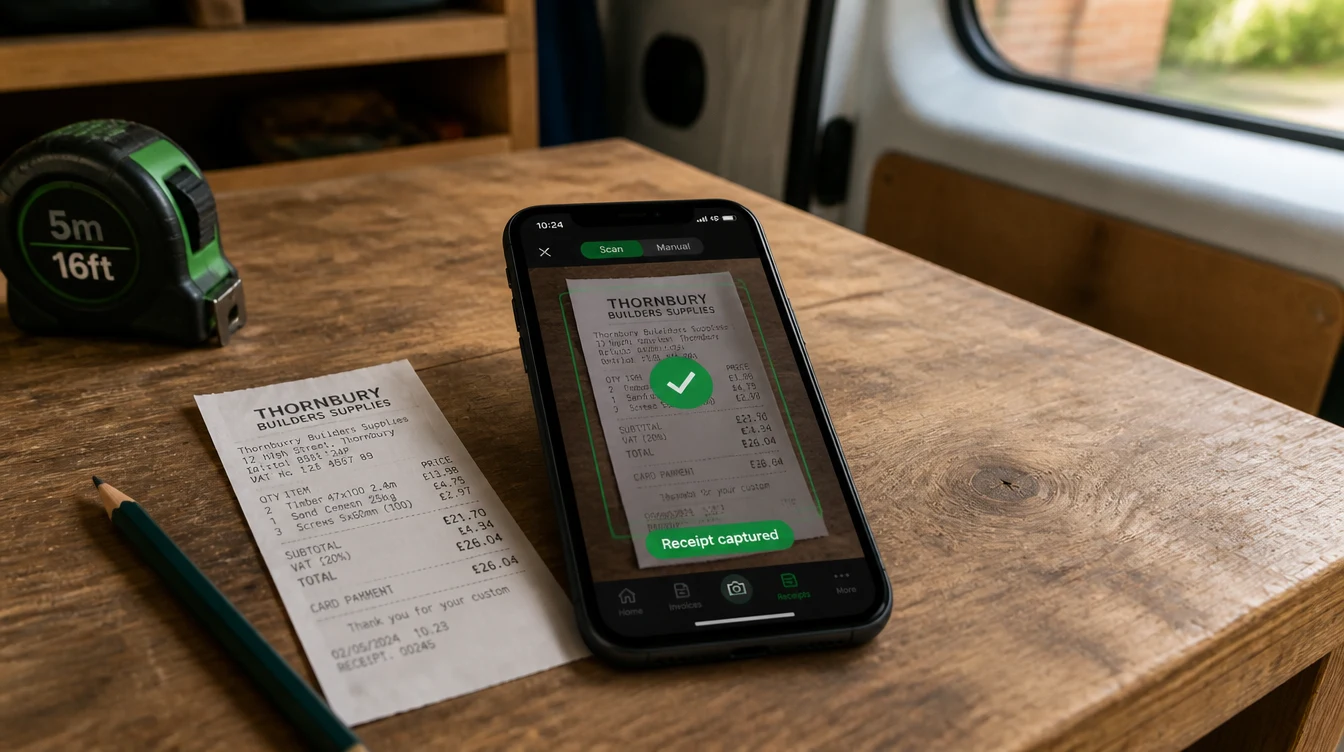
Most tradespeople do not need a dedicated receipt scanner app. They need receipts captured, categorised to the right tax boxes, and retrievable at year end. If your invoicing app already does that, a second app is a second subscription and another login to forget. This post covers what a receipt scanner actually has to do for a UK sole trader, when a dedicated app earns its keep, and when built-in capture is enough.
What does a receipt scanner need to do for HMRC?
Three things, and they are all about the record, not the scan:
- A legible digital copy. HMRC accepts digital records for Self Assessment and, for VAT-registered businesses, requires them under MTD. A faded paper receipt in a van door pocket is not a record once the ink goes.
- The right category attached. A receipt only reduces your tax bill if it lands in the right expense line. Materials in Box 17, van costs in Box 20, tool renewals in Box 22. An app that scans but does not categorise moves the admin, it does not remove it.
- Retention for five years. Sole traders must keep records for at least five years after the 31 January filing deadline for the tax year they cover (Simply Business summary of the HMRC rule). A photo synced to the cloud beats a paper bag for this on day one and every day after.
Everything else, AI merchant detection, mileage add-ons, colour-coded folders, is convenience. Useful convenience, but convenience.
Dedicated scanner app or built-in capture?
Be honest about the split:
A dedicated scanner makes sense when your accounting lives in one package (Xero, QuickBooks) and you want a feeder tool in front of it, or when you process dozens of receipts a week across a team and need bulk workflows. Dext-style tools exist for that volume.
Built-in capture makes sense when your invoicing and expenses already live in one app. Photo the receipt at the merchant's till, OCR reads the merchant, amount and VAT, the expense lands against the job, done. No second app, no export step, no monthly fee for a tool that only handles one slice of the admin.
Honest about scope
TradeTally is invoicing and expense tracking with receipt capture and OCR built in. It is not a standalone scanner app, and it does not pretend to be: there is no bulk-inbox for processing 300 receipts a week, and if your accountant's firm runs on Dext, stay on Dext. What it does do is put the receipt on the expense, the expense against the job, and the job on the invoice, in the same place you will do your SA103F figures in January. For a sole trader doing a handful of receipts a day, that is the whole requirement.
What should you actually compare?
If you are weighing options, these are the checks that matter:
- OCR quality on UK merchants. Screwfix, Travis Perkins, Toolstation receipts have specific layouts. Test with your real suppliers, not the app's demo photos.
- SA103F or MTD category mapping. If the export does not map to your return, you are re-typing in January. TradeTally maps expenses to the SA103F boxes directly, including the full self-employment page categories.
- Mileage handling. HMRC's simplified rate is 55p a mile for the first 10,000 business miles, 25p after (HMRC rates). An app quoting a different rate is wrong; check before you trust the maths. Ours is in the mileage calculator.
- Price against what you already pay for. A £12/month scanner on top of a £12/month invoicing app is £24/month for two logins. One app that does both is the cheaper and the tidier answer.
What to do next
Test your current setup against next January, not against a feature list. Photo this week's receipts and ask: are they categorised, stored, and mapped to the tax boxes yet? If yes, you are set. If they are in a bag, fix that today. In TradeTally, add an expense, snap the receipt, and the OCR fills merchant, amount and VAT for you. The digital receipts guide covers the record-keeping rules in more detail, and receipt capture for tradespeople walks the capture workflow itself.
The best receipt scanner is the one attached to the app you already invoice from.
Related articles
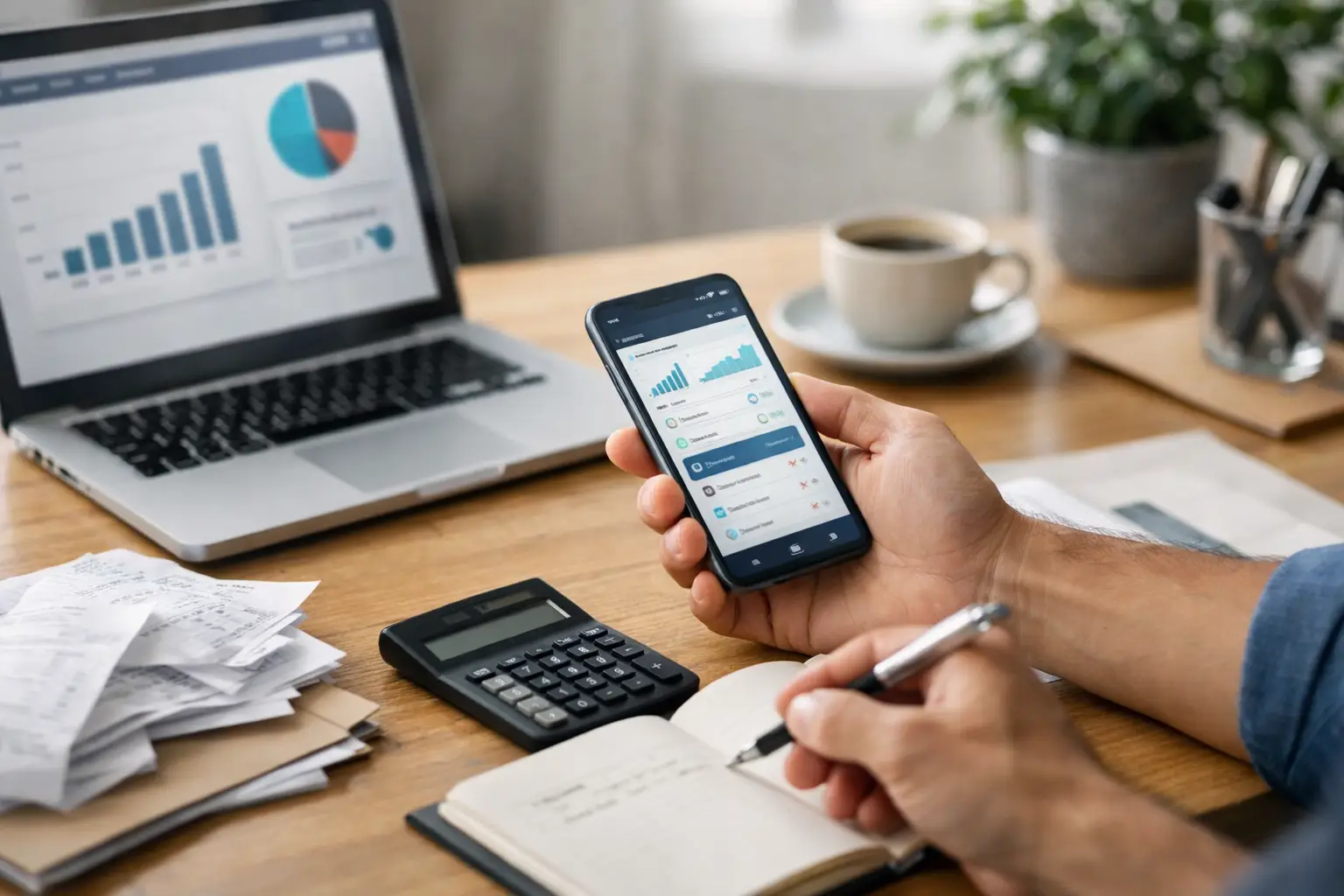
Best App to Keep Receipts for Tax UK 2026
Last updated: August 2026. You're on a job. You've just paid £87 for copper pipe and fittings. The receipt is in your pocket next to the solder. By Friday it...
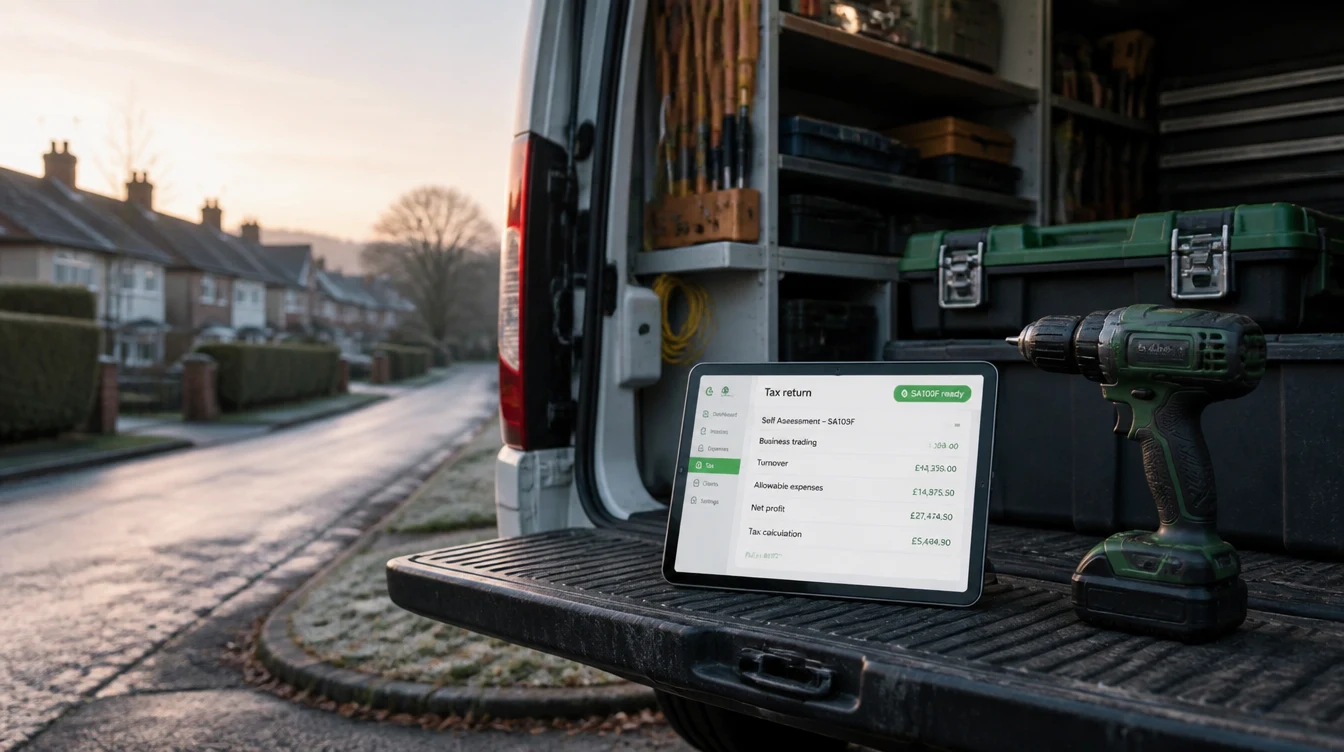
Self Assessment for tradespeople: the 2025/26 walkthrough
Self Assessment deadlines, the SA103F boxes that matter for tradespeople, and a worked example with real numbers. Register by 5 October, file by 31 January.
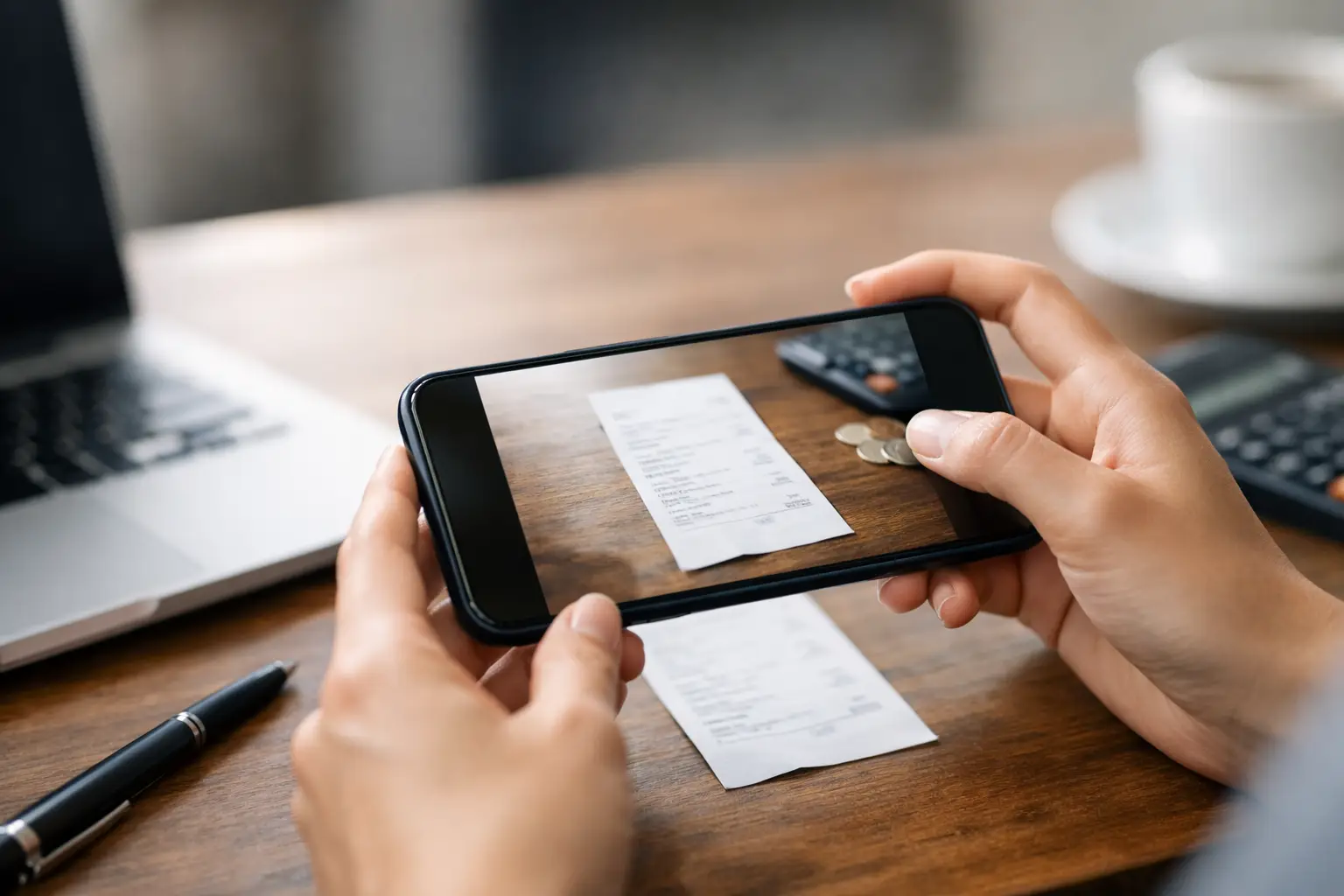
How to Capture Receipts on Phone Fast
Learn how to capture receipts on phone fast, keep expenses tidy, and avoid late-night paperwork with a simple mobile routine built for UK sole traders.

7 Best Receipt Apps for Tradespeople
Looking for the best receipt apps tradespeople can use on site? Here are 7 solid options, what matters most, and how to pick one fast.