Digital Receipts for Sole Traders Made Simple
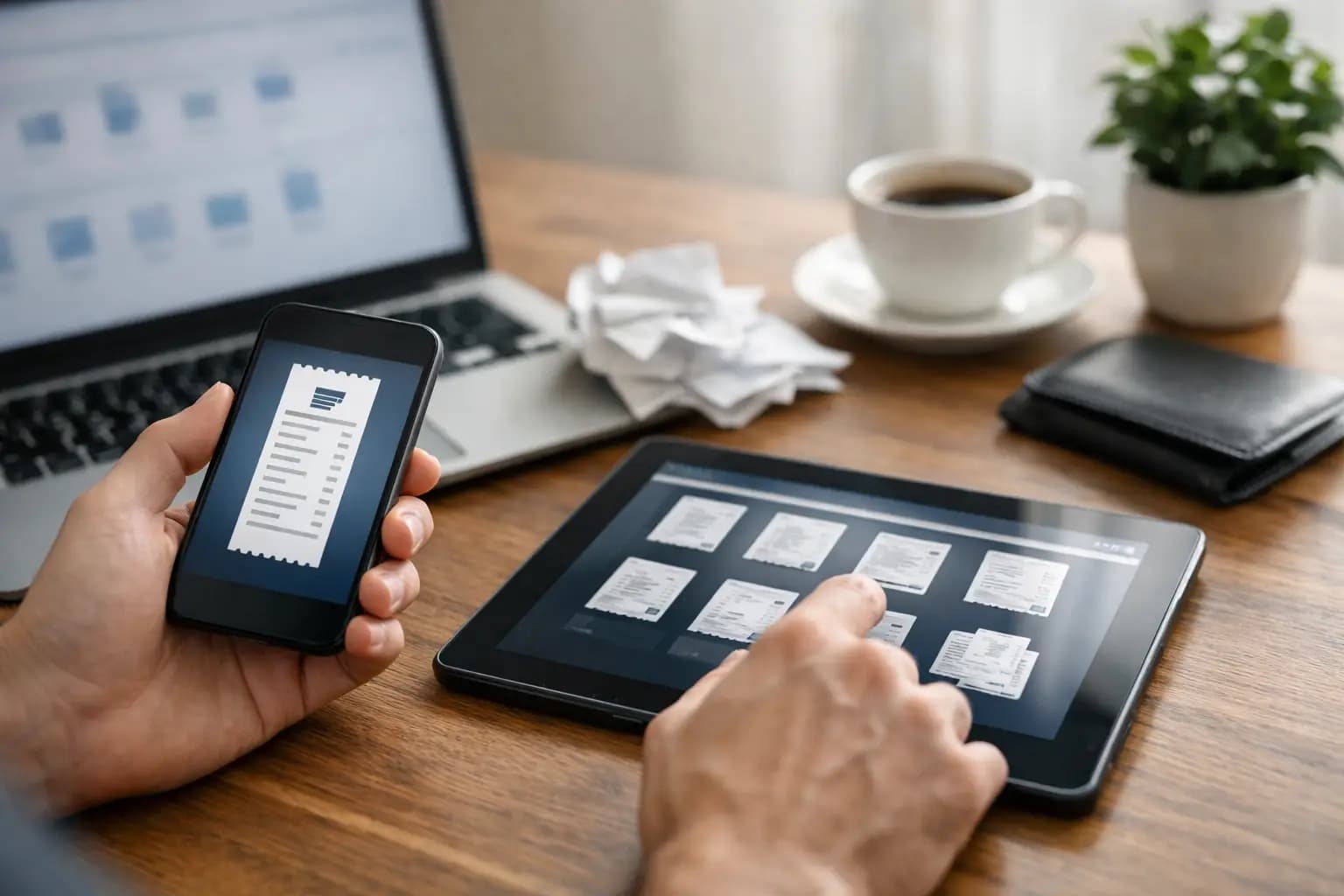
A crumpled screwfix receipt at the bottom of the van is not a bookkeeping system. Neither is a bank statement full of card payments you can no longer explain six months later. Digital receipts for sole traders give you a quicker way to prove what you spent, keep expenses organised and avoid the annual hunt through gloveboxes, kitchen drawers and old work trousers.
For a tradesperson, the benefit is simple: deal with the receipt when you are still standing at the trade counter, not at 10pm when you should be switching off. Take a clear photo, add a short note if needed, and get back to the job.
Why paper receipts cause expensive problems
Paper fades, gets wet, goes missing and often tells only half the story. You may be able to see that you spent £86.40 at a builders' merchant, but not whether it was timber for a customer job, tools for the business or materials for work at your own house. When tax return time comes around, those missing details create doubt and waste time.
A digital receipt is a photo, scan or emailed proof of purchase stored against an expense. It can show the supplier, date, amount, VAT where applicable and what was bought. Add a useful description while it is fresh in your mind - “sealant and fittings for Smith bathroom refit” beats “stuff from merchants”.
This is not about turning yourself into an accountant. It is about keeping records good enough to support your figures, without giving up your evenings to admin.
What counts as a digital receipt?
In most cases, a readable photo of the original receipt is the practical answer. Email receipts, downloadable supplier invoices and PDF order confirmations can also form part of your records. The key is that the image or document is complete, legible and stored safely.
For everyday expenses, capture enough information to identify the purchase and its business purpose. That usually means the supplier, date, total paid and a description of the item or job. If you are VAT registered and reclaiming VAT, make sure you retain the VAT information required for the purchase. A card transaction alone may show where money went, but it rarely proves what you bought or whether the expense was allowable.
There are grey areas. A new combi drill used only for work is straightforward. A mobile phone bill used for both work and personal calls needs a fair business split. Materials bought for a quoted job are usually easy to trace, while a large purchase such as a van or major equipment may need different tax treatment from day-to-day consumables. A receipt is the evidence, not the decision. Record it properly, then apply the right treatment.
Digital receipts for sole traders: a site-ready routine
The best routine is the one you will actually do between jobs. It should take seconds, work from a mobile phone and not rely on remembering a batch of paperwork on Friday night.
A simple four-step habit works well:
- Photograph the receipt before it goes in the van or bin.
- Add a plain-English note saying what it was for and, where useful, the customer or job.
- Put it in the right expense category, such as materials, tools, fuel, parking or protective clothing.
- Check your captured expenses once a week, while the purchases are still familiar.
That last step matters. Photos are useful, but a camera roll with 300 receipt images is only slightly better than a pile of paper. You need a place where receipts sit with the expense amount, category and date, ready to review later.
For example, if you pick up copper pipe, fittings and silicone on the way to a boiler job, photograph the receipt in the car park. Mark it as materials and note the job. If you pay for parking at a city-centre call-out, capture that too. Small expenses are exactly the ones that disappear when records are left until later.
Keep the evidence, not just the number
It is tempting to look at your bank feed, total up payments to merchants and call it done. That can miss cash purchases, split payments, refunds and personal items bought in the same transaction. It also leaves you with less evidence if a figure ever needs explaining.
Your records should make sense to someone who was not there. If you saw “£142.17, 14 March, electrical wholesaler”, would you know what it was for next year? A short note makes the difference. “Consumer unit parts for Patel extension” gives the payment context immediately.
It is also worth matching receipts to the payment where possible. If a supplier receipt says £54.90 but your bank shows £109.80, there may be another receipt missing, a duplicated payment or a purchase that needs checking. Catching that during the month is far easier than untangling it before self-assessment.
How long should you keep digital receipt records?
For self-assessment, sole traders generally need to keep business records for at least five years after the 31 January submission deadline for the relevant tax year. Keep them in a format you can access, search and understand if needed.
That does not mean every photo needs a complicated folder name. It does mean avoiding the trap of storing receipts only on a phone that could be lost, damaged or replaced. Use a system that backs records up and lets you find them by date, supplier or category.
You may choose to keep paper originals for a short while until you have checked that the digital image is clear and saved. For higher-value purchases, warranty paperwork and supplier documents, keeping the original may still be sensible. The point is not to fill a box in the garage forever. It is to make sure the record is available when it matters.
Make receipt capture part of cash flow control
Receipts are not only for tax. They show what your work is costing you now.
When expenses are recorded regularly, you can see whether material spending is creeping up, whether fuel and parking are eating into certain jobs, and whether you have paid for equipment that should be reflected in future quotes. A quote that looked profitable can look very different once the forgotten consumables, delivery charges and disposal costs are included.
This is especially useful for trades that buy as they go. A kitchen fitter might have several small supplier runs across one installation. A landscaper may have fuel, aggregates, plant hire and waste charges in the same week. Recording those costs as they happen gives you a clearer view of the job, rather than a rough guess after the money has gone.
One place beats a pile of apps
You can photograph receipts with your mobile phone, save emails in an inbox, make notes in a spreadsheet and reconcile everything later. It works for some people, right up until it becomes another evening job.
A mobile-first tool is more practical when it connects receipt capture to expenses, invoices and tax-ready records. TradeTally is built around that reality: capture the cost on site, keep it with the business records and make the numbers easier to review when you are preparing your self-assessment information.
The right setup should not make you learn accounting terms before you can claim for materials. It should help you get the evidence saved, the expense categorised and the paperwork out of your way.
A few mistakes worth avoiding
Do not wait until the end of the month to photograph a stack of receipts. Ink can fade and the detail disappears fast. Do not label everything “materials” either, especially when it includes tools, travel or mixed personal and business spending. Clear categories make your records more useful and help you spot where money is going.
Also avoid claiming costs simply because you have a receipt. The expense needs to be genuinely for the business, and mixed-use costs need a reasonable split. When something is unusual, high value or unclear, getting advice from an accountant is usually cheaper than correcting a bad claim later.
A good receipt habit takes less time than making a brew. Capture it at the counter, add the reason, and let the admin stay where it belongs - off your kitchen table and out of your head.
Ready to sort your trade admin?
TradeTally gives UK sole traders invoicing, expenses, and SA103F-ready tax exports in one mobile-first app.
Start 14-day Pro trial →No card required