How to Capture Receipts on Phone Fast
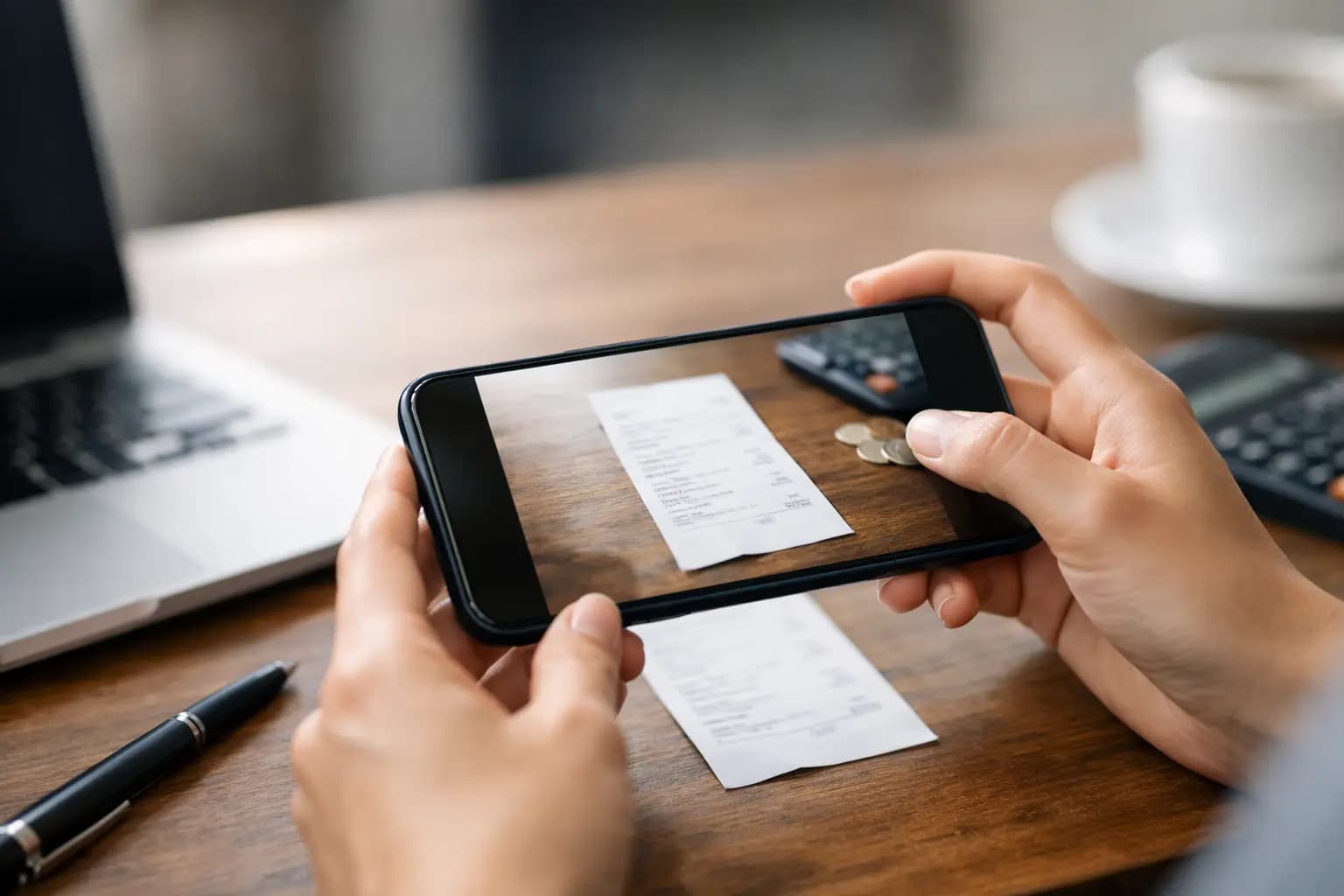
You buy materials at 7:15, grab a coffee between jobs, pay for parking, then by Friday the receipts are crumpled in the van door, your pocket, or gone completely. That is exactly why more sole traders now capture receipts on phone instead of trusting paper to survive a full week on site.
For plumbers, sparks, builders, roofers and fitters, this is not about being neat for the sake of it. It is about keeping claimable expenses, staying ready for tax time, and not wasting Sunday night sorting faded bits of paper. If your phone is already with you on every job, it should be doing this part too.
Why capture receipts on phone instead of later
The biggest win is not the photo itself. It is timing. The closer you capture a receipt to the moment you spend the money, the less chance there is of losing it, forgetting what it was for, or mixing business costs with personal ones.
That matters more than most sole traders realise. A builders' merchant receipt might make perfect sense when you are loading the van, but less so two months later when it just says card ending 43 and a total. A quick snap while it is still in your hand gives you a usable record while the detail is fresh.
It also cuts out the usual pile-up. When receipts are left for later, later usually means late evening, after a full day on site, when admin gets rushed or ignored. Capturing on your phone turns it into a ten-second job instead of a two-hour catch-up.
What a good phone receipt capture process looks like
A decent system should be quick enough to use in a car park, outside a supplier counter, or sat in the van before the next job. If it takes too many steps, people stop doing it.
The best process is simple. Open the app, photograph the receipt, check the image is readable, and save it against the expense straight away. If you can add the supplier, amount and category there and then, even better. That means fewer loose ends later.
Good receipt capture also needs to work in real conditions. Tradespeople are not sitting under office strip lights with a flat scanner. You might have dirty hands, poor signal, a bent receipt, or rain blowing in through the door. So the process has to be forgiving. Clear camera access, fast save, and easy expense matching matter more than fancy bookkeeping features.
How to capture receipts on phone without making a mess of it
The trick is not just taking photos. It is making sure those photos are useful when you need them.
Start by photographing the receipt on a dark, flat background if you can. A black seat, dashboard folder, or site clipboard works well because it helps the text stand out. Keep your hand steady and make sure the whole receipt is visible, including the top, bottom and VAT details where relevant.
If the receipt is long, do not assume a rushed angle will do. Retake it. A blurry image is almost as bad as no image. You need the date, supplier and amount to be readable without squinting.
Then label it properly. This is where a lot of people fall down. A camera roll full of unnamed photos is not a record-keeping system. You want each receipt tied to an expense entry, with enough detail that it makes sense months later. "Screwfix - copper fittings - Tuesday job in Leeds" is useful. "IMG_4837" is not.
Finally, get it out of your camera roll and into a proper app. Your photo album is built for family pictures and job progress shots, not expense records.
The common mistakes that waste time later
Plenty of sole traders already take receipt photos, but still end up doing double work. Usually it comes down to one of four problems.
First, they take the photo but never log the expense. That leaves a pile of images with no totals, no categories and no real order.
Second, they save everything to their phone and plan to sort it later. Later becomes month end, then year end, then a stressful scramble before tax deadlines.
Third, they capture only some receipts. That gives you patchy records, which is bad for cash flow visibility and bad for accuracy.
Fourth, they rely on memory. That works right up until it does not. A receipt from a merchant, fuel station or tool shop can cover anything from stock to consumables to personal bits. If you do not note the purpose at the time, you are guessing later.
The fix is not harder admin. It is less friction. One routine, every time, on the same device you already carry.
What to look for in a receipt capture app
If you are choosing a tool to capture receipts on phone, do not get distracted by features made for finance teams in offices. That is not your setup.
You want speed first. It should take seconds to add a receipt, not minutes. You also want mobile-first design, because if it feels like desktop software squeezed onto a phone screen, it will be annoying from day one.
It helps if the app keeps receipts and expenses in the same place as your invoicing. That gives you a cleaner view of what is going out alongside what is coming in. For sole traders, that is often more useful than a bloated accounting platform packed with things you will never touch.
It is also worth checking how easy it is to export data when self-assessment comes around. Capturing receipts is only half the job. The real value is having those costs organised and ready when you need figures for tax.
That is where a trade-focused tool earns its keep. Something like TradeTally is built for vans, sites, and short evenings, so receipt capture sits inside a simple workflow rather than turning into an accounting exam.
The real benefit is not storage - it is control
Most people think receipt capture is about keeping proof of spending. It is, but that is only part of it.
The bigger benefit is control over your numbers while the month is still live. If expenses are logged as they happen, you can see where the money is going. Materials, fuel, parking, tools, small supplies, subcontractor costs - it all adds up quickly. Without a live view, you can be busy and still wonder where the profit went.
That is especially important when cash flow is tight. One or two missed invoices is bad enough. Add poorly tracked spending on top, and it gets harder to judge what work is actually paying well.
Capturing receipts on your phone will not fix pricing problems on its own, but it gives you better information. And better information usually leads to better decisions.
It depends on your workload - but daily beats weekly every time
Some sole traders only have a few expenses a week. Others are at merchants every day. So the exact routine can vary.
If your spending is light, capturing each receipt as it happens is still the safest option because it removes the chance of losing it. If you are buying constantly through the week, the same rule applies, but it becomes even more important to categorise things properly so job costs do not blur together.
A weekly admin session is better than nothing, but it is still second best. Receipts fade, get binned, or vanish into the van. Daily capture is cleaner, quicker and more accurate.
There are trade-offs, of course. If you are in the middle of a messy install, up a ladder, or rushing to the next callout, you may not log every detail instantly. Fair enough. The practical answer is to take the photo there and then, then finish the expense entry when you have two spare minutes. The photo locks in the record. The extra detail can follow shortly after.
A simple routine that actually sticks
The best admin habits are the ones that do not feel like admin. Keep this one basic. When you pay for something business-related, photograph the receipt before you drive off or walk out. Add the amount and supplier. Put it in the right category. Done.
That routine works because it fits around real work. No folders stuffed behind the seats. No carrier bag of paper in the passenger footwell. No end-of-year headache trying to remember what half the spend was for.
Your phone is already your diary, map, camera and job line. It should be your receipt folder too. Not because it sounds modern, but because it saves time, protects expense records, and makes the numbers easier to trust.
If you are self-employed and mostly working from the van, the smartest systems are the ones you can use with one hand and no patience. Receipt capture should be exactly that. Make it quick, make it routine, and future you will have a far easier time when the paperwork catches up.
Ready to sort your trade admin?
TradeTally gives UK sole traders invoicing, expenses, and SA103F-ready tax exports in one mobile-first app.
Start 14-day Pro trial →No card required