SA103F vs SA103S: Which Self-Employment Pages Do You Need?

The short answer: use the short pages (SA103S) if your self-employed turnover was under £90,000 for the tax year, and the full pages (SA103F) if it was £90,000 or more. A few other situations also push you onto the full pages, and those are covered below. If you are a plumber, electrician, carpenter or builder filing your own return, this guide shows how to pick the right one, what each form asks for and which records to have ready before you sit down.
TL;DR
- SA103S is the short form for sole traders whose turnover was below £90,000 in the tax year (or would have been over a full year of trading).
- SA103F is the full form. You must use it at £90,000 or above, and in a handful of other cases such as a changed accounting basis or adjusting profits for Class 4 NICs.
- Turnover means your total takings before expenses, not your profit.
- The full form asks for expenses by category, capital allowances by type and, in some cases, a balance sheet, so it pays to have categorised records from day one.
- Keep your records for at least 5 years after the 31 January submission deadline.
Table of Contents
- What the SA103 pages are and where they fit
- SA103S vs SA103F at a glance
- The turnover test, step by step
- When you must use SA103F whatever your turnover
- Can you choose SA103F when you qualify for SA103S?
- What each form asks you for
- Records to have ready for either form
- What if you submit the wrong pages?
- Making Tax Digital and your records
- Mapping your bookkeeping to the form boxes
- Common mistakes to avoid
- Doing it with TradeTally
- FAQ
- Sources
What the SA103 pages are and where they fit
Your main Self Assessment return is the SA100. If you are self-employed, you add supplementary pages that record your business income and expenses. For a sole trader those pages come in two versions: Self-employment (short), known as SA103S, and Self-employment (full), known as SA103F.
HMRC’s own description is simple. The short pages are for turnover below the VAT threshold for the tax year. The full pages are for turnover above it. The VAT threshold is the figure HMRC uses as the dividing line, and for the 2025/26 tax year the form notes put it at £90,000.

The pages on gov.uk for the 2025 to 2026 year were added on 6 April 2026, so if you are filing for the year ended 5 April 2026, those are the versions you should be looking at. Always check the tax year printed on the form before you start.
SA103S vs SA103F at a glance
| SA103S (short) | SA103F (full) | |
|---|---|---|
| Turnover test (2025/26) | Under £90,000, or would have been over a full year | £90,000 or more, or other conditions apply |
| Length | 2 pages | Several pages, with extra sections |
| Expenses | Boxes 11 to 19 by category, or one total in box 20 | Detailed categories, plus a separate list of disallowable expenses |
| Capital allowances | Single section | Broken down by type |
| Balance sheet | Not asked for | Included |
| Losses and balancing charges | Limited | Fuller sections |
| Best suited to | Simple, small sole trader businesses | Larger turnover or more complex affairs |
The 2026 SA103S form runs to two pages. It asks for business details, turnover in box 9, other business income in box 10, the trading income allowance in box 10.1, allowable expenses and capital allowances, and CIS deductions. The full pages go further: detailed expense categories, disallowable expenses, capital allowances by type, balancing charges, goods taken for your own use, losses and a balance sheet.
The turnover test, step by step
The test is about turnover, not profit. Turnover is everything your business took in over the tax year before you take off any costs. A plumber who invoiced £95,000 and spent £50,000 on materials, van costs and tools still has £95,000 turnover, and that decides the form.
Here is how to apply it:
- Add up all invoices and payments for the tax year, 6 April to 5 April. Include cash jobs and anything paid through a card reader.
- Include income from every self-employed trade you run, not just your main one. If you have more than one business, each needs its own set of pages.
- Compare the total with £90,000.
- Under £90,000: the short pages are available to you. £90,000 or more: you must use the full pages.
Worked example: an electrician invoices £68,400 across the year, plus £4,200 of cash jobs. Turnover is £72,600, so SA103S applies, provided none of the other full-form conditions are met.
What if you only traded for part of the year?
If you started or stopped trading partway through the year, you do not just compare your actual takings with £90,000. The SA103S notes say to use the short pages if your turnover was less than £90,000 or would have been had you traded for a full year. So a carpenter who started in October and took £50,000 in six months is on course for roughly £100,000 across twelve, and should treat that as above the line.

When you must use SA103F whatever your turnover
Turnover over £90,000 is the most common reason, but the 2025/26 notes list other situations where you must use the full pages:
- Your accounting period ended before 31 March 2026, or was not 12 months long, and you need to adjust profits or losses.
- You have adjustment income from changing your accounting basis.
- You need to adjust profits chargeable to Class 4 National Insurance contributions.
- You were in HMRC’s Managing Serious Defaulters programme.
If any of these sounds like you, the full pages are not optional. If you are unsure whether one applies, ask HMRC or a qualified accountant before filing.
Can you choose SA103F when you qualify for SA103S?
The rules for who must use the full pages are set out in HMRC’s notes. Because the full pages cover the same ground as the short ones and then more, some sole traders use them even when the short form is available, particularly if they have capital purchases such as vans or machinery and want those broken out clearly. Using the short form when you should have used the full one is the riskier mistake, because it can lead to HMRC asking you to refile.
If you are close to the line, or your turnover swings from year to year, it is sensible to keep your records in a way that would fill in the full pages. Then the form you end up needing makes no difference to your workload.
What each form asks you for
On the short pages
SA103S is built for a straightforward business. You give your business name, description and address, your accounting dates, turnover, and any other business income. You can then claim the trading income allowance, or list allowable expenses by category, or enter a single total. You also record capital allowances and any CIS deductions taken from your payments.
On the full pages
SA103F expects a more complete picture. Expect to provide:
- Expenses in detailed categories, with a separate section for amounts that are not allowable for tax
- Capital allowances split by type, and any balancing charges
- Goods or services you took for your own use
- Losses and how you want to use them
- A balance sheet in the circumstances the form sets out
That last point catches many trades off guard. If you have never separated what the business owns and owes from your own money, the full pages will expose it.
Records to have ready for either form
Both forms are only as good as the paperwork behind them. HMRC expects you to keep records of your business income, expenses and tax paid. In practice for a tradesperson that means:
- Sales invoices and payment records, including cash jobs
- Receipts for materials, tools, fuel, insurance, protective clothing and subscriptions
- Bank statements for the account you use for the business
- Mileage logs for business journeys
- CIS deduction statements from contractors
On timing, gov.uk says you must keep your records for at least 5 years after the 31 January submission deadline of the relevant tax year. So records for the 2025 to 2026 year, filed by 31 January 2027, need to be kept until at least the end of January 2032.
Keeping business money in its own account makes this far easier. A dedicated account, such as the business accounts offered for professional services, means your bank statements read as a clean record of business income and spending rather than a mix of shopping and van repairs.
The invoices themselves matter too. Clear, consistent invoices that state the work, the date and the amount make your turnover figure easy to prove, and a few habits on invoicing etiquette for small businesses also help you get paid sooner. For a deeper look at storage, our Self Assessment records checklist covers what to keep and how to file it.
What if you submit the wrong pages?
It happens, usually when a business grows past £90,000 and the previous year’s form gets reused out of habit. If you spot the mistake after filing, you can correct the return. Online, that means signing into your Government Gateway account, opening the return for that tax year and filing it again with the right pages. Corrections are generally possible within 12 months of the 31 January filing deadline, and you need to wait 72 hours after the original filing before changing it.
Pro tip: do not wait for HMRC to write to you. If your figures were right but the form was wrong, amend early and keep a note of what you changed and why. If you are not sure how a change affects your tax bill, speak to an accountant.
Making Tax Digital and your records
HMRC’s push towards digital record-keeping means the habit of keeping clean, categorised records through the year matters more than which form you eventually fill in. Whether you file on SA103S or SA103F, software that records each job, receipt and mileage claim as you go is far less stressful than rebuilding a year from a shoebox in January.
Our view: pick the form after you pick the habit
Most of the panic around SA103S and SA103F comes from doing the paperwork once a year, late at night, with a pile of receipts. The form is the easy part. The hard part is knowing what you earned and spent in each category.
We built TradeTally because the admin that follows a day on site shouldn’t need a second shift. You can raise a branded invoice from the van, snap a receipt before it fades in your pocket, and have your records sorted as you go, so tax-ready records are a by-product rather than a project.
That is why we put the SA103F export front and centre. If your turnover is heading towards £90,000, or you just want the fuller breakdown, your figures are already organised the way the full pages ask for them. Less time on the form, less stress in January.
Simon
Mapping your bookkeeping to the form boxes
A simple way to stay ready for either form is to tag every transaction as you record it:
- Income: tag each invoice to the job and the client, and note whether CIS was deducted.
- Materials and stock: tag as cost of goods or materials, not general expenses.
- Vehicle costs: keep fuel receipts or log mileage, but be consistent in the method you use across the year.
- Tools and equipment: flag larger purchases separately, since these feed capital allowances.
- Insurance, subscriptions and phone: tag by type so they drop into the right category.
- Personal use: if anything is part private, record the business share only.
If you want to see how this lines up with the boxes, our guide to mapping bookkeeping to every SA103F box takes you through it in nine steps, and how to prepare SA103F tax records covers the build-up through the year. You can also use our Self Assessment tax calculator to get a feel for your bill before the deadline.
Common mistakes to avoid
- Using profit instead of turnover for the £90,000 test. Always use turnover.
- Ignoring part-year trading. Annualise your takings if you started or stopped mid-year.
- Reusing last year’s form. Check the tax year and the version every time.
- Mixing personal and business spending. It muddies your expense totals and balance sheet figures.
- Throwing away receipts too soon. Keep them for the full retention period above.
- Forgetting CIS deductions. Record what contractors took off, so you can claim credit for it on the return.
Doing it with TradeTally
TradeTally is a UK web and mobile app for sole tradespeople. You can create branded invoices and quotes, track expenses and receipts, log mileage and time, handle CIS deductions and see a live profit dashboard, with SA103F export and MTD-ready record-keeping for Self Assessment and accountant handoff.
The Starter plan is free at £0 per month, with limited invoicing. The Professional plan is £12 per month, or £120 per year, for full access to unlimited invoices, receipts and tax exports. You can start on the TradeTally home page or compare plans on the pricing page.
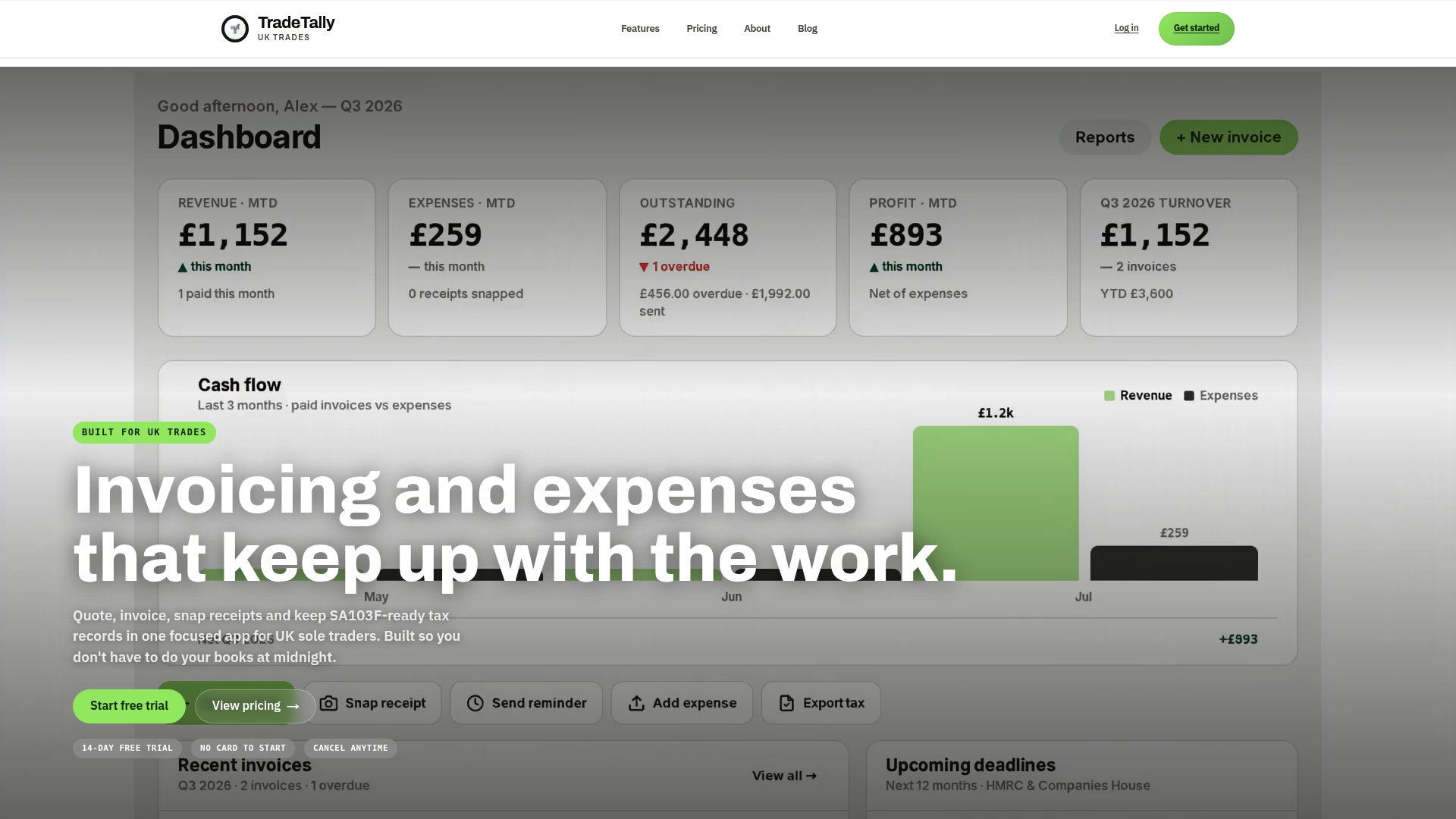
If you want to see what the export looks like in practice, read about SA103F software for UK sole traders or our explainer on SA103F export for tradespeople.
FAQ
Is the SA103S or SA103F threshold based on profit or turnover?
Turnover. It is your total business takings for the tax year before expenses, so a high-cost trade can have modest profit and still need the full pages. Compare your turnover with £90,000 for the 2025/26 year.
Do I need a different form if I am self-employed for only part of the year?
You still use the same SA103 pages, but the test looks at what your turnover would have been over a full year. If that full-year figure would reach £90,000, use the full pages even though your actual takings were lower.
What happens if I use SA103S when I should have used SA103F?
HMRC may ask you to refile with the correct pages. You can correct a return yourself within 12 months of the 31 January filing deadline, so it is best to fix it as soon as you notice.
How long do I keep the records behind my SA103?
At least 5 years after the 31 January submission deadline for that tax year. Keep invoices, receipts, bank statements and mileage logs together so you can produce them if HMRC asks.
Does the form change if I work under CIS?
No. You still use SA103S or SA103F depending on turnover. Both ask for CIS deductions, so keep the statements your contractors give you and enter the amounts taken off.
Sources
- Self Assessment: self-employment (short) (SA103S), GOV.UK
- Self Assessment: self-employment (full) (SA103F), GOV.UK
- SA103S form 2026, HMRC
- SA103S notes 2026, HMRC
- SA103F notes 2026, HMRC
- How long to keep your records, GOV.UK
- How to amend a Self Assessment tax return, Simply Business