SA103F Export for Tradespeople Explained
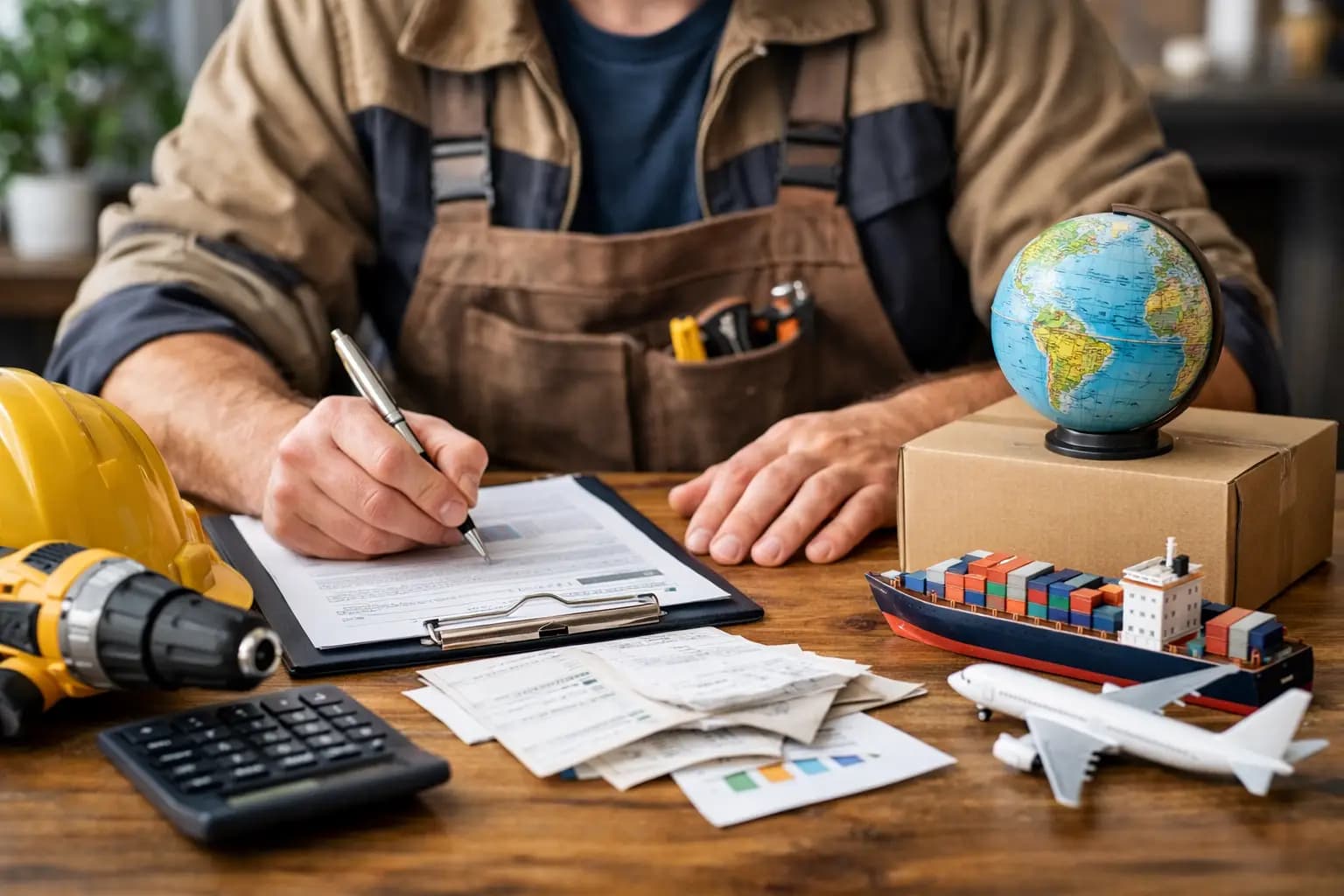
If your tax return usually starts with a carrier bag of receipts, a half-finished spreadsheet, and a Sunday night headache, the sa103f export for tradespeople matters more than it sounds. For sole trader plumbers, electricians, builders and other hands-on trades, it is the difference between pulling figures together in minutes or wasting evenings trying to remember what that payment from April was for.
This is not about turning you into an accountant. It is about getting your numbers into the format you need for self-assessment, without digging through old invoices, bank transfers and fuel receipts one by one.
What the SA103F actually is
The SA103F is the full self-employment section of a UK self-assessment tax return. If you are a sole trader and your business records are more than very basic, this is usually the bit that reports your turnover, allowable expenses and profit to HMRC.
For tradespeople, that means the figures behind your day-to-day work - labour invoices, materials charged to jobs, van costs, tools, public liability insurance, phone bills, subcontractor costs and other business expenses. The form itself is not the hard part. The hard part is having clean, usable figures ready when you need them.
That is why the export matters. A good SA103F-ready export pulls together the records you have already logged through the year, then groups them into something that matches the tax categories you or your accountant need.
Why sa103f export for tradespeople matters
Most tradespeople do not struggle with earning. They struggle with admin drift. A few receipts stay in the van. A few invoices go out late. Materials bought on a trade counter account blur into personal spending. By January, the job is not just filing a return. It is rebuilding a year.
A proper sa103f export for tradespeople cuts out that rebuild. Instead of treating tax season like an annual clear-out, you are keeping records in a way that is already pointing towards the final numbers.
That saves time, but it also reduces avoidable mistakes. Guessing totals from memory is risky. So is copying numbers from three different apps and a bank statement. If your records are scattered, errors creep in fast. Sometimes it is underclaiming expenses and paying more tax than necessary. Sometimes it is overstating costs and creating problems later.
There is also a cash flow angle. When you keep records in order for tax, you usually get a better view of how the business is actually performing. You can see what is coming in, what is being spent, and whether the profit in your head matches the numbers on paper.
What a useful SA103F export should include
Not all exports are equally helpful. Some are little more than a dump of transactions. That might sound fine until you realise you still need to sort everything by hand.
A useful export for a sole trader in the trades should give you organised totals that line up with the way self-assessment is prepared. That normally includes income, cost categories and a clear profit figure for the tax year. It should also make it easy to check the detail behind those totals if something looks off.
For most tradespeople, the key areas are straightforward. Sales income needs to be complete and tied back to invoices or payments. Expenses need to be grouped in a sensible way, such as materials, motor costs, tools, use of phone, insurance, accountancy, office costs and subcontract labour where relevant. If you are VAT registered, it also helps if the figures are clear enough to separate what is relevant for tax return reporting from what belongs in VAT handling.
The best setup is one where the export is the end result of good habits, not a rescue job. If invoices, receipts and expenses are logged properly through the year, the export becomes quick and reliable.
SA103F-ready does not mean every trade works the same way
This is where a bit of realism helps. Two sole trader builders can both need an SA103F export and still have very different records.
One might do mostly labour-only jobs with a small number of monthly expenses. Another might buy materials every day, use subcontractors, travel across several sites and invoice in stages. Both need clean figures, but the way they get there is different.
That is why simple matters more than flashy. Tradespeople need a system that fits real working days - taking a photo of a receipt in the merchant car park, sending an invoice before leaving site, logging an expense from the van, checking what has been paid without opening a laptop at 10pm.
If the process is too fiddly, records slip. When records slip, the export becomes less reliable. So the real test is not whether software says it can export for self-assessment. It is whether you will actually keep it updated during a busy week.
Common problems when preparing an SA103F export
The biggest issue is usually missing data. Cash jobs not logged, receipts lost, invoices sent outside the main system, and personal and business spending mixed together all make the final export weaker.
The second problem is bad categorisation. If every expense goes in as a generic purchase, you still have sorting to do later. That can be manageable if you only have a handful of transactions. It becomes a pain if you are running jobs all year and spending daily on materials, fuel and small tools.
Third is relying on memory. Plenty of sole traders tell themselves they will tidy it all up later. Later usually means tax deadline season, when work is still busy and nobody wants to spend nights decoding card payments.
There is also a people problem. If you pass records to an accountant in a rough state, they either charge more time to sort them or send questions back to you. Neither is ideal. A cleaner export means fewer back-and-forth messages and fewer last-minute scrambles.
How to make your sa103f export for tradespeople easier all year
The easiest tax return is built in small moments. Send invoices as soon as the work is done. Capture receipts when you get them, not weeks later. Keep business expenses flowing through one clear process. Check your records monthly, even if it is only for ten minutes while waiting for a supplier order.
It also helps to separate business and personal spending properly. That does not fix every tax issue on its own, but it makes the figures cleaner and reduces the amount of detective work later.
Use categories that make sense for your trade. A carpenter buying fixings, sheet materials and power tool accessories all month does not need accounting jargon. They need purchases logged in a way that can be reviewed quickly and exported cleanly at year end.
For sole traders who want less friction, mobile-first tools make the biggest difference. If the admin fits around site work, it gets done. That is the point. TradeTally is built for vans, sites, and short evenings, so invoicing, expense capture and SA103F-ready exports sit in the same workflow instead of being scattered across notes apps, folders and spreadsheets.
Should you still use an accountant?
For many tradespeople, yes. But the answer depends on how simple your business is and how confident you are with tax.
If your income is steady, your expenses are straightforward and your records are clean, you may be comfortable handling more of it yourself. If you have CIS deductions, mixed income, asset purchases, home office claims, or anything unusual, an accountant can still be worth it.
The point of a strong export is not to replace professional advice in every case. It is to make the process faster, clearer and cheaper to deal with. Good records give you options. Bad records give you deadline panic.
What to look for before choosing a tool
Do not get distracted by features built for finance teams and office businesses. Most sole trader tradespeople need quick invoicing, receipt capture, expense tracking, visibility over what has been paid, and a self-assessment export that makes sense.
Check whether the tool is easy to use on a phone, whether it handles the kind of expenses you actually have, and whether the export is built around UK sole trader tax reporting rather than generic bookkeeping reports. Price matters too. If you are paying for a big accounting platform but only using a fraction of it, that is dead money.
A cheaper tool is not always better if it creates more manual work later. But equally, paying for complexity you do not need is hard to justify when the real goal is simple - stay on top of the books, keep cash flow visible, and get tax figures ready without losing evenings.
The right setup should feel boring in the best way. You use it, it keeps things tidy, and when tax time comes around the numbers are there.
Self-assessment is never going to be the best part of the job. But it should not feel like another full refurb either. Get your records right as you go, and the export becomes exactly what it should be - a quick final step, not a yearly ordeal.
Ready to sort your trade admin?
TradeTally gives UK sole traders invoicing, expenses, and SA103F-ready tax exports in one mobile-first app.
Start 14-day Pro trial →No card required