Map bookkeeping to every SA103F box in 9 steps for UK tradespeople
The SA103F is the “self-employment (full)” supplementary pages that sit alongside your main SA100 tax return. HMRC expects most sole traders using it because turnover has risen past the threshold for the short pages, or because their tax affairs involve complications like basis period adjustments or capital allowances claims. You can download the official SA103F form and its accompanying notes directly from GOV.UK before you start filling anything in.
TL;DR:
- Sole traders exceeding the turnover threshold or with complex tax affairs must use the full SA103F form instead of the simplified short version.
- Accurate recordkeeping, including weekly matching of invoices, expenses, and CIS deductions to form boxes, helps prevent common filing errors.
- Using software with automatic SA103F export features can streamline data collection and reduce last-minute scrambling before submission.
- Provisional figures are acceptable if properly flagged in box 103, but final corrections require prompt amendments once accurate data is available.
- Reconciliation of income, expenses, and balance sheet figures is critical for avoiding mistakes, especially for VAT and capital allowances claims.
Table of Contents
- Who needs SA103F: turnover thresholds and other reasons to use the full pages
- Box-by-box walkthrough: how to complete the core SA103F sections
- Common mistakes and final checks before you file
- Filing with provisional figures and how to correct the return later
- Publisher perspective: what good SA103F recordkeeping actually looks like
- A faster route to SA103F-ready records
- Sources
- FAQ
Who needs SA103F: turnover thresholds and other reasons to use the full pages
The clearest trigger for choosing SA103F over the shorter alternative is turnover. HMRC’s guidance points sole traders towards the SA103S self-employment (short) pages when turnover sits below the VAT registration threshold and your affairs are otherwise straightforward. Cross that line, and the full pages become the correct choice. Thresholds can shift between tax years, so check the current figure in the SA103F notes rather than relying on last year’s number.
Turnover isn’t the only reason you might need the full form, though. A few other situations push sole traders towards SA103F even when income is modest:
- You’re claiming overlap relief from a change in your accounting date.
- Your basis period has changed, or you’ve had to make adjustments for the move to tax year basis reporting.
- You’re monitoring or adjusting figures under Making Tax Digital transition arrangements.
- Your capital allowances claims are complex enough that the short form’s simplified boxes won’t capture them.
- You need to record VAT registration or deregistration during the year.
Worth noting: If you file through commercial software, it will often select the right supplementary pages for you without ever showing you a form labelled “SA103F.” The underlying data requirements stay identical either way.
Box-by-box walkthrough: how to complete the core SA103F sections
Filling in SA103F feels less daunting once you treat it as a series of transfers from your existing records, rather than a form you’re building from scratch. Here’s how the sections break down in practice.
- Business details. The top of the form asks for your name, Unique Taxpayer Reference (UTR), and a description of your trade. You’ll also enter your accounting period start and end dates, which matters more than it sounds. If your accounting period doesn’t match the tax year, HMRC’s SA103F notes explain how to handle the mismatch.
- Business income. Turnover goes in first, followed by any other business income. Decide upfront whether you’re using the cash basis or traditional accounting, because it changes how you treat unpaid invoices and stock at year end. VAT-registered traders should record turnover net of VAT.
- Allowable expenses. Boxes 17 to 30 break costs into categories: cost of goods, wages, premises, repairs, motor expenses, and so on. Add these together for box 31. Keep private use adjustments separate. Mixing personal and business costs in the same box is one of the most common reasons figures get queried.
- Capital allowances. Equipment, vans, and tools usually qualify for the Annual Investment Allowance, claimed in the capital allowances section rather than lumped in with general expenses.
- Net profit or loss. Boxes 47 and 48 calculate your profit or loss after allowances. This figure feeds straight into your SA100 main return, so it needs to reconcile with your own bookkeeping totals.
- Balance sheet. SA103F asks for a simple balance sheet: assets, liabilities, and net business assets. Sole traders sometimes skip this section by mistake, but it’s mandatory on the full pages.
- CIS deductions. If you work in construction and contractors have deducted tax at source, that goes in its own box, separate from your expenses.
- Class 2 and Class 4 NICs. These sit near the end of the form. HMRC’s helpsheet HS222 walks through the profit calculation these boxes depend on.
- Box 103: any other information. Use this free-text box for provisional figures, elections, or notes about VAT registration and deregistration dates during the year.
Pro Tip: Keep a single working sheet that mirrors the SA103F box numbers exactly, with one column per box. When your accountant or software asks for figures, you’re transcribing rather than reconstructing.
HMRC’s own notes include worked examples for the most common sole trader scenarios, and it’s worth working through one before you touch the live form. Seeing how a plumber or electrician’s turnover, expenses, and capital allowances flow through each box removes most of the guesswork on your first attempt.
Common mistakes and final checks before you file
Most SA103F errors come from the same handful of habits. VAT-registered traders sometimes enter turnover including VAT rather than net of it. Others lump personal fuel or phone costs in with business expenses instead of apportioning them. CIS-registered subcontractors occasionally forget to gross up deductions correctly, understating their true income. Capital allowances get muddled with general expenses more often than any other section.
Before you submit, run through this checklist:
- Does your turnover figure match your invoicing records exactly, VAT treatment included?
- Do your expense category totals add up correctly to box 31?
- Are balance sheet figures showing the correct sign, assets versus liabilities?
- Does your name and UTR match what’s on file with HMRC?
- Have you reconciled any CIS deductions against contractor statements?
If a figure looks wrong after you’ve filed, you can amend your return. If the error involves something structural, like which accounting basis you should be using, it’s worth a call to HMRC or a chat with an accountant before you make changes yourself.
Filing with provisional figures and how to correct the return later
Sometimes final figures simply aren’t ready by the filing deadline, perhaps because an invoice is disputed or a supplier hasn’t sent a final statement. HMRC allows you to submit provisional figures, but you still need to complete every core box, including turnover, expenses, and profit or loss, using your best estimate.
The difference is what you write in box 103. State clearly that the figures are provisional, briefly explain why, and give an expected date for finalising them. Leaving this box blank when figures are estimated is one of the more avoidable ways to complicate HMRC’s processing of your return.
Once you have final numbers:
- Amend your return online through your personal tax account or Self Assessment software.
- Do this as soon as the correct figures are available, rather than waiting for a natural deadline.
- Keep a note of what changed and why, in case HMRC queries the amendment later.
Publisher perspective: what good SA103F recordkeeping actually looks like
The form itself rarely trips people up. What causes trouble is reconstructing a year’s worth of receipts, invoices, and mileage the week before the deadline. TradeTally was built around that exact problem, mapping invoicing, expense capture, and CIS deductions to SA103F-ready records as you go, rather than at filing time. The habit worth adopting regardless of what software you use: match every box on the form to one column in your own records, updated weekly, not annually.
— Simon
A faster route to SA103F-ready records
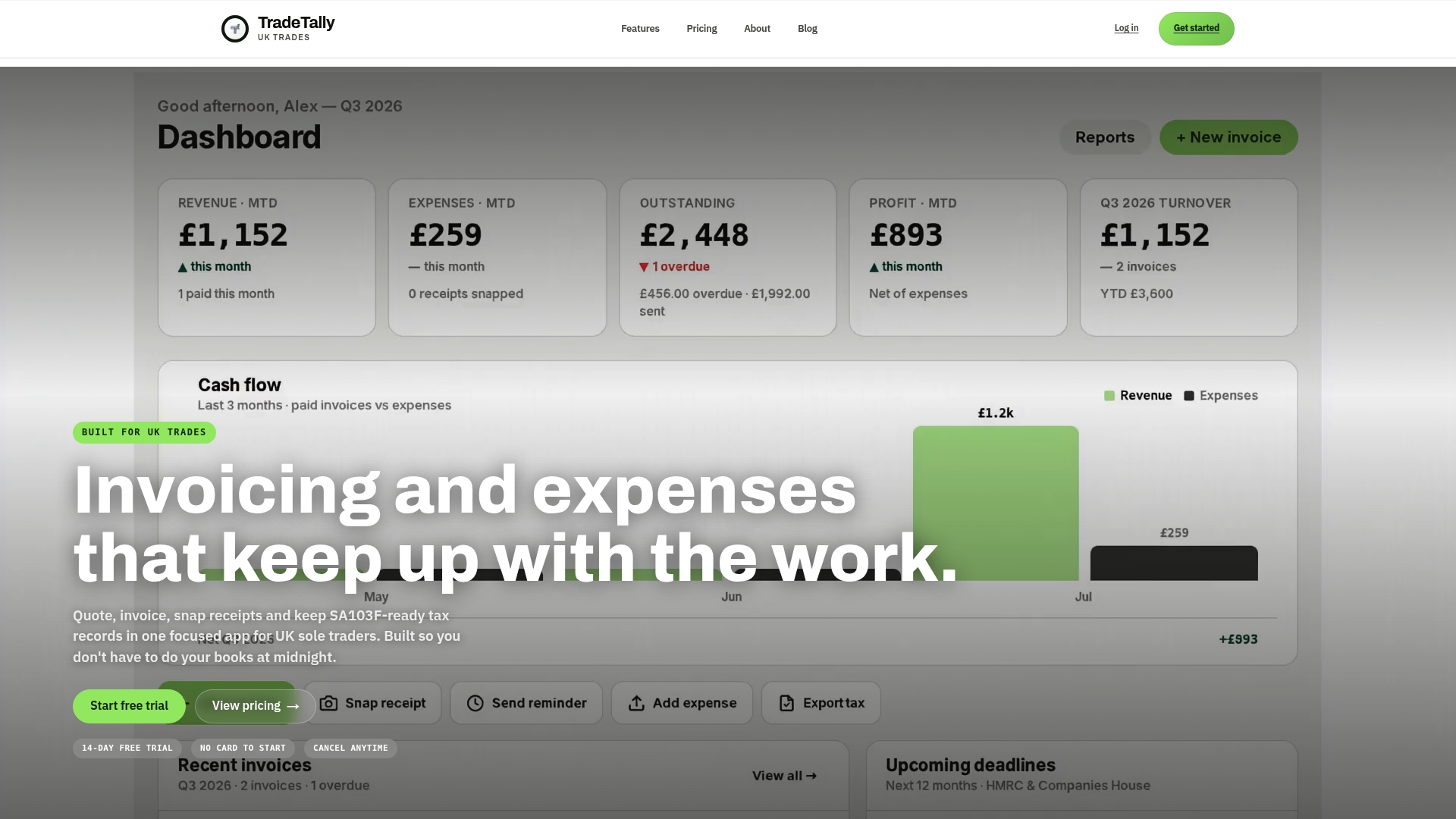
Some software offers an alternative to a late-night spreadsheet scramble for tradespeople preparing SA103F by capturing receipts and invoices as jobs happen, and exporting figures mapped to the relevant boxes.
The core features that matter for Self Assessment: automatic SA103F export, instant branded invoicing, receipt capture from your phone, CIS deduction handling for subcontractors, and tax-ready reports you can hand straight to an accountant. Builders, joiners, and other tradespeople managing multiple jobs at once tend to feel the time saving most sharply during tax season, when reconciling paperwork usually eats an evening or two.
If you want to see how the export maps to each SA103F box before you commit to anything, start with the SA103F tax export explainer, or try the Self Assessment tax calculator to get a working estimate of what you’ll owe.
Sources
Download the SA103F notes (2024) for earlier worked examples, and use TradeTally’s SA103F preparation guide for a step-by-step mapping exercise.
This article is general information, not a substitute for advice from a qualified financial advisor. Consult a qualified financial professional about your own circumstances before acting on anything here.
FAQ
Where can I get a SA100 form?
You can download the main SA100 Self Assessment return, along with the SA103F and other supplementary pages, from GOV.UK, or file it online through your HMRC personal tax account.
How do I declare my self-employed income to HMRC?
You declare it through Self Assessment, using either the SA103S or SA103F supplementary pages depending on your turnover and circumstances, alongside your main SA100 return.
How does HMRC know my foreign income?
HMRC receives foreign income data through international information-sharing agreements and bank reporting, but you’re still legally required to declare it yourself on the relevant supplementary pages of your Self Assessment return.
Can I submit my own tax return as a sole trader?
Yes, sole traders can complete and file their own Self Assessment return, including the SA103F pages, though many use accounting software to keep records tax-ready throughout the year rather than at deadline time.
What’s the difference between SA103F and SA103S?
SA103S is the short version for straightforward cases below the VAT threshold, while SA103F covers higher turnover and more complex situations like capital allowances, overlap relief, or CIS deductions.
Recommended
Ready to sort your trade admin?
TradeTally gives UK sole traders invoicing, expenses, and SA103F-ready tax exports in one mobile-first app.
Start 14-day Pro trial →No card required