Best mobile invoicing app for tradesmen
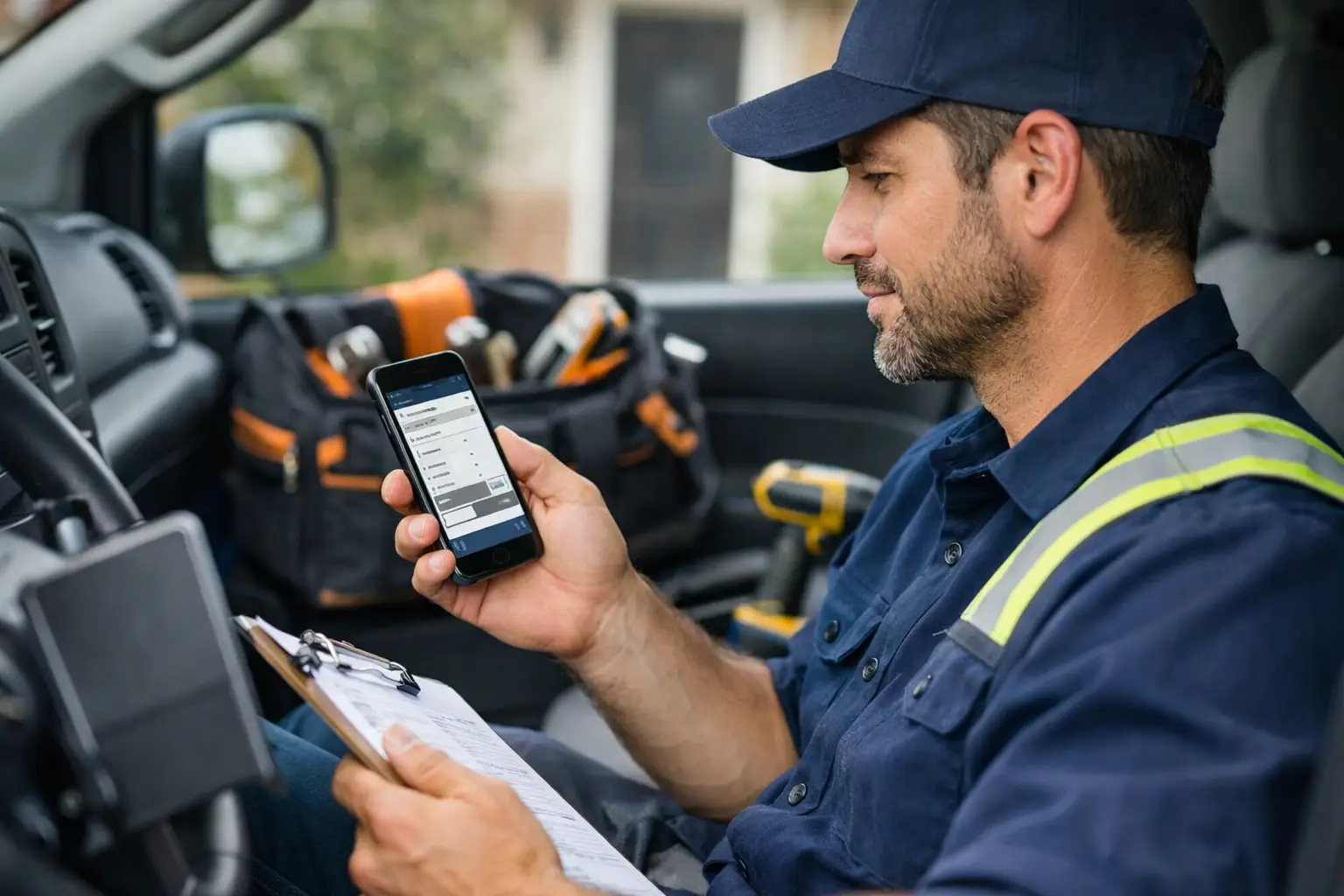
You finish a job, pack the van, and tell yourself you’ll send the invoice later. Then later turns into after tea, then tomorrow, then the weekend, and before long cash is delayed because the paperwork never caught up. That is exactly why a mobile invoicing app for tradesmen matters - not as another bit of software, but as a faster way to get paid while the job is still fresh.
For sole traders, invoicing is rarely the only problem. If you are a plumber, electrician, builder or carpenter, the invoice sits in the middle of a bigger admin mess. Quotes need turning into work, receipts need keeping, expenses need sorting, and tax records need to be right when self-assessment comes round. If your app only sends invoices but leaves the rest to scraps of paper and late-night spreadsheets, it solves half the issue.
What a mobile invoicing app for tradesmen should actually do
A good app should work the way tradespeople work. That means on a phone, in short gaps between jobs, with one hand free and no appetite for fiddly setup. You should be able to create and send a branded invoice in minutes, using saved customer details, clear line items and simple totals.
But speed on its own is not enough. The app should also show whether an invoice is drafted, sent, overdue or paid. That visibility matters because cash flow problems often start with not knowing what is still outstanding. If you have to scroll through old texts, emails and paper notes to work out who owes what, admin is already wasting too much time.
Expense tracking also belongs in the same place. Most sole traders do not lose money because the work is bad. They lose money because costs are hard to track and records go missing. If you can snap a receipt there and then, log the expense, and keep it against your business records, you save yourself a painful tidy-up later.
Then there is tax. This is where many tools get awkward. Some are built like full accounting systems, which sounds useful until you are three screens deep in settings you never needed. For most sole trader tradespeople, the better option is a mobile-first system that handles invoicing, expenses and clean exports for self-assessment without making you feel like you are sitting an accounting exam.
Why general accounting software often feels like overkill
A lot of tradespeople start with broad accounting platforms because they are well known. On paper, that makes sense. In practice, many sole traders end up paying for features designed for bigger firms, office teams or businesses with more moving parts than they actually have.
That is the trade-off. A broad platform may offer deeper accounting functions, but if it slows down everyday jobs like sending invoices from site, it can become the wrong tool for the real work. Most self-employed tradesmen do not need a finance department in an app. They need quick invoicing, clear expense records and enough structure to keep tax prep under control.
There is also the cost question. If you are working for yourself, every monthly outgoing has to earn its place. Paying premium software prices for dashboards you barely touch is hard to justify, especially when the real need is straightforward admin done quickly.
The best mobile invoicing app for tradesmen is the one you will use on site
This is where a lot of software comparisons miss the point. The best mobile invoicing app for tradesmen is not the one with the longest feature list. It is the one that fits how your day actually runs.
If you are in and out of houses, on a ladder, at a merchant, or driving between jobs, the app needs to let you do the basics fast. Create a quote, turn it into an invoice, send it before leaving site, and check later whether it has been paid. That flow matters more than flashy reports you will never open.
It also needs to be clear at a glance. You should not have to guess which invoices are late or whether a customer still owes for a job from last month. Good pipeline visibility is not just a nice extra. It helps you chase the right payments at the right time, which is often the difference between a smooth month and a tight one.
There are cases where a more advanced system makes sense. If you employ staff, run payroll, manage stock in detail or have a bookkeeper working inside your software every week, you may need something broader. But for the typical UK sole trader in the trades, a simpler mobile tool is often the better fit.
What to look for before you choose
Start with invoicing speed. If you cannot build and send an invoice in a couple of minutes from your phone, it will become another thing you put off.
Check whether the app handles quotes as well as invoices. Many trades jobs start with an estimate, and retyping the same details later wastes time. A smooth quote-to-invoice flow cuts that duplication.
Look at expense capture next. If receipts are still going in the glovebox for later sorting, be honest: later is where records go to die. You want a camera-based capture that files the receipt against the job straight away.
Payment status matters too. Knowing what is sent, paid and overdue gives you a live picture of money coming in, which is basic control rather than accounting theatre.
Finally, check year-end admin. An app that exports clean records for self-assessment saves hours when deadlines close in, and for CIS subcontractors, built-in deduction handling avoids a manual reconciliation every quarter.
Pricing shapes all of this. Some apps offer a genuine free tier with limited invoices per month, others split paid plans into tiers such as Lite, Starter, Standard or Premium, each raising the invoice cap and unlocking features like expense tracking or tax exports. A few give unlimited invoices and templates free but charge when you take payment through the app. Match the tier to what you actually send in a month rather than paying for headroom you will not use.
| App | Pricing | Invoicing & quotes | Expense tracking | Self-assessment / CIS export |
|---|---|---|---|---|
| TradeTally | Free tier for limited invoicing; paid monthly or annual plans for unlimited invoices, receipts and tax exports | Invoicing and quote handling built around trades jobs | Receipt capture against jobs | SA103F export and CIS deduction handling |
| Xero | Free mobile app download; paid subscription tiers for the full platform | Invoicing with broader accounting tools | Expense tracking included | Export formats depend on plan, check official site |
| Other general accounting apps | Often free or low-cost entry tier, Lite/Starter/Standard/Premium pricing | Invoicing, some lack quote-to-invoice flow | Varies by tier | Check official site |
Use the table to rule out mismatches fast: if an app’s cheapest tier caps your invoice count below what you send in a busy month, or it has no CIS handling and you are a subcontractor, move on before you waste time on setup.
Payment methods and integrations in mobile invoicing apps
Most invoicing apps let clients pay by card or bank transfer, and some add Apple Pay, usually with a transaction fee on card payments. A ’Pay Now’ button on the invoice lets clients pay instantly, which can be a practical option if you routinely accept card or online payments.
Before you commit, check two things on the provider’s site: which payment methods sit on the invoice by default, and what integrations exist for accounting exports or tax prep. Some providers list certified third-party integrations in an app marketplace, so search for ones that match how you already get paid, whether that is site-based card readers, bank transfer only, or a mix.
If you take card payments on site, a ’Pay Now’ button may streamline payment. For bank transfer-only clients, it may be less relevant.
Where a trade-focused app earns its keep
Software built around tradespeople tends to make better decisions about what to include and what to leave out. That sounds simple, but it matters. If a system is made for vans, sites and short evenings, it strips away a lot of the clutter that slows people down.
That is why tools built for sole trader trades can feel easier from day one. The language is clearer. The setup is lighter. The features match real admin jobs instead of theoretical ones. You are not being pushed into bookkeeping habits borrowed from larger companies.
TradeTally is a good example of that narrower approach. It is built around fast mobile invoicing, quote handling, expense capture, payment visibility and self-assessment export for UK sole trader tradespeople, without the weight and cost of broader accounting platforms. For someone who wants admin sorted from a phone at a sensible monthly price, that focus is the point.
Common mistakes when choosing a mobile invoicing app
One mistake is choosing on brand name alone. Big names are not always bad, but popularity does not mean suitability. If the app feels heavy, slow or desk-bound, you are less likely to use it consistently.
Another is looking only at invoicing and ignoring the admin around it. Sending invoices faster helps, but if your expenses are still scattered and tax records are still messy, the underlying problem remains.
The last mistake is underestimating friction. Even a small delay in adding a job, sending an invoice or logging a receipt can knock the habit off course. For tradespeople, software works best when it asks very little of you.
A better standard for admin on the job
A mobile invoicing app should not feel like extra work. It should cut the lag between finishing the job and getting the invoice out, while keeping the rest of your records in order without a separate admin session every night.
That is the real test. Not how many features it can list, but whether it helps you stay on top of money, paperwork and tax without dragging you into complexity you never asked for. If it does that from your phone, in the gaps between real work, it is doing its job properly.
Choose the app that suits how you actually work, not how software companies think you should work. The right one will not just tidy your admin. It will give you back time, speed up payment, and make the business side of the job feel more manageable.
Related articles

Do Tradesmen Need Expense Software?
Do tradesmen need expense software? For many sole traders, it saves time, tracks costs, and makes tax returns far less painful on site.
Why Branded Invoices for Tradesmen Work
Branded invoices for tradesmen help you look professional, get paid faster and stay memorable without adding admin at the end of a long working day.

When Should Tradesmen Invoice Customers?
When should tradesmen invoice customers? Learn the best time to bill for deposits, stage payments and completed jobs to protect cash flow.
Best Xero Alternative for Sole Traders
Looking for a Xero alternative for sole traders? See what matters most for UK tradespeople who need faster invoicing, simpler admin and tax prep.