SA103F spreadsheet template: worth using?
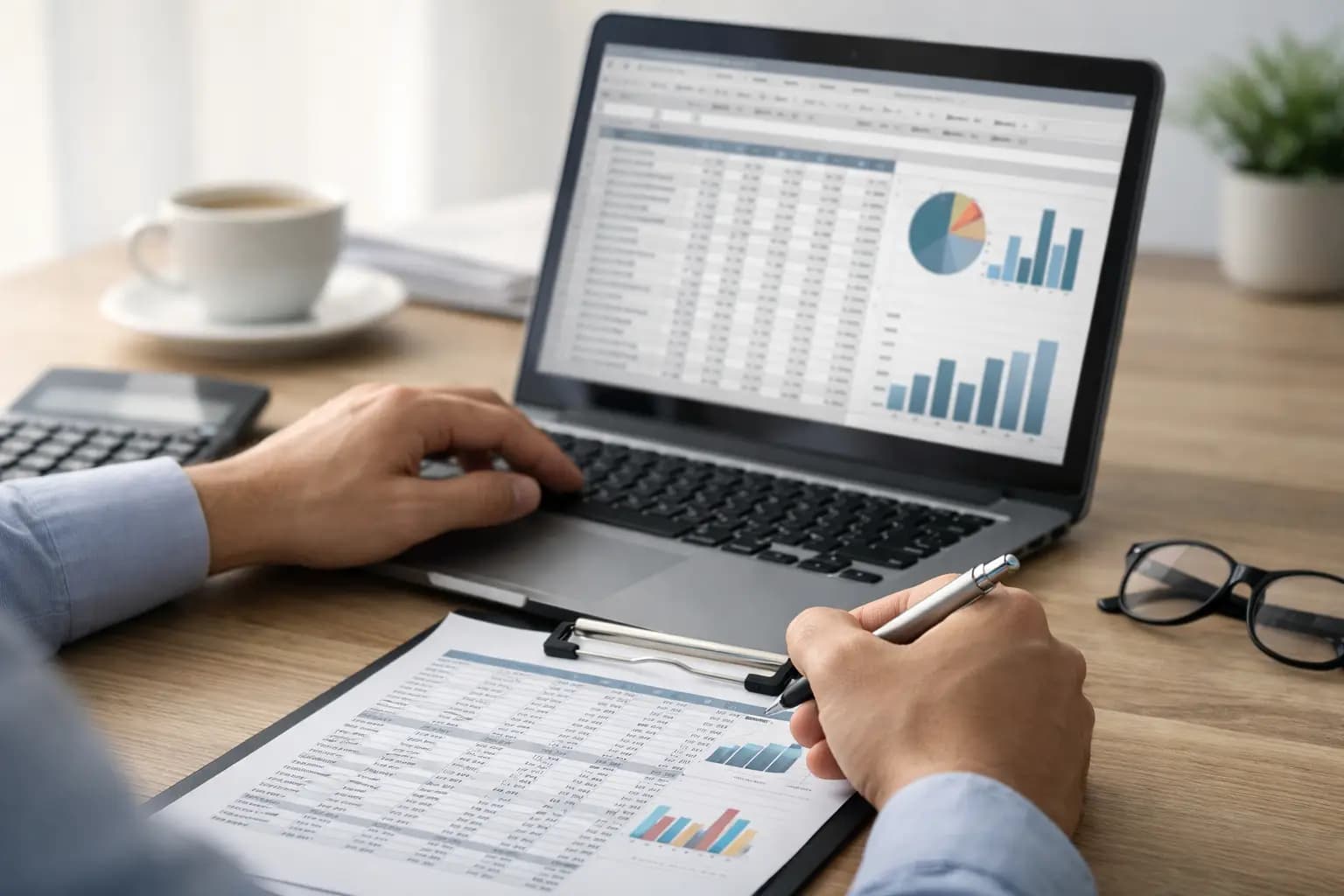
If your tax records live in a spreadsheet called something like final-final-2024, you are not alone. A lot of sole traders start with an sa103f spreadsheet template because it feels cheap, familiar, and better than a pile of receipts on the passenger seat. For some tradespeople, it does the job well enough. For others, it turns into late-night fixing, missing figures, and a scramble when self-assessment comes round.
The real question is not whether a spreadsheet can work. It can. The better question is whether it still works once your business gets busy, your jobs stack up, and your evenings get shorter.
What an sa103f spreadsheet template is for
The SA103F is the full self-employment pages section of a UK self-assessment tax return. It is used when your business records need more detail than the short version. That usually means tracking income, allowable expenses, and the figures HMRC expects to see laid out properly.
An sa103f spreadsheet template is simply a workbook set up to help you collect those numbers during the year. It may have tabs for sales, materials, fuel, tools, subcontractor costs, phone bills, and other day-to-day spending. Some also add simple profit calculations so you can see roughly where you stand before tax time.
That sounds straightforward, and in principle it is. The problem is that tradespeople do not work from a tidy desk with time to spare. You are pricing jobs, chasing materials, driving between sites, answering calls, and trying to get invoices out before dinner. That is where spreadsheets start to show their limits.
Where a spreadsheet template works well
For a brand-new sole trader with a small number of jobs each month, a spreadsheet can be a decent starting point. If your invoicing is simple, your expenses are low, and you are disciplined enough to update it every week, an sa103f spreadsheet template may give you enough structure to avoid total chaos.
It can also be useful if you already understand your categories. If you know the difference between tools, materials, mileage, use of home, and other running costs, then entering figures into the right boxes is not too hard. Some people prefer the control as well. They can see every line, tweak formulas, and keep things exactly how they like them.
There is also the cost point. A spreadsheet looks free, or nearly free. If you are watching every pound in your first year, that matters.
But cheap at the start is not always cheap by January.
The gaps most sole traders hit
The first issue is data entry. A spreadsheet only works if the numbers go in. When you are on site all day, the admin often gets left until late evening or Sunday night. That means receipts get lost, fuel is forgotten, and small cash purchases disappear from the record.
The second issue is accuracy. One wrong formula, one overwritten cell, or one duplicated line can throw off the totals. You might not spot it until months later. By then, fixing it means trawling back through bank statements and paper receipts, which is exactly the job you were trying to avoid.
The third issue is separation. Most spreadsheets sit apart from the rest of your admin. You might invoice in one app, store receipts in your camera roll, note cash payments in a notebook, and then try to pull it all together in an sa103f spreadsheet template later. That creates extra work and extra chances to miss something.
There is also a visibility problem. A spreadsheet can tell you what happened if you keep it updated, but it is not always good at showing what is overdue, what has been paid, and what is still outstanding on live jobs. That matters because tax is only one part of the picture. Cash flow is the bit that keeps the van moving.
What a good SA103F setup needs to track
Whether you use a spreadsheet or something else, the basics need to be right. You need clean records of your sales, your business expenses, and enough detail to back them up if questioned. For most trades, that means recording invoices issued, payments received, materials bought, tools purchased, vehicle costs or mileage, insurance, phone costs, and any subcontractor payments where relevant.
It also helps to keep notes that make sense later. "Screwfix £42.80" is better than nothing, but "Screwfix materials for bathroom refit" is better again. Six months later, context matters.
You also need consistency. If one month you log fuel under vehicle costs and the next month under travel, your year-end figures get messy. A spreadsheet template can set headings, but it cannot force good habits.
Why this matters more for trades than office-based work
A lot of tax advice is written as if everyone sits at a laptop at 4 pm with a neat folder of receipts. That is not how most sole trader tradespeople work. Admin gets squeezed into gaps between jobs, done from the van, or left until you are already tired.
That is why the method matters almost as much as the records themselves. If your setup relies on perfect routine and regular desktop time, it is probably not built for real trade work. What looks simple on paper can be a pain in practice.
This is where many people outgrow the spreadsheet. Not because spreadsheets are bad, but because they depend too much on manual effort.
Spreadsheet template or software?
If your records are light and you genuinely keep on top of them, a spreadsheet may be enough. There is no prize for overcomplicating things. But if you are regularly behind on invoicing, have receipts scattered across the van, or only think about tax when the deadline is looming, software usually saves time and stress.
The biggest difference is that purpose-built software cuts down the duplicate work. Instead of creating invoices in one place and then re-entering the totals into an sa103f spreadsheet template, you record jobs, expenses, and payments as you go. The tax-ready figures build in the background.
That does not mean every accounting package is a good fit. A lot of them are built for bookkeepers or limited companies, not sole traders fitting kitchens or rewiring extensions. Too many menus, too much jargon, too much setup. If the tool feels like homework, it will get ignored.
For tradespeople, the better option is usually something mobile-first and stripped back to what actually matters: invoicing, expense capture, and clear exports for self-assessment. Built for vans, sites, and short evenings, not accounting exams.
How to tell if your current template is costing you time
A simple test helps here. Think about your last three months. If you had to work out your total income, unpaid invoices, materials spend, and likely tax position tonight, could you do it in ten minutes without hunting through messages, photos, and bank statements?
If yes, your system is probably doing enough.
If no, the issue is not just the template. It is the workflow around it.
That is usually the point where spreadsheets become false economy. You are not paying in software fees, but you are paying in missed evenings, patchy records, and admin you keep doing twice.
A better way to handle SA103F records
The best setup is the one you will actually use after a long day. That means quick invoicing from your phone, easy receipt capture the moment you get it, simple expense categories, and records that stay organised without constant fixing.
If your current sa103f spreadsheet template still supports that, fine. Keep it lean and keep it current. But if you are forever catching up, it is worth switching to a system that collects the right figures as part of the work, not as a separate job later.
TradeTally is built around that reality. It gives sole trader tradespeople a straightforward way to invoice, track expenses, and keep self-assessment records moving without turning evenings into bookkeeping sessions.
The goal is not to make tax exciting. It is to make it less of a headache. If your spreadsheet helps, use it well. If it slows you down, do not keep forcing it just because it is familiar. The best admin system is the one that lets you get paid, stay organised, and get back to the actual job.
Ready to sort your trade admin?
TradeTally gives UK sole traders invoicing, expenses, and SA103F-ready tax exports in one mobile-first app.
Start 14-day Pro trial →No card required