Spreadsheet vs invoicing software
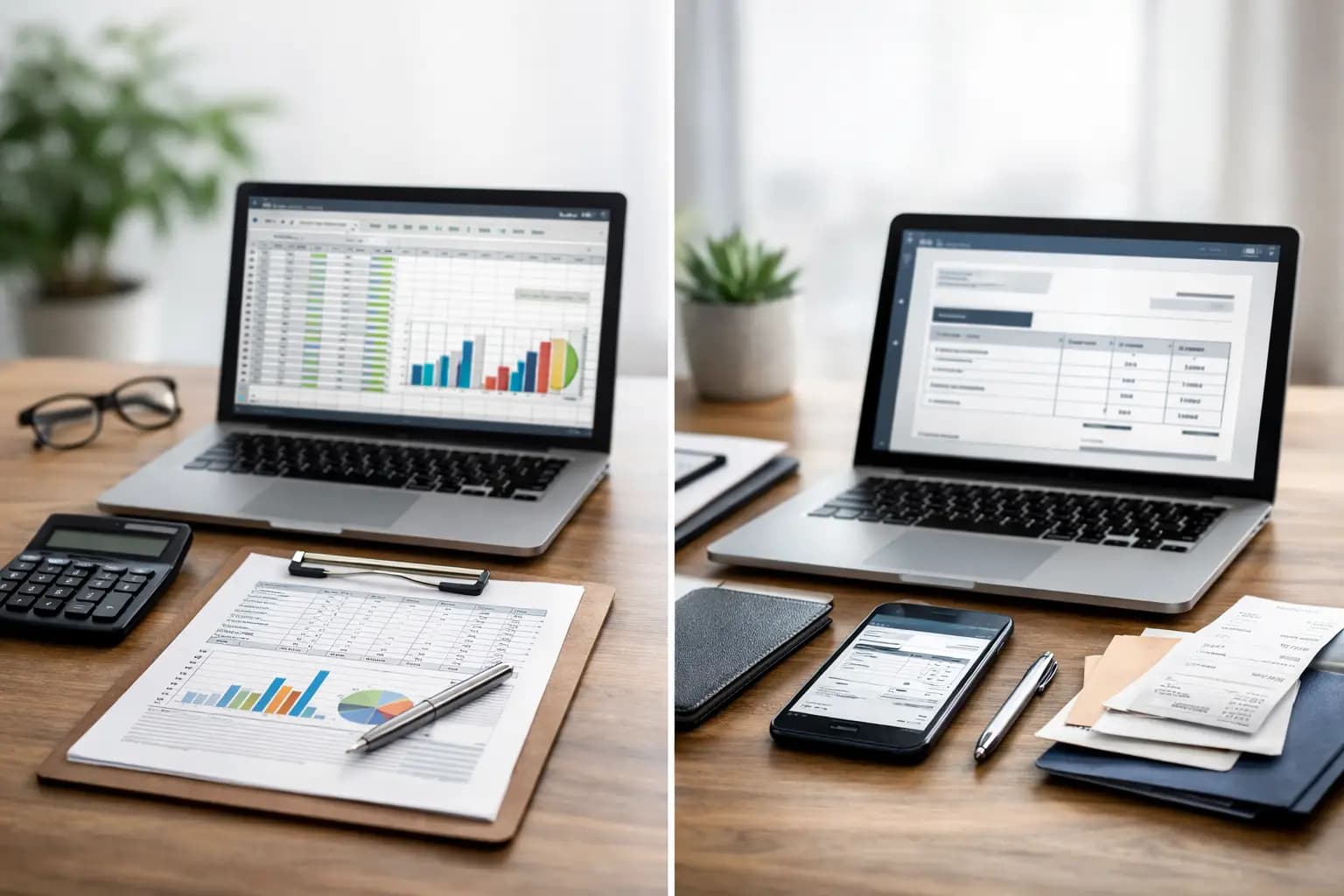
You finish a job, pack the van, head to the next call-out and tell yourself you’ll sort the invoice tonight. Then tonight turns into Thursday, Thursday turns into next week, and the spreadsheet gets updated only when cash starts feeling tight. That is where the real spreadsheet vs invoicing software decision sits - not in theory, but in the gap between work done and money chased.
For a lot of sole trader tradespeople, spreadsheets were the first system that felt better than paper. Fair enough. They are cheap, familiar and flexible. But flexible is not always the same as useful when you are pricing work in a driveway, snapping a receipt at a merchant, or trying to remember which customer still owes for the boiler repair you finished ten days ago.
Spreadsheet vs invoicing software: what changes day to day?
The biggest difference is not the file format. It is how much you have to remember and how much time the system takes off your hands.
A spreadsheet can record almost anything if you build it properly. You can log customer names, invoice numbers, dates, amounts, paid status, materials, labour and even expenses. If you are disciplined, it can work well enough for a while. The catch is that you are doing the heavy lifting. You set it up, update it manually, check formulas, correct mistakes and keep the whole thing tidy.
Invoicing software is built for a narrower job. That is exactly why it is usually better for sole traders. Instead of making a sheet behave like an invoicing system, you start with tools that are already made for quotes, invoices, payment tracking, receipt capture and tax records. Less building. Less fiddling. Less late-night admin.
If you are on site all day, that matters. A spreadsheet tends to suit desk time. Invoicing software suits real-world trade work - vans, sites and short evenings.
Where spreadsheets still make sense
It is worth being fair here. Spreadsheets are not useless. In some situations, they are perfectly reasonable.
If you send only a handful of invoices each month, have very simple expenses and do not mind entering everything by hand, a spreadsheet may be enough. The cost is low, and many people already know the basics. Some sole traders also like having total control over their own layout and calculations.
They can also be handy for one-off planning jobs. You might use a spreadsheet to compare supplier prices, estimate margins on larger projects or keep rough notes on upcoming work. For that kind of flexible number-crunching, spreadsheets are hard to beat.
The problem starts when the spreadsheet stops being a simple record and becomes the backbone of the business. That is usually when cracks show.
The hidden cost of spreadsheets
Most spreadsheets look cheap because the monthly price is zero. What they really cost is time, missed steps and the occasional bad number.
Manual data entry is the obvious issue. Every invoice has to be typed up. Every payment has to be marked off. Every expense needs entering. If you are tired, in a rush or doing admin on your mobile phone in the van, errors creep in. A wrong figure, a missed payment update or a formula copied badly can throw off your whole view of what is coming in.
Then there is speed. A spreadsheet does not nudge you to send the invoice as soon as the job is done. It does not give you a ready-made template with your branding. It does not show you an invoice pipeline at a glance. You have to open the file, find the right tab, enter the details, save it properly and send it yourself. None of that is impossible. It is just slow.
Slow invoicing usually means slow payment. And for sole traders, cash flow problems often start with admin delay, not lack of work.
There is also the tax angle. A spreadsheet can hold expense records, but it does not capture receipts for you or guide you towards cleaner records through the year. If your system depends on sorting a pile of paperwork in January, it is not really a system.
Why invoicing software fits trade work better
Good invoicing software removes the admin friction that causes hold-ups. That is the real value.
Instead of building an invoice from scratch every time, you create and send one quickly from your mobile phone. Instead of keeping a separate sheet for who has paid, you can see paid, unpaid and overdue work in one place. Instead of stuffing receipts into the glovebox, you photograph them there and then.
For tradespeople, this matters more than fancy accounting features. Most sole traders do not need a system full of finance tools they will never touch. They need something fast enough to use between jobs and simple enough to keep using when work gets busy.
That is where purpose-built software wins. It is not trying to turn you into a bookkeeper. It is trying to get the admin done before it becomes a problem.
Invoicing speed and getting paid
A spreadsheet can track that an invoice exists. Invoicing software helps you create it, send it and follow its status.
That sounds like a small difference until you look at the week properly. If you are doing several small jobs, quoting in between and dealing with suppliers, every extra admin step gives you another reason to leave invoicing until later. Software cuts those steps down.
Faster invoicing tends to mean fewer forgotten jobs, fewer awkward chases and a clearer picture of what money is actually due.
Expenses and receipts
This is one of the biggest dividing lines in the spreadsheet vs invoicing software debate.
A spreadsheet stores expense data after you enter it. Software can make capturing that data easier in the first place. That matters because most record-keeping does not fail at the spreadsheet stage. It fails when the receipt gets lost before it ever reaches the spreadsheet.
If you can snap a receipt at the counter and keep it attached to your records straight away, you are far less likely to miss costs or underclaim legitimate expenses later.
Tax prep without the yearly scramble
No sole trader wants to spend winter evenings untangling months of invoices and receipts. Yet that is exactly what happens when records are spread across files, notes, emails and paper.
Invoicing software does not replace an accountant in every case, but it can make your records cleaner throughout the year. If your income, expenses and export-ready figures are already organised, self-assessment becomes less of a headache and less of a guessing exercise.
For UK sole traders, that is a practical win. Cleaner records mean less stress, fewer missing numbers and a better shot at getting tax submissions right first time.
It depends on how you actually work
This is not about saying spreadsheets are always wrong. It depends on your workload, your habits and how much admin you can realistically tolerate.
If you are a part-time sole trader with a tiny number of jobs each month, a spreadsheet may do the job well enough. If you are full-time, constantly moving, sending regular invoices and trying to stay on top of expenses, software usually earns its keep very quickly.
The question is not whether a spreadsheet can work. The question is whether it still works when your mobile is ringing, the diary is full and you have got no patience left at 8.30 pm.
That is where many tradespeople realise they do not need more flexibility. They need less admin.
What to choose if you are growing
Growth puts pressure on basic systems. More jobs means more quotes, more invoices, more receipts and more chances for something to slip through the cracks.
A spreadsheet often feels fine until volume increases. Then you start relying on memory to fill the gaps. Which invoice was sent? Which customer promised to pay Friday? Did you log that materials receipt from last week? Has that kitchen fit deposit actually landed?
Software gives you a stronger day-to-day operating system. Not an accounting exam. Just a clearer way to run the boring but essential parts of the business.
That is why many sole trader tradespeople move over before things get messy, not after. A mobile-first tool like TradeTally makes more sense when your business happens on the move, because the admin can happen there too.
If your spreadsheet is up to date, your invoices go out on time, your receipts are organised and your tax records are clean, keep using what works. But if the spreadsheet only works when you finally find time for it, you have already got your answer. The best system is the one you will actually use when the day gets busy.
Ready to sort your trade admin?
TradeTally gives UK sole traders invoicing, expenses, and SA103F-ready tax exports in one mobile-first app.
Start 14-day Pro trial →No card required