How to Track Unpaid Invoices Properly
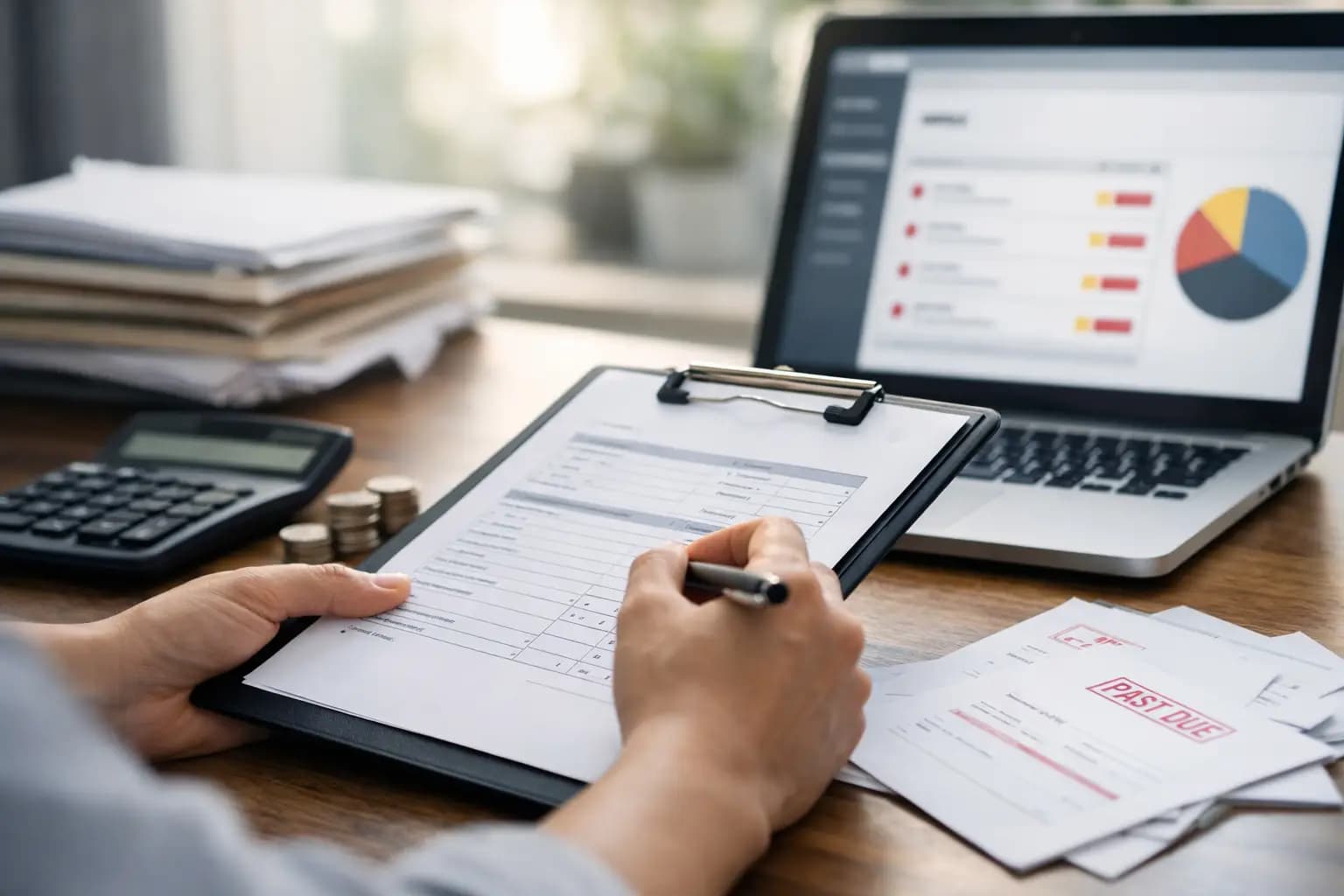
Late payment rarely starts as a big problem. It starts with one invoice you meant to check on Friday, then another you assumed had been paid, then a customer who says they never saw it. If you're wondering how to track unpaid invoices without turning every evening into paperwork, the answer is not more admin. It is a simple system you can keep on top of from your mobile phone, between jobs, without needing an accounting degree.
For sole trader tradespeople, unpaid invoices hit harder than they do for bigger firms. One late payment can knock your materials budget, leave you waiting to pay a supplier, or force you to dip into money set aside for tax. When you're on site most of the day, you do not have hours spare to chase numbers around a spreadsheet. You need to know what is due, what is overdue, who needs a reminder, and what is likely to land this week.
Why unpaid invoices get missed
Most overdue invoices are not missed because the amount is huge or the customer is especially difficult. They get missed because the tracking method is weak. Maybe invoices are sent from one app, payment status is checked in another, and reminders live in your head. Maybe you are relying on bank feed memory, paper notes in the van, or searching old emails after tea.
That setup works when you have two or three live invoices. It falls apart when work gets busy. The more jobs you complete, the easier it is to lose sight of what has been sent and what has actually been paid.
There is also a practical issue. Tradespeople often invoice at the end of a long day, while tired, with dirty hands and half an eye on tomorrow's first job. If the system takes too many steps, you stop using it properly. That is why the best unpaid invoice tracking is not the most detailed system on paper. It is the one you will actually keep updated.
How to track unpaid invoices without wasting time
The basic rule is simple. Every invoice should sit in one clear stage only: drafted, sent, due, overdue, or paid. If you cannot see that status at a glance, you are relying on memory, and memory is poor at admin.
Start by making sure each invoice includes a send date, due date, amount, customer name, and payment status. That gives you the minimum you need to manage cash flow. The due date matters more than many sole traders realise. Without it, there is no clean line between waiting and chasing.
Then build a checking routine you can stick to. For most one-person trade businesses, that means five minutes once a day or fifteen minutes twice a week. You are not doing a full finance review. You are only answering three questions: what is due soon, what is overdue, and who needs a reminder today.
A good system should also show invoice age. An invoice that is two days overdue is different from one that has sat unpaid for 28 days. Once invoices are grouped by age, you can act faster and more sensibly. A recent late payment may only need a friendly nudge. An older one may need a firmer message or a phone call before you book in more work for that customer.
What to record for each invoice
You do not need pages of notes. You need enough detail to avoid confusion and enough visibility to act quickly.
For each invoice, record the invoice number, customer, amount, issue date, due date, payment terms, and current status. It also helps to note the last reminder sent and any reply from the customer. If someone says, "Payment going through on Thursday," that should be logged somewhere straight away, not left to chance.
This is where mobile-first systems make sense for trades. When you can update an invoice while sitting in the van or waiting at the merchants, the records stay current. If you have to wait until you are back home with a laptop, delays creep in and the admin pile grows.
A practical follow-up routine that works
The mistake many sole traders make is either chasing too late or chasing in a panic. Neither helps. A better approach is to use the same routine every time.
Send the invoice as soon as the job is done or at the agreed stage. A day or two before the due date, send a short reminder for any customer who has not paid yet. On the due date itself, check whether payment has arrived. If it has not, send a polite overdue message. If there is still no payment after a few more days, follow up again and ask for a clear payment date.
This matters because consistency changes how customers treat your invoices. If you always send invoices late and chase randomly, some clients will take their time. If you invoice promptly and follow up in a steady way, your payment process looks professional and harder to ignore.
It also helps you spot patterns. If a certain builder always pays ten days late, that is useful information. You may choose tighter terms, staged billing, or payment upfront for materials next time. Tracking unpaid invoices properly is not just about chasing old money. It helps you decide who is good to work for.
Spreadsheets versus invoicing software
A spreadsheet can work if your business is small and you are disciplined. It is cheap, flexible, and familiar. But it comes with trade-offs. You have to update it manually, payment status can drift out of sync, and reminder history often gets patchy. Once jobs stack up, spreadsheets turn into one more thing to maintain.
Invoicing software is usually better if you want live visibility. It can show which invoices are sent, due, overdue, and paid in one place. You spend less time cross-checking and more time acting. For site-based sole traders, that matters. Admin needs to fit around work, not become another job after work.
This is where a tool built for trades can earn its keep. TradeTally, for example, is designed for vans, sites, and short evenings, so you can send invoices, track what is still outstanding, and keep cash flow visible without getting dragged into full-blown accounting software.
Common mistakes that make late payment worse
One of the biggest mistakes is sending an invoice without clear payment terms. If the customer does not know whether payment is due on receipt, in seven days, or in 30, you are making the chase harder from the start.
Another is not checking whether the invoice actually reached the right person. This comes up often with larger contractors or commercial clients. The work is done, the invoice is sent, but it lands in the wrong inbox or misses a purchase order reference. That is not always bad intent. Sometimes it is just poor process, but the result is the same if you are waiting to be paid.
A third mistake is treating all overdue invoices the same. A reliable domestic customer who forgot once is not the same as a repeat late payer who always needs chasing. If your tracking does not show customer history, you lose that context.
Then there is the classic one - waiting too long because you do not want to seem pushy. Fair enough, nobody likes awkward money conversations. But a polite reminder sent on time is more professional than silence followed by frustration three weeks later.
How better tracking helps cash flow
Tracking unpaid invoices is not just admin tidiness. It changes how you run the business. When you know what is outstanding and when it is likely to arrive, you can make better calls on stock, fuel, materials, and tax set-asides.
You can also spot trouble early. If too much money is tied up in overdue invoices, the problem is not just collections. It may mean your payment terms are too loose, your invoice timings are too slow, or too much of your work sits with a small number of customers.
That kind of visibility gives you options. You can tighten terms for certain jobs, ask for deposits, invoice in stages on larger work, or prioritise customers with a stronger payment record. None of that happens if unpaid invoices are buried in old emails.
Keep it simple enough to use every week
The best answer to how to track unpaid invoices is usually the least glamorous one. Use one system, keep every invoice in a clear status, check it regularly, and follow up in a steady way. If it takes too long, you will stop doing it. If it is simple, it gets done.
That is the whole point. You should be fitting bathrooms, wiring kitchens, fixing leaks, or pricing the next job - not spending your evenings playing detective with unpaid paperwork. A clean invoice process protects your cash, saves your time, and gives you fewer nasty surprises at the end of the month.
If your current setup only works when business is quiet, it is already too fragile. Build a system that still works when the diary is full.
Ready to sort your trade admin?
TradeTally gives UK sole traders invoicing, expenses, and SA103F-ready tax exports in one mobile-first app.
Start 14-day Pro trial →No card required