Invoicing software comparison UK for trades
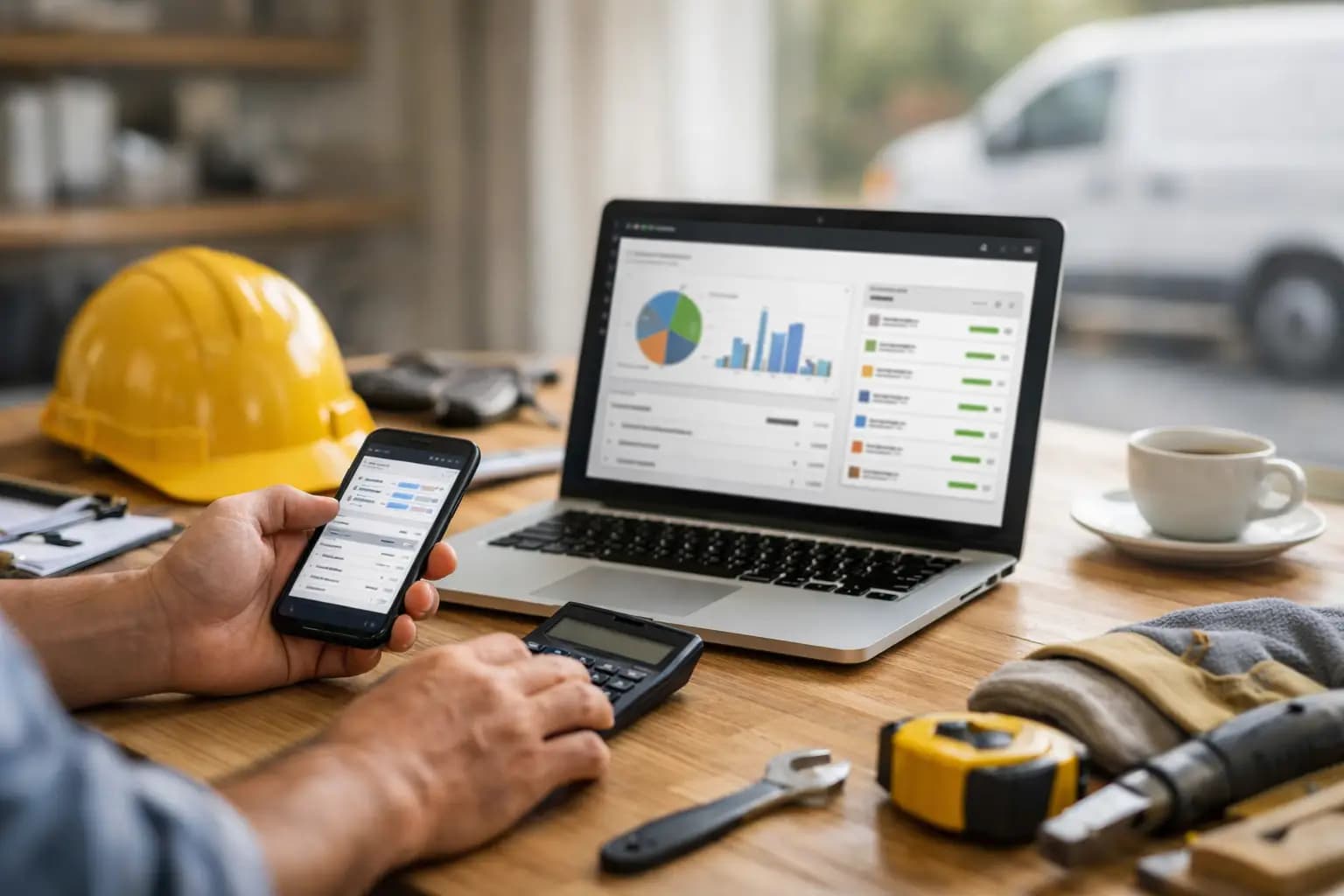
You do not need another app that looks clever in a demo and slows you down at 8.45pm when you are trying to send three invoices from the van. A proper invoicing software comparison UK buyers can actually use should start with real working conditions - muddy sites, patchy signal, short evenings and zero interest in learning bookkeeping for fun.
For sole trader tradespeople, the best software is rarely the one with the longest feature list. It is the one that gets quotes out fast, turns jobs into invoices without faff, helps you see who has paid, and keeps your receipts and tax records in one place. That sounds obvious, but plenty of software still feels built for people at desks, not people on ladders, in lofts or at merchants.
What matters in an invoicing software comparison UK buyers trust
If you are a plumber, electrician, builder or roofer, the usual software review criteria need trimming down. You are not buying a finance department. You are buying back time.
The first thing to look at is speed on mobile. If a system only feels easy on a laptop, it will probably become another job for late evening. Good trade-friendly invoicing software should let you raise an invoice from your mobile phone in a minute or two, using saved customer details, line items and clear totals.
Next comes visibility. Chasing money is bad enough without guessing what has gone out, what is overdue and what is still only a quote. A useful system shows where each job sits. Quote sent. Invoice sent. Paid. Overdue. That matters more than fancy dashboards.
Then there is expense capture. Sole traders lose time and money when receipts stay in pockets, on dashboards or in carrier bags until January. If your software makes receipt logging awkward, you will put it off. If it lets you snap and store expenses there and then, your records stay cleaner and tax time gets less painful.
Finally, think about whether you actually need full accounting software. A lot of tradespeople do not. If your main jobs are invoicing, tracking expenses and getting your figures ready for self-assessment, broader accounting platforms can be overkill. More features often means more setup, more menus and a steeper monthly cost.
The main types of invoicing software for UK sole traders
There are really three camps in this market, and knowing the difference saves time.
The first is broad accounting software with invoicing included. This suits some businesses, especially if they have staff, payroll, stock complexity or an accountant who wants everything in one deeper system. The upside is range. The downside is that many sole traders end up paying for tools they barely touch.
The second is invoicing-first software aimed at freelancers and small businesses. These tools are often cleaner and easier to learn. They can work well if your needs are simple, but some are fairly generic. They may not think much about site work, expense capture on the move or tax exports that make sense for sole traders.
The third is trade-focused admin software. This is the most relevant category for many UK sole traders in hands-on trades. The best of these tools are built for vans, sites and short evenings. They focus on the essentials: quotes, invoices, expenses, payment tracking and tax-ready records, without trying to turn you into a part-time bookkeeper.
How to compare features without getting lost
Most software pages lead with feature volume. That is not the same as usefulness.
Start with invoicing itself. Can you create branded invoices quickly? Can you reuse customer details and common job descriptions? Can you send from mobile? Can you see when invoices are overdue without digging around? If the answer to any of those is no, move on.
Then look at quoting. Many tradespeople lose time typing the same information twice. A stronger setup lets you create a quote, then convert it into an invoice when the job is accepted. That sounds small, but over a month it saves real hours.
Expenses are the next filter. Ask whether the software makes it easy to capture receipts immediately, sort spending clearly and keep records tidy for self-assessment. If you are still expected to keep a separate system for expenses, you are not really simplifying anything.
Tax support matters too, but be realistic. Not every sole trader needs full accounting depth. What many actually need is a straightforward way to export the figures required for self-assessment, especially where business categories and records need to line up cleanly. That is very different from needing advanced finance functions.
Price matters, but only if you compare the right thing
Cheap software that creates admin later is not cheap. Expensive software you only use at 20 per cent of its capacity is not good value either.
When comparing price, check what is included in the base plan. Some tools look affordable until receipt capture, reporting or multi-device access sits behind a higher tier. Others charge more because they are built for wider businesses with broader accounting needs.
For a sole trader in the trades, the smarter question is this: does the monthly cost save enough time, missed invoices and tax stress to justify itself? If a system helps you send invoices sooner, track late payments more clearly and keep expenses in order, it can pay for itself quickly. But if it is bloated, hard to learn or mainly desktop-based, the monthly fee is only part of the cost.
Where broader accounting platforms fit - and where they do not
This is the trade-off most people actually need help with.
Broader accounting software can make sense if your business is growing fast, you employ staff, you work with a bookkeeper inside the platform every week, or you need deeper financial reporting. There is nothing wrong with choosing that route if those needs are real.
But many sole trader tradespeople get pushed towards those platforms before they need them. They end up wrestling with categories, settings and accounting language when what they really wanted was to quote a job, send an invoice, log expenses and keep cash flow visible.
That is where purpose-built trade software tends to win. It strips out the parts that feel like accounting exams and keeps the parts that actually help you get paid and stay organised.
A practical way to choose the right software
If you are doing your own invoicing and self-assessment admin, test software against one normal week of work, not against a feature page.
Picture the jobs you actually do. You visit a customer, price the work, send a quote, buy materials, keep the receipt, finish the job, send the invoice, then check whether payment has landed. Every step should feel easy on your mobile phone. If the software breaks that flow, it is not right for your working day.
Also think about handover points. If you use an accountant once a year, they may not need you on a full accounting platform. They may just need clear exports and tidy records. That can open up simpler options that cost less and fit the way you work better.
And be honest about setup tolerance. If you hate admin now, you are not suddenly going to love a system that needs hours of configuration. The best choice is often the one you will actually keep using in October, not just the one that looked impressive on day one.
The best fit for most sole trader tradespeople
For many UK tradespeople, the strongest option in an invoicing software comparison UK market is not the broadest platform. It is the one designed around job-to-payment admin, mobile use and self-assessment readiness.
That means quick branded invoicing, clear quote conversion, expense capture from the mobile phone, visibility over what is paid and overdue, and records that are easier to use when tax time comes round. If it also avoids locking those basics behind a high monthly fee, even better.
TradeTally sits firmly in that lane. It is built for sole trader tradespeople who want essential admin sorted without the bulk and cost of wider accounting software. At a starting price of £19 per month, it is aimed at people who need to get paid faster, keep receipts under control and stay ready for self-assessment without turning evenings into spreadsheet sessions.
The truth is, there is no single winner for every business. A larger operation with more complex finance needs may choose a broader accounting tool and be perfectly happy. But if you are a sole trader working on site most days, the best software usually looks less like a finance suite and more like a fast, practical workspace that keeps the basics nailed.
Pick the tool that fits your day, not the one with the loudest marketing. If it helps you invoice before you drive off, log receipts before they vanish, and see what money is still outstanding at a glance, that is probably the right call.
Ready to sort your trade admin?
TradeTally gives UK sole traders invoicing, expenses, and SA103F-ready tax exports in one mobile-first app.
Start 14-day Pro trial →No card required