How to Invoice From Van Without Delays
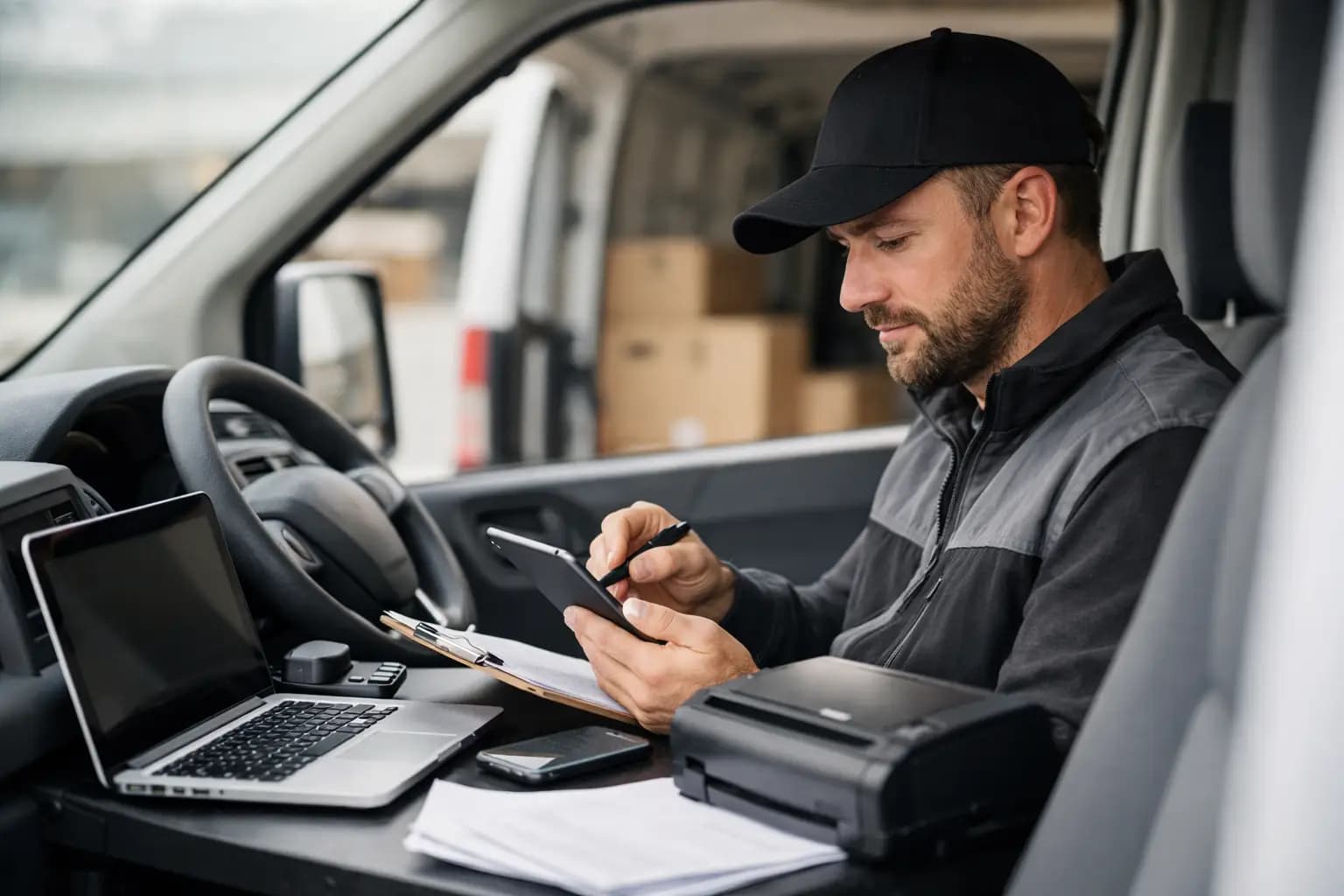
You finish a job, chuck the tools back in the van, answer one last customer question, then head to the next site. That gap between jobs is exactly when invoicing should happen. If you are wondering how to invoice from the van without it turning into late-night paperwork, the answer is simple: keep the whole process on your phone and make it part of the job, not something you save for later.
For sole trader tradespeople, delayed invoicing usually is not about laziness. It is about timing. You are on site, driving, picking up materials, quoting the next job and trying to keep the week moving. By the time you get home, admin is the last thing you want. That is why van-based invoicing works best when it is quick, repeatable and built around the way you actually work.
Why invoicing from the van makes sense
The biggest win is speed. If you invoice as soon as the job is finished, the customer gets the bill while the work is still fresh in their mind. That alone can shorten payment times. Leave it three or four days and you create friction for yourself. Details get missed, materials get forgotten and customers are more likely to sit on it.
There is also a cash flow benefit. Most sole traders do not have the luxury of waiting weeks because paperwork piled up on the passenger seat. A faster invoice means a faster chance of payment, which matters when fuel, materials and supplier bills are all leaving the account straight away.
Then there is record keeping. Invoicing from the van gives you a cleaner trail of what was done, when it was done and what was charged. That helps if a customer has questions later, and it makes tax time far less painful.
How to invoice from the van in a way that actually sticks
The trick is not just having an app. It is having a routine that takes two or three minutes and does not rely on memory.
Start by keeping your customer details ready to go. If you are typing names, addresses and email details from scratch every time, it will always feel like a chore. Save repeat customers, common job types and your usual rates so each invoice is mostly pre-filled before you even start.
As soon as the job is complete, sit in the van and build the invoice there and then. Add the labour line, any materials used, and a short plain-English description of the work. Keep that description clear enough that the customer knows what they are paying for, but do not write an essay. A line like “Supply and fit kitchen tap, test for leaks, remove old unit” is usually enough.
Before you send it, check three things: the amount, the payment terms and the customer contact details. Most invoice mistakes happen because someone is rushing between jobs. A ten-second check is cheaper than chasing a corrected invoice later.
Then send it immediately by email from your phone. If the customer is standing with you, you can even tell them it has just gone over. That removes any doubt about whether they received it.
What needs to be on the invoice
If you are a UK sole trader, your invoice should be professional and complete, not thrown together in a notes app. At a minimum, include your business name, your customer details, a unique invoice number, the invoice date, a description of the work, the amount due and when payment is expected.
If you are VAT registered, VAT details need to be shown properly too. If you are not, do not overcomplicate it. The goal is to make the invoice easy to understand and easy to pay.
It also helps to include payment methods clearly. Bank transfer is common, but if you accept other options, show them. The fewer steps a customer has to think about, the better.
The best setup for mobile invoicing
If you want to know how to invoice from the van without wrestling with clunky software, mobile-first matters more than big feature lists. A lot of accounting platforms can technically send invoices, but they are built like office software squeezed onto a small screen. That is fine if you spend your day at a desk. It is not much use with dusty hands in a lay-by between jobs.
A better setup is simple. You need a phone, a clean invoice template, saved customer records and a clear view of which invoices are sent, unpaid or overdue. That is enough for most sole trader trades.
The useful extras are the ones that save time later. Being able to snap receipts there and then, track expenses in the same place and keep your income records tidy for self-assessment is worth far more than having twenty reports you will never open. TradeTally is built around that reality - vans, sites and short evenings, not accounting exams.
Common mistakes when you invoice on the go
The first mistake is waiting until the end of the week. It sounds efficient, but it usually creates a bigger mess. Jobs blur together, paperwork goes missing and one forgotten invoice can wipe out the time you thought you were saving.
The second is being too vague. “Works completed” is not a proper description. If a customer queries the bill, vague wording makes the conversation harder. A short factual line about the work done is enough.
The third is forgetting extras. Materials collected mid-job, parking charges you agreed to pass on, or an additional hour that was approved can all get lost if you rely on memory. Invoicing from the van works best when the job is still fresh.
The fourth is sending an invoice with no payment expectation. If you want payment in seven days, say seven days. If it is due on receipt, say that. Customers are not mind readers.
How to make customers pay faster
Fast invoicing helps, but it is not the whole story. The invoice itself needs to be easy to act on.
Use plain wording. Keep the total visible. Make payment details obvious. If you have agreed staged payments, show clearly which stage this invoice covers. If the customer is domestic rather than commercial, less jargon is usually better.
It also pays to set expectations before the invoice is sent. Mention payment terms when the job is booked or when the quote is accepted. Then the invoice is just the formal step, not a surprise at the end.
For repeat late payers, it depends on the relationship. Some tradespeople are happy to keep things informal with good long-term customers. Others need firmer terms because cash flow is too tight to carry delays. There is no single rule, but there is a clear lesson: the more consistent your process, the easier it is to chase professionally when needed.
A simple van-based invoicing routine
The best routine is the one you will actually follow on a busy Tuesday. Finish the job, note any extra materials or time, create the invoice in the van, send it before you drive off, and mark it in your system so you can see whether it has been paid.
That last part matters. Invoicing is only half the job. You also need visibility. If unpaid invoices are buried in emails or scribbled in a pad, you will always be reacting late. A proper pipeline view makes it obvious what is outstanding and what needs chasing.
This is where many sole traders end up mixing too many systems - notes on the phone, receipts in the glovebox, invoices in one app and tax records somewhere else. It works for a while, then January arrives and the whole thing becomes a weekend-killer. Keeping invoicing, expenses and tax-ready records together is not about being fancy. It is about avoiding the yearly clear-up nobody wants.
When invoicing from the van might not suit
There are a few cases where you may not send the invoice on the spot. Larger jobs with staged billing, insurance work, or projects where materials and labour need checking back at the yard may need a bit more review. Fair enough.
But even then, you can still do most of the work from the van. Draft the invoice, log the job details and save the customer record while it is fresh. That cuts down the admin later and reduces the chance of errors.
The point is not that every invoice must be sent within sixty seconds of packing up. The point is to stop treating invoicing as a separate evening task when most of it can be handled during the working day.
If your current system means jobs are finished on Wednesday and invoices go out on Sunday night, there is money being left on the table. Build a process that fits the way you already work, keep it mobile, and make sending the invoice the final part of the job. Your future self, and your bank balance, will thank you for it.
Ready to sort your trade admin?
TradeTally gives UK sole traders invoicing, expenses, and SA103F-ready tax exports in one mobile-first app.
Start 14-day Pro trial →No card required