7 best sole trader admin tools for UK trades
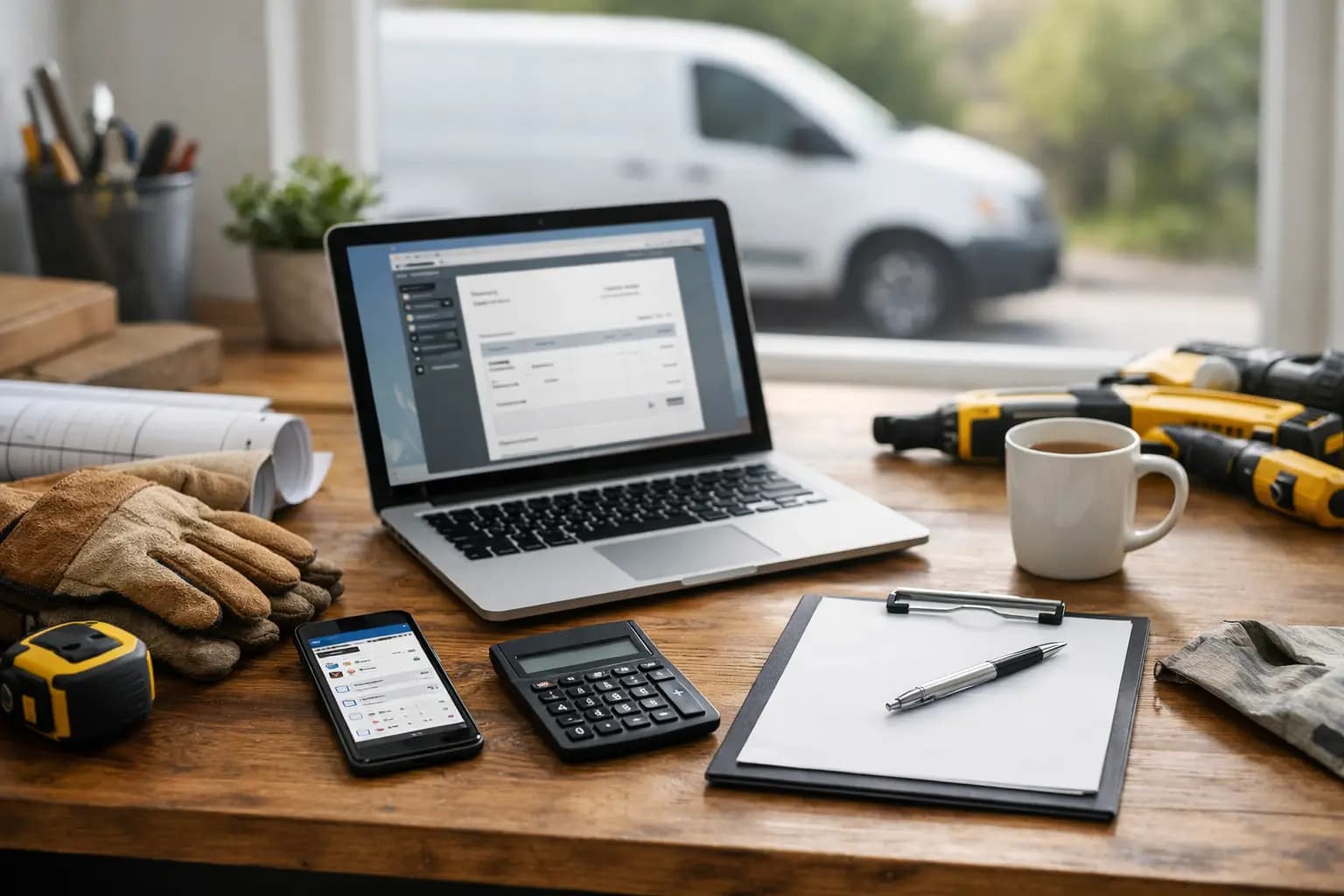
The admin usually starts at 8pm - when your back’s gone, your tea’s gone cold, and you’re trying to remember which customer still hasn’t paid. That’s why the best sole trader admin tools matter. If you’re a plumber, spark, builder or carpenter, the right setup should cut paperwork, get invoices out quicker, and stop tax time turning into a weekend write-off.
Most tradespeople do not need bloated accounting software. They need a quick way to quote, invoice, track expenses, keep an eye on cash flow, and pull together records for self-assessment without sitting through features built for finance teams. The trick is knowing which tools actually save time on site and which ones just move the admin around.
What makes the best sole trader admin tools?
For a UK sole trader in the trades, the best tool is not the one with the longest feature list. It is the one you will actually use between jobs, in the van, or while waiting at the merchant.
That usually means mobile-first design, fast data entry, clear invoice status, and simple expense capture. It also means low setup friction. If a tool needs hours of training before you can send one invoice, it is already losing.
There is also the tax side. Plenty of tools are good at sending invoices but weak when it comes to sorting expenses properly or giving you usable records for self-assessment. If you leave all that until January, you already know the pain.
So when comparing options, look at four things first: how quickly you can send a quote or invoice, how easily you can capture receipts, whether you can see what is paid and overdue at a glance, and whether your records are useful when it is time to deal with HMRC.
The best sole trader admin tools by job to be done
One tool rarely does everything equally well. Some are better as all-in-one admin hubs. Others are useful add-ons if one part of your process is the real headache.
1. Trade admin apps built for invoicing, expenses and tax prep
If you want the fewest moving parts, this is usually the best route. A trade-focused admin app should let you create quotes, turn them into invoices, log expenses, snap receipts, and export your records for self-assessment from the same place.
That matters more than it sounds. When quoting lives in one app, invoices in another, and receipts in your camera roll, things get missed. You forget to bill for a small job. You lose a materials receipt. You end up guessing at figures later. One mobile workspace is often worth more than ten clever features spread across different platforms.
TradeTally fits this category because it is built around sole traders working on site rather than around accountants. It covers branded invoicing, quoting, expense tracking, receipt capture, invoice pipeline visibility and SA103F-ready export, which is the kind of setup that makes sense if you want the core admin sorted without paying for software built for bigger businesses.
The trade-off is that a focused tool will usually do less outside that core. If you want payroll, stock control for a team, or deeper accounting workflows, you may outgrow it. But for a one-person trade business, simpler is often the point.
2. Accounting platforms for broader bookkeeping
General accounting software can work if you are comfortable spending more time setting things up and learning how the system thinks. These platforms often cover bank feeds, reports, reconciliation and wider bookkeeping functions.
That can be useful if your business is getting more complex or if you already work closely with an accountant who wants everything in one standard system. You may also prefer this route if you have mixed income streams or plans to move beyond sole trader status.
The downside is obvious. Many tradespeople only use a small slice of what they are paying for, and even basic jobs can take longer than they should. If sending one invoice feels like office work, adoption drops fast. Software only helps if it matches your working day.
3. Receipt capture and expense tracking tools
If your biggest mess is receipts, this category earns its keep quickly. Good receipt tools let you snap paperwork as you get it, tag the cost, and keep a digital record before the original disappears under a seat or gets soaked in the van.
For sole traders, this is less about tidy filing and more about protecting profit. Missed expenses mean you pay more tax than you need to. A half-decent receipt process can pay for itself just by reducing what gets lost.
Still, a standalone expense app only solves one part of the problem. If it does not connect well with invoicing and tax prep, you can end up doing double entry later. It is a decent fix if expenses are the one issue causing pain, but not always the best long-term system.
4. Quoting tools for winning work faster
Some tradespeople lose time before the invoice stage even starts. Quotes sit in notes apps, old texts or scraps of paper. Follow-up is patchy. Customers go quiet. Jobs that should have been easy wins drift away.
A solid quoting tool helps you send professional prices quickly and keep track of what has been accepted, declined or ignored. That matters because speed often wins domestic work. If one customer is waiting three days for a quote and another gets one before you leave the driveway, you know who looks more switched on.
The catch is that quoting tools are strongest when they feed straight into invoicing. If accepted jobs still have to be retyped manually, you are adding steps you do not need.
5. Calendar and job scheduling apps
Not every admin problem is financial. Sometimes the real issue is jobs slipping because the week is held together by memory, WhatsApp and a notebook on the dash.
Scheduling apps can help you block jobs, track visits and keep your week visible. For some sole traders, especially those juggling reactive work and small installs, that alone reduces stress and cuts missed appointments.
But this is where it depends on your trade. If your jobs run over days or weeks and your admin pain is late invoicing rather than booking slots, a scheduling tool may be useful but not urgent. It should support the business, not become another screen to maintain.
How to choose without overcomplicating it
Start with the admin task you avoid most. Not the one you think should matter most - the one that actually gets left until late.
If invoices go out slowly and cash flow is patchy, prioritise invoicing and invoice tracking. If receipts are a mess every January, make expense capture non-negotiable. If you are quoting from memory and forgetting follow-ups, fix that first.
Then check how the tool behaves on mobile. This is not a minor detail for tradespeople. If buttons are fiddly, forms are too long, or key actions are buried in menus, you will stop using it. Built for vans, sites and short evenings is not a slogan. It is the difference between a system that sticks and one that gets abandoned after a week.
Price matters too, but not in the cheapest-possible sense. A tool that saves two hours a month and helps you chase fewer overdue invoices is often worth paying for. A tool that is cheap but creates more admin is still expensive.
Common mistakes when picking admin software
The biggest mistake is buying for the business you might have in three years instead of the one you are running now. That is how sole traders end up with complicated platforms full of features they never touch.
Another one is assuming your accountant’s preference should drive every decision. Their input matters, but you are the one using the tool daily. If the software is painful for you, records will be worse, not better.
It is also easy to overrate integrations and underrate speed. Yes, connected systems are helpful. But if your main tasks take too long, fancy connections will not rescue the experience. Fast basics beat clever extras most days.
A better standard for admin
The best sole trader admin tools do not try to turn you into a bookkeeper. They help you price work, send invoices, log costs and stay ready for tax without eating your evenings.
That is the benchmark worth using. If a tool gets admin done quicker, gives you a clearer view of what is paid and what is due, and works properly from your phone, it is doing its job. If it feels like homework, keep looking.
Pick the setup that fits the way you actually work, not the one with the flashiest demo. The best admin tool is the one that lets you shut the van, go home, and not spend your night sorting receipts.
Ready to sort your trade admin?
TradeTally gives UK sole traders invoicing, expenses, and SA103F-ready tax exports in one mobile-first app.
Start 14-day Pro trial →No card required