Software for Late Invoice Chasing That Works
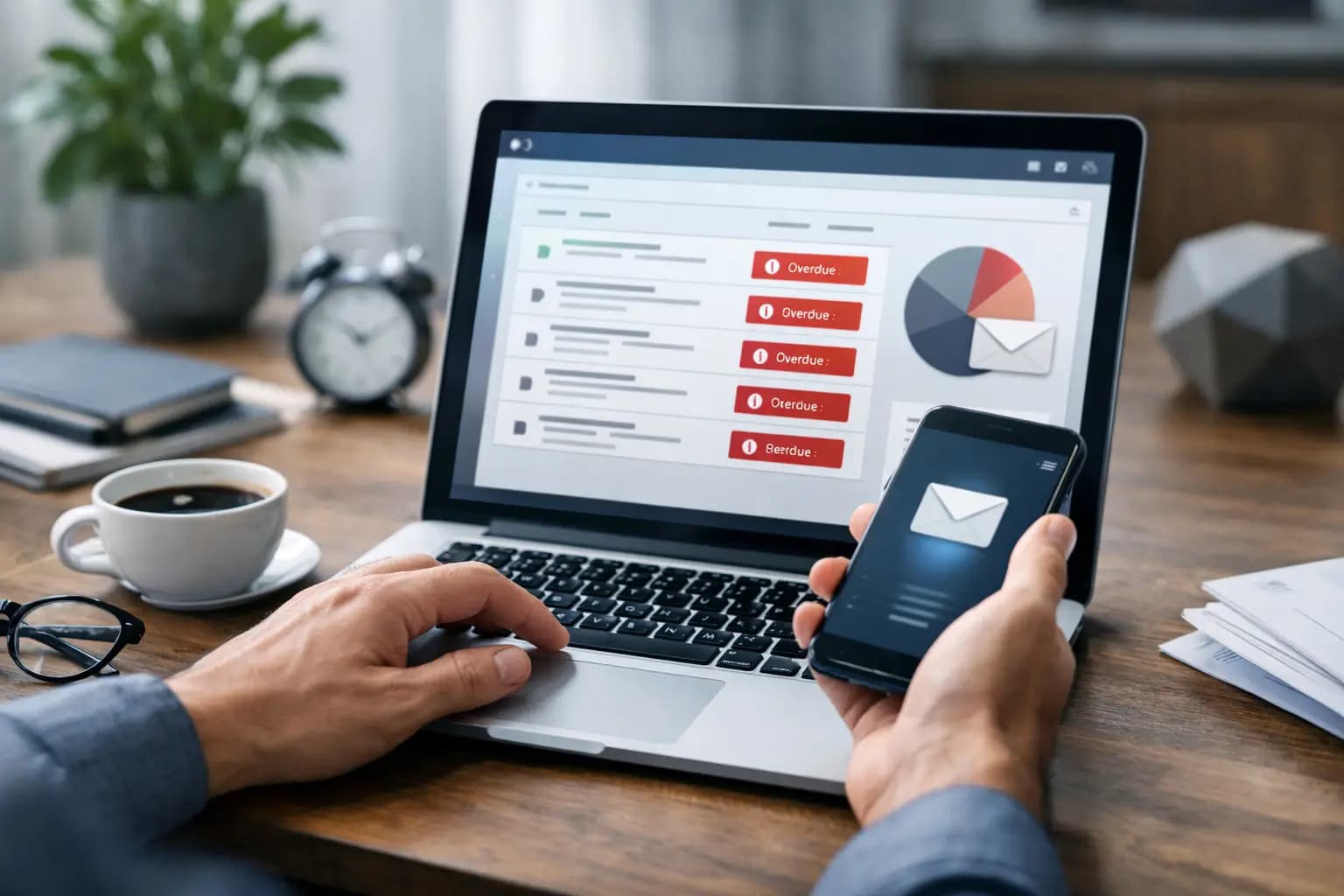
You finished the job three weeks ago. The customer said they would pay on Friday. Friday came and went, and now you are stuck sending another awkward message from the van between jobs. That is exactly where software for late invoice chasing earns its keep - not in theory, but in the real gap between doing the work and actually getting paid for it.
For sole trader tradespeople, late payment is not just irritating. It slows down materials, puts pressure on fuel money, and turns your evening into admin time. The right software should not feel like another office system to learn. It should help you spot overdue invoices fast, send reminders without fuss, and keep cash flow visible from your phone.
What software for late invoice chasing should actually do
A lot of software talks big and delivers clutter. If you are a plumber, sparky or builder, you do not need a finance platform packed with features you will never touch. You need something that makes chasing payment easier, quicker and less awkward.
At the most basic level, late invoice chasing software should show which invoices are unpaid, which are overdue, and who needs a reminder. That sounds obvious, but plenty of systems bury this behind menus, reports and jargon. Good software puts the status in front of you straight away.
It should also let you send reminders without rewriting the same message every time. A polite nudge before the due date, a firmer follow-up after it, and a clear record of what has been sent can save a lot of headspace. If you are checking jobs, quotes and expenses in the same app, that is even better. Chasing is easier when you are not jumping between tools.
Why tradespeople need a different kind of chasing tool
Most late payment advice is written as if everyone works at a desk. That is not how sole traders in the trades operate. You are on site, up ladders, in traffic, at merchants, or covered in dust by the time you get home. The best software for late invoice chasing has to fit that reality.
Mobile matters more than anything. If the chasing process only works properly on a laptop, it will get left until later. Later often means too late, or not at all. A proper mobile-first setup lets you send the invoice when the job is done, see when it becomes overdue, and chase it there and then.
Speed matters too. If sending a reminder takes six taps, a login code and a trip through a dashboard built for accountants, it is already the wrong tool. Simple wins. Clear wins. Built for vans, sites, and short evenings wins.
The features that make the biggest difference
There is no point paying for flashy extras if the basics are weak. When you are comparing options, the best signs are usually the practical ones.
Invoice status tracking is a big one. You should be able to tell at a glance whether an invoice is drafted, sent, due or overdue. That gives you a proper view of what money is expected and what money is slipping.
Automated reminders can save time, but only if they are sensible. Some businesses want full automation so reminders go out on set dates. Others prefer to press send themselves so they stay in control of tone and timing. It depends on your customer base. If you work mostly for homeowners, you may want a gentler approach. If you invoice contractors or repeat commercial clients, a more structured reminder schedule may suit better.
Message templates also help. Not because you cannot write your own, but because repeating the same wording every week is dead time. Good templates keep the wording professional and consistent, which can take some of the emotion out of chasing.
A useful system should also show your invoice pipeline, not just individual bills. That means seeing what has been quoted, what has been invoiced, what has been paid and what is overdue. It is much easier to make decisions when you can see the full picture rather than one late payment in isolation.
What to avoid in late invoice chasing software
The wrong tool creates more admin than it removes. That usually happens in three ways.
First, it tries to be a full accounting suite for every type of business. That sounds impressive until you are staring at features meant for payroll teams, stock control or management accounts you never asked for. Sole traders often end up paying more for a system that slows them down.
Second, it is poor on mobile. Plenty of software claims to have a mobile app, but the important functions are still easier on desktop. If raising invoices and chasing payment from your phone feels fiddly, the software is not built around how tradespeople actually work.
Third, it hides the useful bits behind finance language. You should not need to learn bookkeeping terms just to see who owes you money. If a system feels like an exam, leave it alone.
Late invoice chasing works best when it starts before the invoice is late
This is where software can quietly improve your payment habits, not just help with chasing after the fact. The best systems make it easier to send invoices promptly, set clear due dates, and keep records tidy from the start.
If you invoice late, customers often pay late. If the due date is vague, follow-up gets harder. If you cannot find the original invoice while standing outside the next job, the delay drags on. Good software tightens all of this up. It helps you send the paperwork quickly, keeps the dates visible, and gives you a clean trail if you need to follow up.
That is especially useful for sole traders who do everything themselves. Chasing gets easier when the invoicing process is already sorted. It stops being a separate battle and becomes part of how you run the job.
Choosing software for late invoice chasing without overbuying
Price matters, especially when margins are tight. But the cheapest option is not always the best value, and the most expensive one is often full of things a sole trader does not need.
The better question is whether the software saves enough time and hassle to justify the monthly cost. If it helps you send invoices faster, spot overdue payments sooner and reduce the hours lost to admin, it is probably paying for itself. If you are still chasing through your own notes, texts and banking app, it is not doing enough.
For many tradespeople, the sweet spot is software that combines invoicing, reminders, expense tracking and a clear view of income in one place. That keeps the admin stack lean. It also means you are not fixing one problem by creating three more.
TradeTally is a good example of that approach. It is built for sole trader tradespeople who need to invoice, track expenses, monitor what is owed and keep tax records in order without buying broad accounting software that feels far heavier than the job requires.
The real benefit is less head noise
There is the obvious gain from software for late invoice chasing - getting paid faster. But there is another benefit that matters just as much when you are self-employed. It cuts the mental load.
Late invoices sit in the back of your mind all day. You are thinking about them while pricing the next job, buying materials or trying to switch off at home. When the system shows you what is overdue, what has been chased and what needs doing next, it removes a layer of guesswork.
That does not mean every customer suddenly pays on time. Some will still need nudging. Some jobs will still need a phone call. But better software makes the process more consistent and a lot less draining.
If you are choosing a tool, look for one that suits the way you actually work, not the way a finance team works. If it helps you stay on top of invoices from your phone, gives you a clear view of overdue payments and keeps admin short enough to fit into a real working week, that is the one worth having. Getting paid should not depend on whether you have enough energy left at 9pm to send one more reminder.
Ready to sort your trade admin?
TradeTally gives UK sole traders invoicing, expenses, and SA103F-ready tax exports in one mobile-first app.
Start 14-day Pro trial →No card required