Mobile Invoicing for Sole Traders on Site
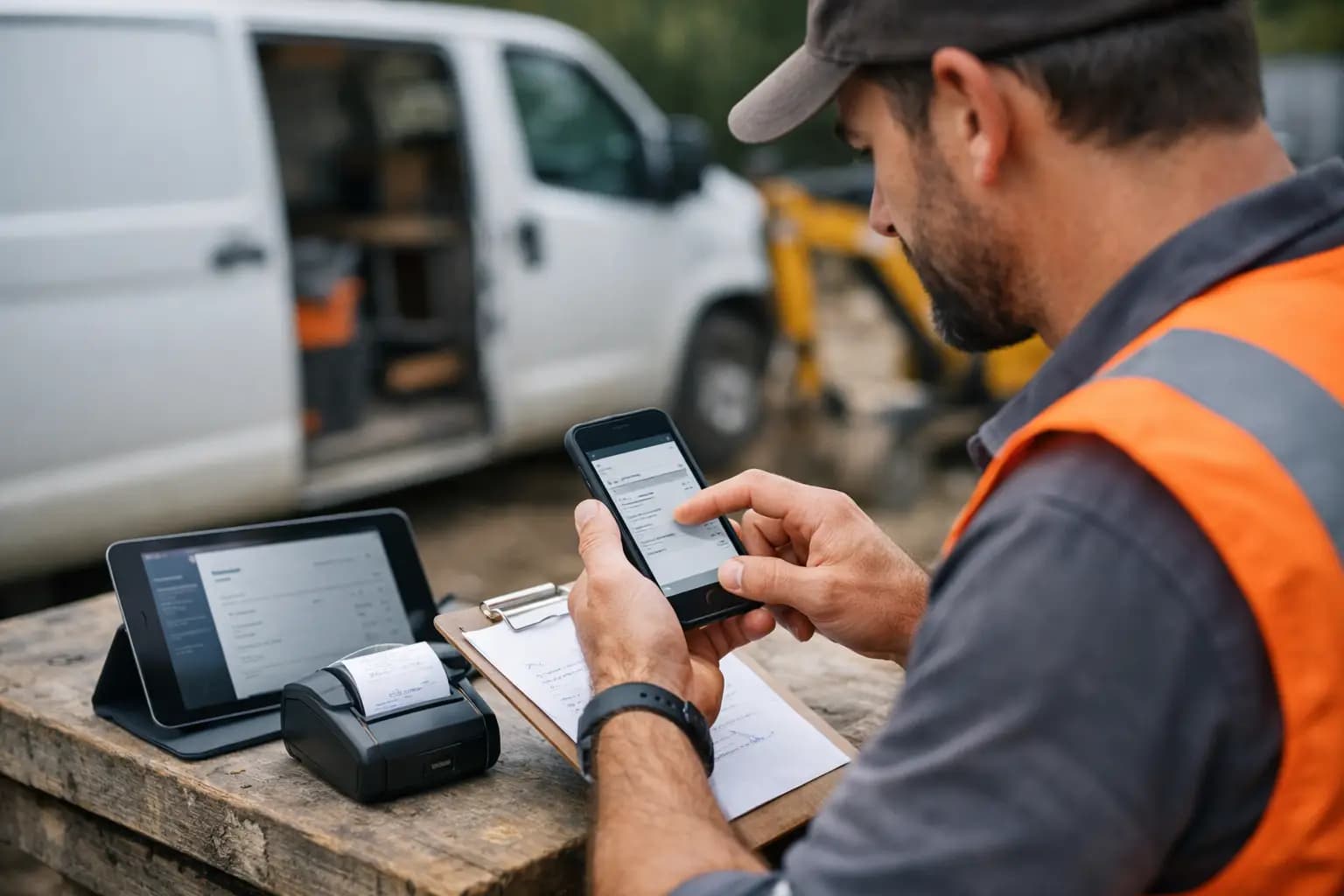
A job finished at 4pm can turn into an invoice sent at 4.05pm - or a scrap of paper that sits in the van until Friday. That gap matters. Mobile invoicing for sole traders gives you a practical way to bill customers while the work, materials and agreed price are still fresh in your mind.
For tradespeople, getting paid is not an accounting exercise. It is what pays for the next supplier run, covers the van, and keeps your own money coming in. The right mobile setup turns the awkward end-of-day admin into a two-minute job, without asking you to become a bookkeeper.
Why invoicing from site gets you paid sooner
Most late invoices do not happen because the job is complicated. They happen because the day gets away from you. One call-out leads to another, you need to collect materials, then you are home late and the paperwork can wait. By the time you remember, the customer may need a reminder of what was done or want the invoice changed.
Sending an invoice before you leave the driveway, site or workshop removes that delay. The customer has the total straight away, the payment terms are clear, and you have a record of the work. It also looks more professional than chasing weeks later with a message saying you are just sorting the paperwork.
Mobile invoicing is particularly useful for smaller jobs and call-outs. A plumber replacing a tap, an electrician diagnosing a fault, or a decorator completing a room can send the bill on the spot. There is less chance of a modest invoice being forgotten simply because it did not feel urgent at the time.
That does not mean every job should be invoiced in one go. For larger building work, staged invoices are often safer for cash flow. Quote the work clearly, agree deposit and stage payments upfront, then raise each invoice when that part of the work is complete. Your phone gives you the same control without waiting until you are back at a desk.
What mobile invoicing for sole traders should do
A phone-based invoicing tool only saves time if it fits the way you actually work. You should be able to create an invoice from a customer record, add labour and materials, check the amount, and send it without hunting through finance menus.
The basics are non-negotiable: your business details, invoice number, customer information, description of work, dates, amounts, payment terms and bank details should be present and easy to amend. Branded invoices matter too. They show the customer they are dealing with an organised business, whether you are a one-person operation or managing a busy diary of subcontractors.
The more useful tools go beyond sending a PDF. They let you see what has been drafted, sent, paid and overdue. That invoice pipeline is where mobile invoicing starts to earn its keep. Instead of guessing who owes what, you can open one screen between jobs and see what needs chasing.
Look for a system that also handles quotes and expenses. Quoting from the same place means you can turn accepted work into an invoice without retyping it. Capturing receipts as you buy materials means the cost is recorded before the paper receipt disappears into a van door pocket.
Build an invoice while the details are fresh
A fast invoice is not a rushed invoice. Give the customer enough detail to understand the charge, particularly where materials or additional work were involved. A vague line such as "work completed" can create unnecessary questions. A clearer description makes payment easier to approve.
For example, a kitchen fitter might write: "Supply and fit base unit end panel, adjust door alignment and replace damaged hinge." An electrician could record: "Investigate loss of power to kitchen sockets, replace damaged accessory and test circuit." It is plain English, but it gives both sides a useful record.
Before sending, check three things: the customer email address or mobile contact, the agreed price, and the due date. If payment is due on completion, say so. If you have agreed seven or 14 days, put that on the invoice rather than relying on a conversation from two weeks ago.
Keep your payment details consistent. Customers should not have to ask where to send the money. If your invoicing software supports payment links, that can reduce friction further, but it depends on your customer base and the fees involved. Bank transfer details are still familiar and perfectly workable when they are clear.
Do not let expenses become a January problem
Invoicing tells you what is coming in. Expenses show what is going out. You need both to understand whether a job was worthwhile and to prepare your Self Assessment properly.
The problem is rarely a lack of receipts. It is the pile of them: merchant slips, fuel receipts, parking tickets and bits of paper from suppliers. Leave them until the end of the tax year and you are left sorting faded totals, missing dates and purchases you cannot remember.
Use your phone to photograph and record a receipt when you get back in the van. Add a simple category while the purchase is obvious - materials, tools, vehicle costs, advertising or another relevant business cost. You do not need to make it complicated. You need a dependable habit that takes seconds.
There is a trade-off here. Not every expense can be claimed in full just because it was paid from your business account, and mixed personal and business costs need care. Keep proper records, claim only what is allowable for your circumstances, and get advice from an accountant if you are unsure. Software keeps the evidence organised; it does not replace judgement.
Keep an eye on cash flow, not just turnover
A busy month can still feel tight if customers have not paid. This is why the value of mobile invoicing is not limited to getting invoices out quickly. You also need a clear view of unpaid work.
Make checking outstanding invoices part of your weekly routine. Friday afternoon, before you switch off, is often enough. Follow up polite reminders promptly once an invoice passes its due date. The longer you leave it, the more awkward the conversation becomes and the more likely the payment slips down the customer’s list.
Be firm without being confrontational. A straightforward reminder that includes the invoice number, amount and original due date is usually all that is needed. If a customer regularly pays late, consider shorter terms, a deposit, or stage payments on future work. Good cash flow is partly about systems and partly about choosing terms that protect your time and materials.
Make tax records part of the job, not a winter project
For a UK sole trader, the Self Assessment return can feel like the bill for a year of delayed admin. It does not have to. If invoices and expenses are recorded as work happens, your numbers are already taking shape through the year.
That makes it easier to see income, allowable costs and the information you need for the self-employment pages of your return. It also makes conversations with an accountant quicker if you use one. Rather than sending over a carrier bag of paperwork, you can provide organised records.
TradeTally is built around this exact working reality: fast invoices, receipt capture, expense tracking and SA103F-ready exports in one mobile-first workspace. At £19 per month, it is aimed at sole trader tradespeople who want the essentials handled without paying for a broad accounting platform packed with features they will never touch.
Choose simplicity over feature overload
There are plenty of accounting products that can create an invoice. The question is whether you will use them on a wet Tuesday, with gloves in the cab and another job waiting. A system that needs lots of setup, account codes and training may be powerful, but it can become another job you keep putting off.
Choose mobile invoicing software that is quick to open, clear to use and designed for the work you do. Make sure it lets you create professional invoices, track what is outstanding, record expenses and export useful tax information. If it takes more effort than your current notebook-and-memory method, it is probably the wrong fit.
The best admin system is not the one with the longest feature list. It is the one you use before you leave site. Send the invoice while the job is done, capture the receipt while it is in your hand, and give future-you one less late night to deal with.
Ready to sort your trade admin?
TradeTally gives UK sole traders invoicing, expenses, and SA103F-ready tax exports in one mobile-first app.
Start 14-day Pro trial →No card required