Mobile Invoice App Review for UK Trades
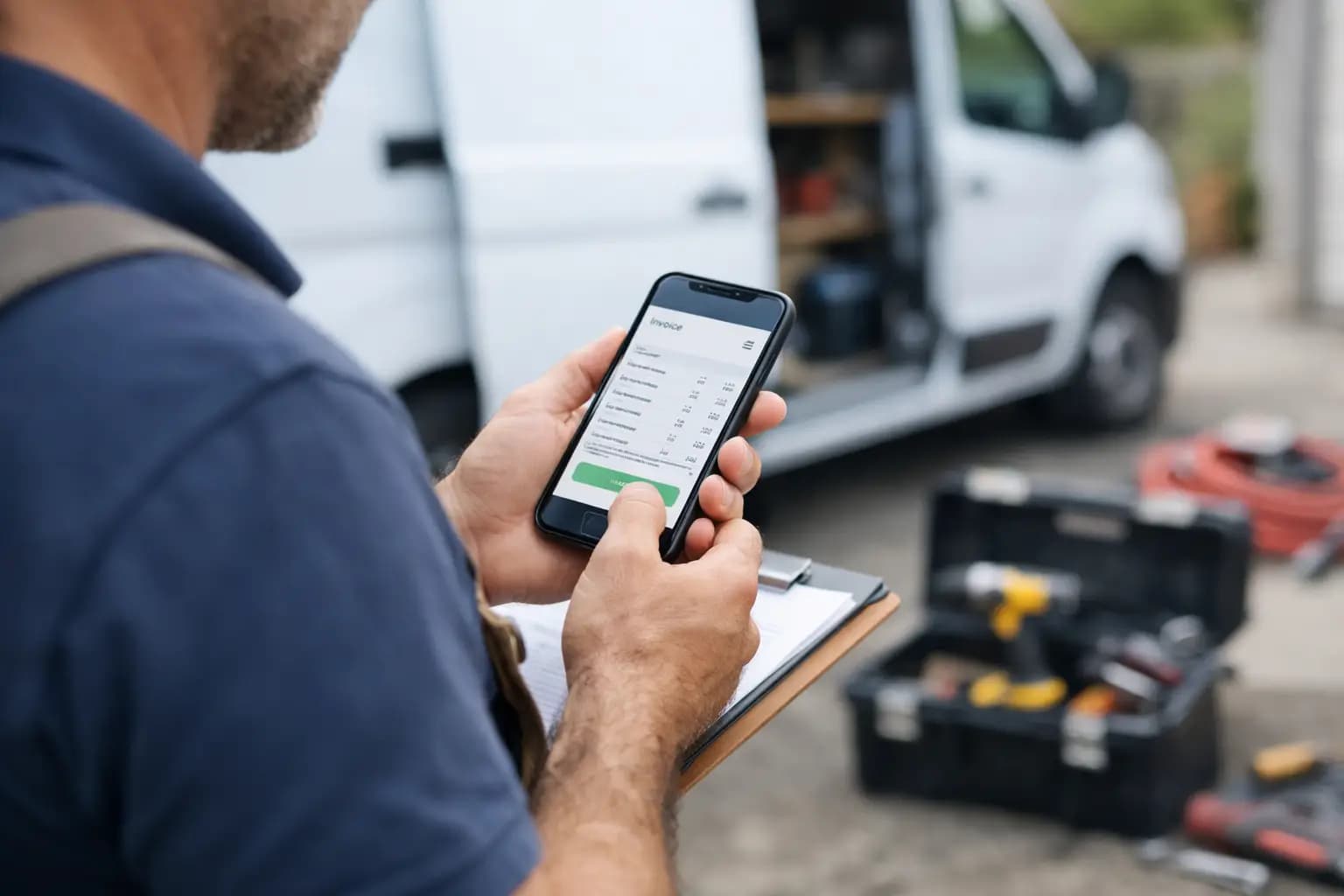
You do not feel bad software at the point of sign-up. You feel it at 7:40pm, sat in the van, trying to send three invoices before you get home. That is where a proper mobile invoice app review matters. For sole trader tradespeople, the right app is not about clever dashboards. It is about getting paid faster, keeping records straight, and not turning every evening into a paperwork session.
Most invoice apps look fine on a pricing page. The real test is what happens between jobs, at merchants, on site, or when a customer asks for a quote there and then. If an app takes too many taps, hides the basics, or tries to turn a plumber into a part-time bookkeeper, it will not last long on your phone.
What a mobile invoice app review should actually cover
A lot of reviews get this wrong. They talk about accounting depth, integrations, or features most sole traders will never use. If you are a sparky, builder or decorator working across jobs all week, your checklist is different.
First, invoicing speed matters more than feature count. You need to create and send a professional invoice from a phone without squinting at tiny menus or filling in pointless fields. Branded invoices help you look sharp, but speed is the real win. If the app slows you down, it defeats the point.
Second, you need clear visibility over what has been sent, paid, and chased. Cash flow problems often start with poor visibility, not poor work. If you cannot tell at a glance which invoices are overdue, the app is giving you admin, not removing it.
Third, expenses need to be part of the same workflow. A separate receipt app and a separate invoicing app sounds manageable until tax time. Then you are hunting through photos, paper slips and bank lines trying to work out what belongs where.
Finally, UK tax reality matters. Plenty of general business apps handle invoicing, but fewer help a sole trader stay ready for self-assessment. If you are exporting figures later for SA103F, the cleaner that process is, the better.
The features that matter most on site
A good mobile invoice app review should always judge an app in the setting where it will actually be used. That means one hand free, patchy signal, dirty gloves nearby, and about five spare minutes.
Fast invoice creation
This is the first thing to test. Can you raise an invoice in under a couple of minutes? Can you reuse customer details without retyping them every time? Can you add labour, materials, and notes in a way that feels natural?
For trades, speed often comes from simple structure rather than endless customisation. The best apps let you pick a customer, add line items, check totals, and send. The worst ones bury the send button under settings and optional extras you did not ask for.
Quote to invoice flow
Many sole traders do not just need invoicing. They need to send a quote, get agreement, then turn that into an invoice later without rebuilding it from scratch. This sounds small, but it saves time every week.
If you quote regularly for bathrooms, rewires, roofing repairs or fitted kitchens, this flow matters. A clunky handover between quoting and invoicing creates mistakes and delays.
Expense capture that you will actually use
If receipt capture feels awkward, people stop doing it. Then the receipts pile up in the van door, toolbox, jacket pocket or kitchen drawer.
The best mobile apps make this dead simple. Snap the receipt, store it against an expense, and move on. It should take seconds. Anything more than that will get left until later, which usually means never.
Invoice status and overdue tracking
You should not need to scroll through a mess of old jobs to know who still owes you money. A useful app shows unpaid, paid, overdue and draft invoices clearly.
This is one of the biggest differences between a basic invoice maker and a proper work admin tool. The invoice itself is only half the job. The follow-up is where cash flow is won or lost.
Where many invoice apps fall short
General small business apps often try to serve everyone. That sounds good until you are the one paying for features built for agencies, online shops, or finance teams.
The trade-off is familiar. Broader accounting software can be powerful, but it often comes with extra setup, more screens, and more bookkeeping language than a sole trader needs. If you spend your day fitting boilers or laying patios, that complexity is not a bonus.
A common problem is desktop-first design. Some apps technically have a mobile version, but it feels like a squeezed-down office system. Tiny fields, too many tabs, and workflows that assume you are sat at a desk with an hour spare. For tradespeople, that is the wrong starting point.
Another weak spot is pricing. Entry prices can look reasonable until you realise the useful features sit behind higher tiers. By the time you add quoting, expense management, or decent reporting, the monthly cost climbs fast.
That does not mean every simpler app is better. Some go too far the other way and become little more than a digital invoice pad. Fine for sending a bill, less useful for keeping the business side under control.
A practical mobile invoice app review checklist
If you are comparing options, ignore the fancy claims for a minute and test the basics properly.
Create a sample invoice on your phone. Time how long it takes. If it feels awkward now, it will feel worse after a long day.
Add a new customer while standing up, not sat comfortably at a table. That is closer to real use.
Try photographing a receipt and filing it. If the process is fiddly, you will not keep up with it.
Check whether you can see unpaid and overdue invoices quickly. Not after three taps. Quickly.
Look at the export side too. If you are a sole trader, your records need to support self-assessment. The less cleanup required later, the better.
And be honest about your own habits. If you know you will never spend time learning a full accounting package, do not buy one hoping this year will be different. Better to use a simpler app properly than a bigger system badly.
What good value looks like
Price matters, but not in isolation. A cheaper app that only handles invoicing may cost you more in missed receipts, late follow-ups, or time spent sorting tax records later.
Equally, expensive accounting software is not automatically better if half the features are irrelevant to your business. Good value means paying for the functions you will use weekly, not the ones that sound impressive in a demo.
For many sole trader tradespeople, the sweet spot is mobile-first invoicing, quoting, expenses, and simple tax-ready exports in one place. That keeps the workload tight and the monthly spend sensible. It is one reason purpose-built tools such as TradeTally appeal to people who want the job done without buying a finance department in app form.
The best app depends on how you work
There is no single winner for everyone. A self-employed electrician doing short domestic jobs every day will use an app differently from a builder running larger staged projects. A roofer might care most about fast quoting and deposits. A carpenter might care more about tracking materials and keeping paperwork tidy across longer jobs.
That is why a useful mobile invoice app review has to deal in trade-offs. If you want advanced accounting and deep reporting, you may accept more complexity. If your main goal is getting invoices out on the day and keeping expenses under control, ease of use should carry more weight.
The wrong choice is usually obvious in hindsight. It is the app you avoid opening. The one that leaves invoices unsent until Sunday night. The one that creates more admin than it removes.
A good mobile invoice app should feel built for vans, sites, and short evenings. It should help you send paperwork while the job is still fresh, keep tabs on what is owed, and make tax season less of a scramble. If it can do that without turning simple admin into an accounting exam, it is doing its job.
Pick the app that fits the way you really work, not the version of you that has hours spare for bookkeeping. That one decision can save you more time than any new tool in the van.
Ready to sort your trade admin?
TradeTally gives UK sole traders invoicing, expenses, and SA103F-ready tax exports in one mobile-first app.
Start 14-day Pro trial →No card required