Best tradesman accounting software for sole traders
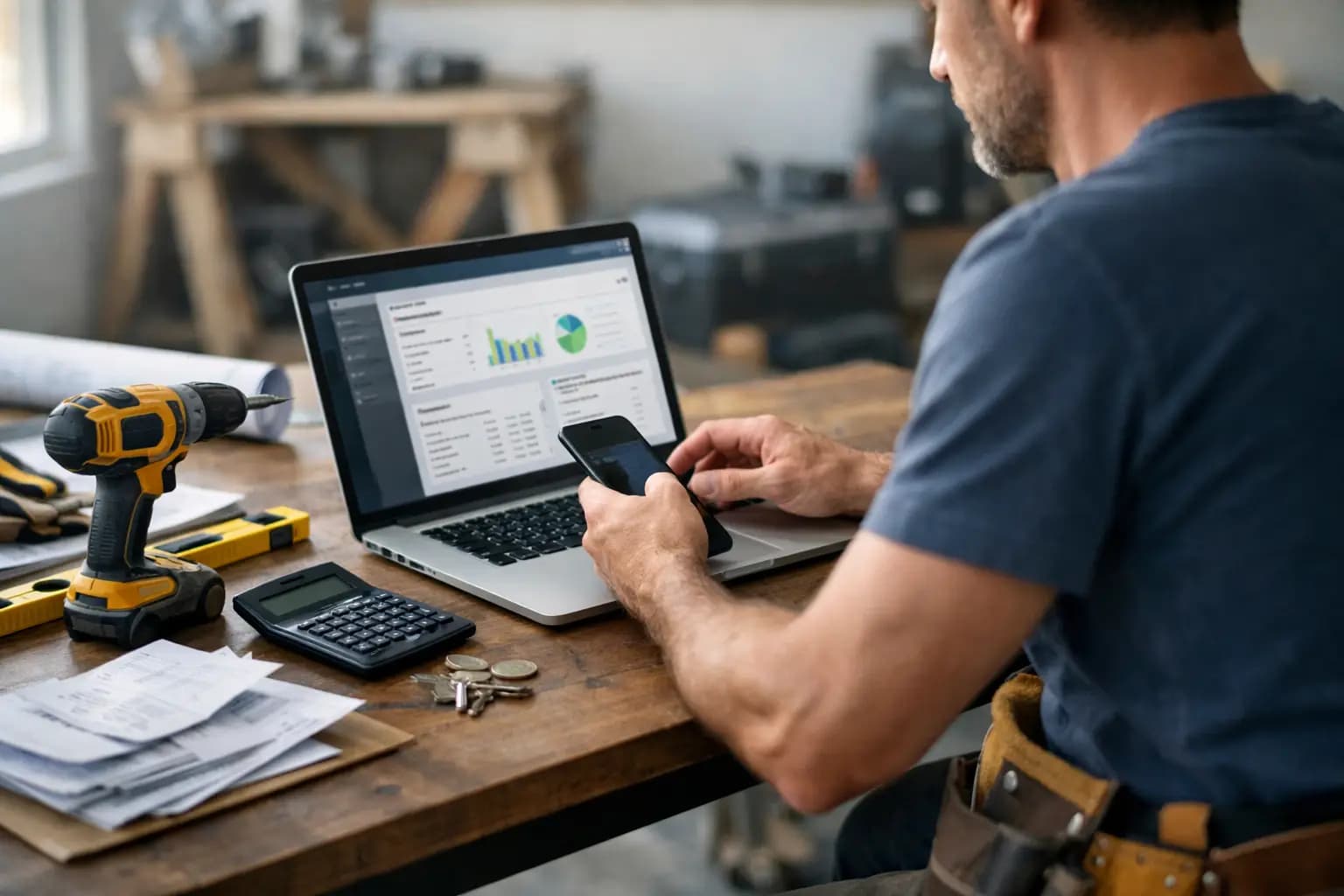
A missed invoice does not feel like admin. It feels like doing a full day on site and then waiting another two weeks to get paid. That is why tradesman accounting software matters. For a sole trader, the right setup is less about accounts departments and more about getting quotes out, tracking costs, chasing cash, and keeping tax records straight without losing your evenings.
Most software in this category says it helps tradespeople, but plenty of it still feels built for people who sit at a desk all day. If you spend more time in a van, on a ladder, or at the merchants than behind a laptop, the test is simple. Can you send an invoice in two minutes from your mobile phone? Can you snap a receipt before it disappears into the glovebox? Can you see what is overdue without digging through menus? If not, it is probably the wrong tool.
What tradesman accounting software should actually do
For most UK sole traders, the job is not full accounting in the way a larger firm would define it. You do not need layers of finance features you will never touch. You need the basics to work quickly and properly.
That starts with quoting and invoicing. A decent system should let you build a quote on site, turn it into an invoice when the work is done, and show you whether it has been viewed, paid, or left hanging. Speed matters here, but so does presentation. Branded invoices look more professional, and that can help when you are competing with bigger outfits.
Expenses are the other big one. Materials, fuel, tools, van costs, subcontractor payments, parking, tipping fees - it all adds up. Good software makes it easy to log those costs as they happen, ideally by snapping receipts on your mobile phone rather than trying to piece it together in January. If the process is awkward, most people put it off. Then the records get messy.
Tax prep matters too, especially for sole traders handling self-assessment. That does not mean you want a finance textbook built into an app. It means you want your records organised in a way that makes tax time less painful, with exports that match what your accountant or HMRC actually needs.
Why general accounting platforms can be a poor fit
A lot of broad accounting tools are powerful. That is not the same as useful. The problem for many tradespeople is that they come with extra layers built for limited companies, finance teams, or businesses with more complex reporting needs.
If you are a plumber, roofer or electrician running as a sole trader, complexity is not a badge of quality. It is usually just another job to learn after hours. You end up paying for features you do not need, clicking through screens that slow you down, and still not solving the practical stuff like late invoicing or lost receipts.
Price is part of the picture as well. Software costs are easy to justify when they save time and help you get paid faster. They are harder to justify when you are paying premium monthly fees for tools that sit untouched. A cheaper, tighter product can be the smarter choice if it matches how you actually work.
How to judge tradesman accounting software in real life
The best way to compare options is to ignore the feature grid for a minute and think about your week.
If you quote on a driveway, in a half-finished kitchen, or between jobs, mobile use should be near the top of your list. Not mobile access as an afterthought, but proper mobile-first design. Big buttons, clear screens, quick photo capture, and no need to wait until you get home.
Cash flow visibility matters more than many sole traders realise. Not because you need fancy forecasting, but because you need to know who owes you, what is overdue, and what is due in soon enough to cover upcoming costs. If your software hides that behind reports you never open, it is not helping much.
Then there is setup time. Some platforms want you to spend days configuring accounts, integrations and settings before you can send your first invoice. For a tradesperson, that is dead time. Good software should be usable quickly, without making you feel like you have signed up for accounting exams.
Support matters as well, although this depends on how confident you are with admin. Some people want live help and hand-holding. Others just want a clear interface and do not want to contact support at all. Neither approach is wrong. The point is to choose a tool that matches your comfort level.
The features that matter most for UK sole traders
Invoicing that gets done on the day
The best invoice is the one that gets sent before you forget. Software should make it easy to create and send invoices as soon as a job is complete, preferably from your mobile phone. If you can reuse customer details, pull through items from a quote, and apply your standard wording in a few taps, you are far more likely to stay on top of billing.
This is not just about convenience. Sending invoices faster usually means getting paid faster. It also cuts down on disputes because the work is still fresh in the customer's mind.
Receipt capture that fits real working days
Paper receipts are a mess because working days are a mess. They get folded into pockets, left in the van, dropped in cup holders, or buried under supplier paperwork. Software that lets you photograph a receipt and file it straight away is worth more than a long list of advanced finance features.
The key is habit. If the process takes ten seconds, you will probably do it. If it takes ten minutes, it will wait until the weekend and probably never happen.
A clear view of what is paid and unpaid
For a sole trader, cash flow problems often start with visibility problems. Not knowing what is overdue means you do not chase it early enough. Not knowing what is due in means you can get caught short on materials, petrol or VAT if you are registered.
A simple invoice pipeline can solve a lot here. You should be able to see drafts, sent invoices, overdue amounts and paid jobs without pulling reports or exporting spreadsheets.
Tax records without the panic
When self-assessment rolls round, software should reduce work rather than create it. That means clean expense categories, income records in one place, and an export that supports the SA103F process. It will not replace tailored tax advice, and for some tradespeople an accountant is still the right call, but organised records make the whole thing quicker and cheaper.
Where the trade-offs are
There is no perfect platform for everyone. If you run a growing firm with payroll, stock control, deep reporting needs, and multiple office users, a simpler tradesman-focused tool may feel too narrow. In that case, broader accounting software might be worth the extra cost and effort.
But if you are a sole trader or a very small operation, the trade-off often goes the other way. A specialist product may do fewer things overall, yet do the right things better. That is usually a better bargain than paying more for features you will never touch.
This is why the phrase best software can be a bit misleading. The better question is best for what kind of business. For site-based sole traders, the answer often comes down to speed, clarity, and whether the app fits around work instead of creating more of it.
A simpler option can be the smarter option
This is where tools built specifically for trades stand out. Instead of trying to be everything to everyone, they focus on the jobs that actually matter day to day - quotes, invoices, expenses, visibility over what is owed, and tax-ready records.
TradeTally is a good example of that narrower approach. It is built for UK sole trader tradespeople, with mobile-first invoicing, receipt capture, expense tracking, quote management and self-assessment export tools in one place. At £19 per month, it is also priced for people who want admin sorted without taking on another big overhead.
That will not suit every business. If you need heavyweight accounting depth, look elsewhere. But for vans, sites, and short evenings, simpler can be exactly the point.
Choosing software you will still use in six months
The best system is not the one with the most features. It is the one you will actually keep using when work gets busy. That usually means fast setup, easy mobile phone use, clear overdue tracking, and expense capture that fits real life.
If you are comparing tradesman accounting software, focus less on what looks impressive in a demo and more on what saves you time on a wet Tuesday after a full day out. Admin is never going to be your favourite part of the job. But with the right setup, it can stop eating into the hours that should be yours.
Ready to sort your trade admin?
TradeTally gives UK sole traders invoicing, expenses, and SA103F-ready tax exports in one mobile-first app.
Start 14-day Pro trial →No card required